

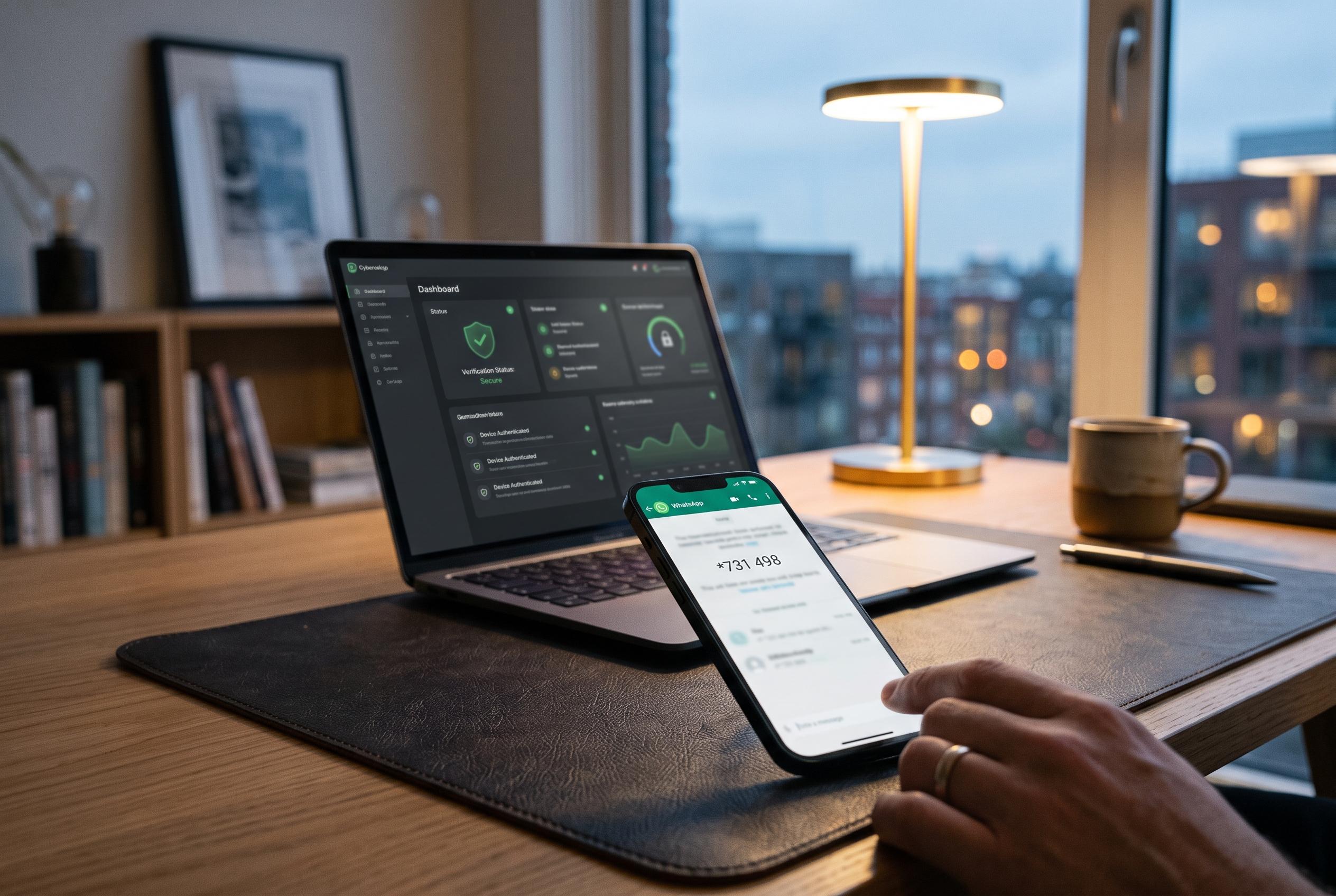

Experts reveal essential steps to regain control of a hijacked WhatsApp account, highlighting overlooked security measures and preventative tips to stop attackers in their tracks.
Anyone who thinks a WhatsApp account has been taken over should start with the recovery step that matters most: registering the number again on the rightful phone. WhatsApp’s own Help Centre says that entering the six-digit code sent by SMS or voice call logs out every other device using the account. The Metropolitan Police and Kaspersky both note an important detail that many basic guides miss: if an attacker has turned on two-step verification, the intruder is still thrown out as soon as that code is entered, although the owner may then have to wait seven days to sign in without the attacker’s code if no recovery route is available. (faq.whatsapp.com)
The reason this works is that WhatsApp accounts are usually hijacked in one of two distinct ways. Kaspersky says criminals either add their own browser or device through Linked Devices, or they re-register the number on another handset as if it were a new phone. In the first case, the victim may carry on using WhatsApp normally while somebody else reads recent conversations in parallel. In the second, the warning signs are harsher: sudden logouts, prompts to register again, or the security message highlighted by ExpressVPN, “You have been logged out for your account security,” which suggests someone may be trying to claim the number elsewhere. (kaspersky.com)
The practical clues are often visible before a full lockout happens. Forbes points to unread chats marked as read, unsolicited verification codes, and altered account details such as a changed bio or profile picture. Kaspersky adds deleted messages, stories or statuses you did not post, and unexplained additions to chats or groups. iDownloadBlog suggests a simple test: close WhatsApp for five minutes, then ask a trusted contact whether you still appear online; if you do, and you have not hidden online status, the account may still be active elsewhere. Friends saying they received messages you never sent should be treated as an urgent warning, not an inconvenience. (forbes.com)
One of the more convincing attack methods described by ESET does not look like a WhatsApp hack at all. A victim receives a message from a known contact saying, “Hey, I just found your photo!”, taps a link that imitates Facebook, enters a phone number and then approves a WhatsApp pairing code. At that point, ESET says, the attacker’s browser is linked to the account while the phone continues to look normal. That makes any pairing request, QR code or registration prompt that did not start inside WhatsApp itself inherently suspicious. (eset.com)
Recovery should therefore be methodical. Kaspersky advises first checking that the SIM linked to the account is in the correct phone. If WhatsApp still opens, go straight to Linked Devices and log out every session you do not recognise. If the app says the account is in use elsewhere, request a fresh code, enter it, and restore chats from iCloud, Google Drive or local storage if offered. The Metropolitan Police adds a step that is easy to overlook: warn friends and family through another channel, because scammers often use a hijacked account to ask for money, push fraudulent links or impersonate the victim in groups. (kaspersky.com)
Older advice about adding a six-digit PIN is now only part of the picture. In August 2026, Meta said WhatsApp was upgrading two-step verification from a six-digit PIN to a longer password and expanding passkey support; the company also said more than one billion people had already set up a passkey. ESET recommends enabling the strongest option available and, crucially, adding a recovery email. That extra address can make the difference between an immediate reset link and a week-long wait if somebody enables protection on your account before you do. (about.fb.com)
A proper clean-up goes beyond the messaging app. ESET warns that cloud backups stored in iCloud or Google Drive can expose older chat history if the cloud account has also been accessed, so passwords, recent sessions and second factors for those services should be reviewed at once. The same article notes that some services, including Microsoft, can send login codes through WhatsApp rather than SMS, which means any account using WhatsApp as part of multi-factor authentication should be treated as exposed and resecured. WhatsApp’s own malware guidance also recommends sticking to the official app, keeping Play Protect enabled on Android, removing untrusted software and, if necessary, resetting the handset to factory settings. (eset.com)
Prevention remains mostly about discipline rather than obscure technical settings. The Metropolitan Police says the most common fraud starts with somebody pretending to be a friend and asking for a verification code. WhatsApp’s safety guidance similarly warns against suspicious links, unsolicited requests for money or personal details, and unofficial versions of the app. Keeping the app and the phone’s operating system updated, verifying odd messages by another route, and avoiding casual public sharing of your number all reduce the odds that a simple social-engineering trick becomes a full account takeover. (met.police.uk)
The broader lesson is that end-to-end encryption does not stop a criminal who has persuaded a user to link a device or surrender a code. WhatsApp says a fresh re-registration on a new handset cannot reveal past conversations stored on the old phone, but Kaspersky notes that a linked-device intruder may still see current exchanges until they are removed. In practice, the quickest effective response is to audit Linked Devices, re-register the number, alert contacts, and then switch on the strongest recovery and authentication options the account now supports. (faq.whatsapp.com)
Disclaimer: This content is intended for informational purposes only. Readers are advised to exercise their own judgement, conduct due diligence, or consult a qualified expert before acting on any information provided.



