

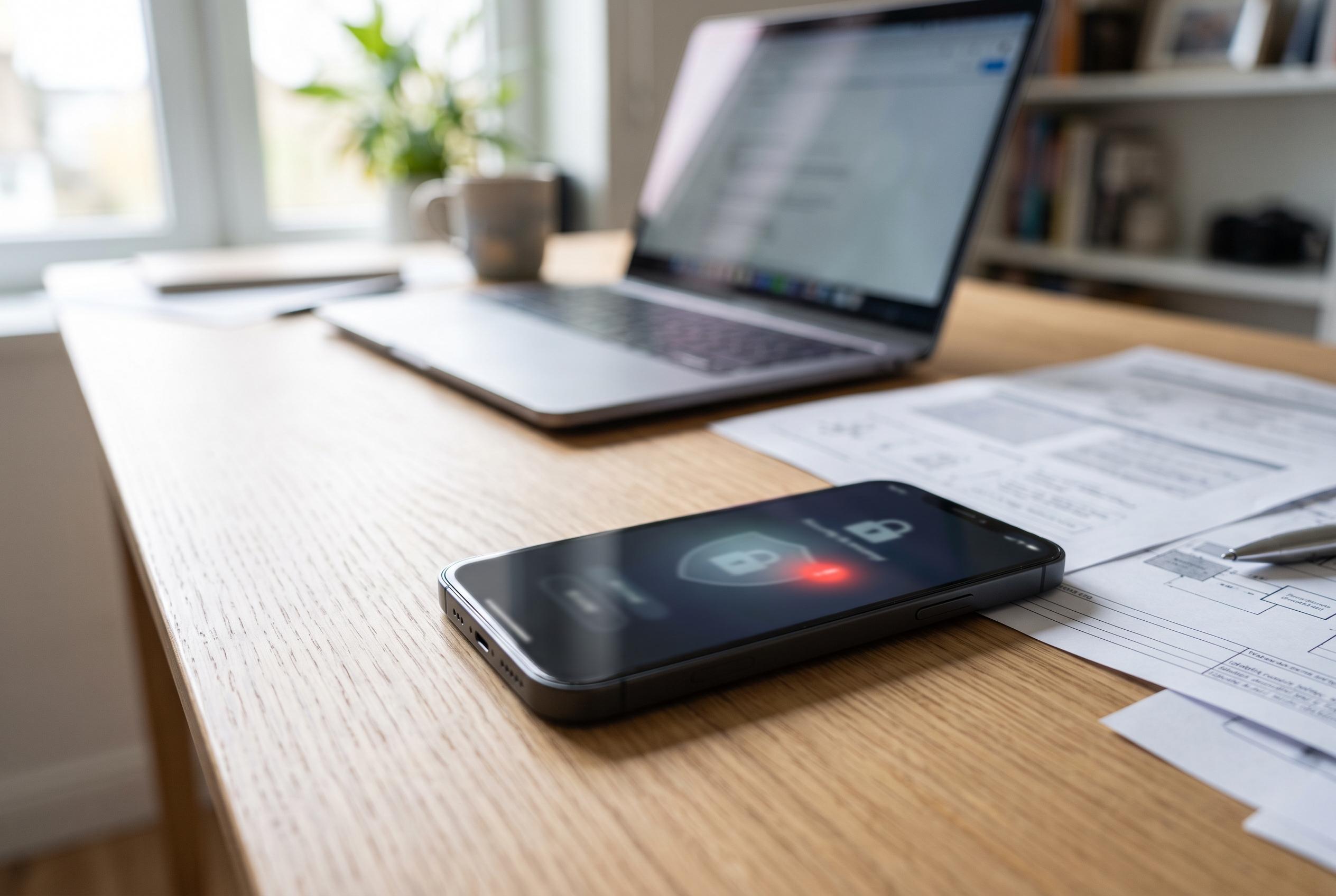

Security experts highlight how stalkerware thrives on Android device vulnerabilities, advising users on detection and safe removal strategies while cautioning against privacy breaches in abusive situations.
Android users trying to work out whether a phone has been fitted with covert surveillance software should start with a basic distinction: legitimate monitoring tools are not meant to be invisible. Google Play’s current policy permits such apps only for parental controls or employer-managed devices, and only if they obtain consent, identify themselves with a unique icon and keep a persistent notification on screen while active. Any app collecting messages, location or other sensitive data in secret is therefore likely to be outside Play rules, installed from outside the store, or both.
That does not mean every hot or sluggish handset contains stalkerware. The US Federal Trade Commission, in guidance published in June 2026, says the warning signs are usually changes in performance: a battery that empties unusually quickly, unexpected mobile-data use, overheating, or a phone that powers down and restarts for no clear reason. Malwarebytes makes the same point, adding that clicking or echoing on calls, slow shutdowns and delayed response can happen, but none of these symptoms prove infection on their own. The Safety Net Project, which works with survivors of abuse, says the clearest clue is often not technical at all: a partner or ex-partner seems to know too much about calls, movements or messages.
How the software arrived matters. The common case is still physical access to an unlocked handset, but Bitdefender warns that cloned apps, malicious links and sideloaded APK files can also be used to plant spyware. The FTC and the Safety Net Project both note that some of the most invasive functions require Android’s built-in protections to be weakened first. If a phone has been rooted, or if it allows installations from unknown sources, the risk rises because the attacker has either bypassed security controls or opened the door to software that never passed through Google Play.
On the handset itself, several Android settings are more revealing than the normal app drawer. TechCrunch’s Android removal guide says Google Play Protect should be enabled because it scans software from the Play Store and from outside sources. The same guide highlights Accessibility, Notification access and Device admin as sections worth examining, because stalkerware often abuses those privileges to read messages, watch the display and keep broad control of the device. On a personal phone, an unfamiliar service called something bland such as “System Service”, “Device Health” or “Accessibility” deserves scrutiny, especially if it has permissions that do not match its supposed function. Bitdefender gives the simple example of a torch app asking for camera and microphone access.
A fuller check goes beyond icons. Review installed applications, look for unusually broad access to location, contacts, calls, camera and SMS, and pay attention to anything installed from outside the store. If a security scan is safe to run, Malwarebytes says known Android detections may appear under labels such as “Android/Spyware” or “Android/Monitor”. TechCrunch’s guide links the problem to specific consumer spyware families, including TheTruthSpy, Cocospy and Spyic, which helps explain why these apps often masquerade as utilities rather than advertise what they do.
The harder question is what to do next if the threat may come from an abusive partner. Here the official advice is more cautious than most consumer how-to pieces. The FTC says attempts to investigate or remove stalkerware can alert the person using it, and urges people in abuse situations to contact a domestic violence advocate from a different device, not the phone that may be compromised. Malwarebytes echoes that warning, saying some surveillance apps can reveal that a malware scan has been run and whether the scan found anything. The Safety Net Project adds that self-diagnosis can be unreliable, and that a trained professional may need to inspect the device.
If it is safe to act, containment should come before cleanup. Bitdefender recommends switching on Airplane Mode immediately to cut off live connections, then restarting into Safe Mode on Android so third-party apps are disabled long enough to inspect the phone. From there, suspicious administrator rights can be revoked and unknown apps removed. The FTC says the safest long-term answer may be a new handset on an account the abuser cannot reach; if the existing device must be kept, a full factory reset can remove the unwanted software. It also warns against restoring apps from an old backup, because that can reinstall the same surveillance tool.
The final step is to lock down the wider account trail. Change the screen lock, update Android, turn off unknown-sources installation, and strengthen cloud and messaging accounts with two-factor authentication. Google says monitoring apps on Play must never market themselves as secret surveillance tools or link users to non-compliant APKs outside the store, while Malwarebytes notes that the conduct around stalkerware can also breach criminal law, citing California’s ban on recording calls without consent, New York’s Jackie’s Law on tracking, and the federal Computer Fraud and Abuse Act in cases involving rooted devices. Taken together, the guidance points to a clear test: one odd symptom is noise, but hidden software plus unusual permissions, covert installation paths and a person who knows more than they should is a serious security problem.
Disclaimer: This content is intended for informational purposes only. Readers are advised to exercise their own judgement, conduct due diligence, or consult a qualified expert before acting on any information provided.



