

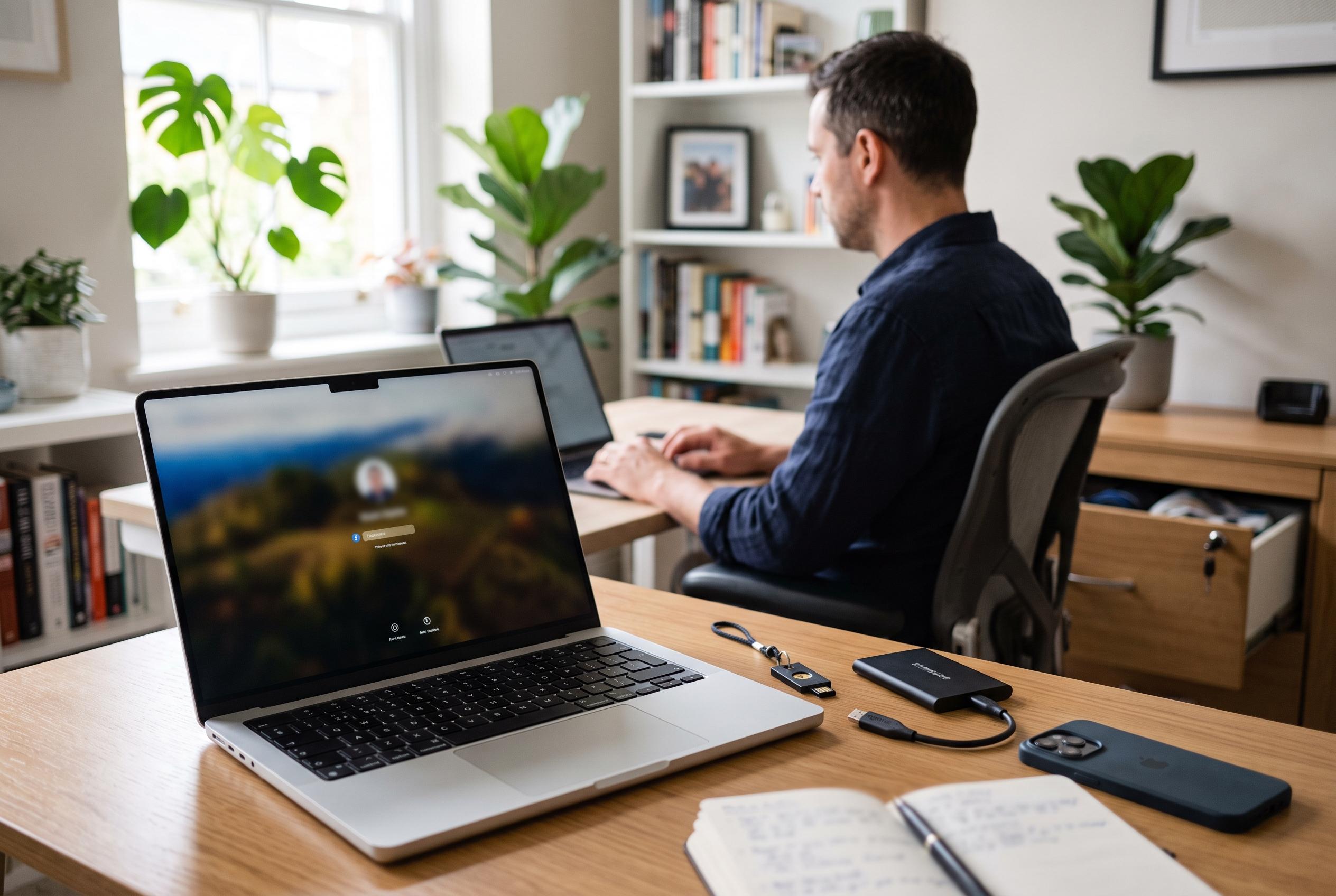

Apple’s latest guidance on Mac user accounts underscores the importance of strategic account settings, from administrator privileges to guest access, in strengthening system security and user privacy.
macOS may present a friendly interface, but beneath it sits Unix-style access control that divides permissions by user and group. That structure matters on every Mac, even a single-user machine, because accounts are the basic unit for deciding who can alter files, install software and change system settings. Apple Support’s guidance on adding users and groups underlines that the main account types are administrator, standard and sharing-only, while guest access adds a temporary, limited option for short-term use.
The most important distinction is between administrator and standard accounts. Every Mac needs at least one administrator account, because only an administrator can create or remove users, approve system-level changes and authorise software installations. A standard account, by contrast, is designed for ordinary work: it can run applications, handle files and carry out everyday tasks, but it cannot make structural changes without administrator credentials. That division still matters even with modern macOS protections, because apps inherit the privileges of the account that opens them.
Apple’s recent security model has reduced the case for using a standard account as a main personal login, a practice that some Mac users once recommended. System files are now more tightly protected, and many sensitive actions require password or Touch ID confirmation. For most people, the practical advice is simpler: keep an administrator account for maintenance and troubleshooting, and create standard accounts for other users who need access to the machine but should not control it. Macworld has similarly noted that limiting privileges helps contain accidental changes and reduces the scope of potential damage.
Guest access serves a different purpose. According to Apple, a guest account is temporary and non-administrative, and macOS removes the guest’s home folder when the session ends. That makes it useful for a visitor who needs brief access to a Mac without being given a permanent profile. On systems with FileVault turned on, the guest experience is narrower still, with access limited to Safari. Apple also allows guest users to be restricted from adult websites and, if enabled, to reach shared folders on the network.
For households and workplaces with multiple regular users, the cleanest arrangement is to create a separate standard account for each person. That keeps files, settings and mistakes isolated to the relevant user space. Apple also provides Fast User Switching, allowing users to move between accounts without logging out and quitting every app, which makes shared Macs more practical. Where needed, macOS also supports sharing-only accounts for remote file access, which Macworld describes as a way to expose selected resources without allowing someone to sign in to the computer itself. In security terms, the rule is straightforward: grant the least privilege that still lets each person do the job.
Disclaimer: This content is intended for informational purposes only. Readers are advised to exercise their own judgement, conduct due diligence, or consult a qualified expert before acting on any information provided.



