

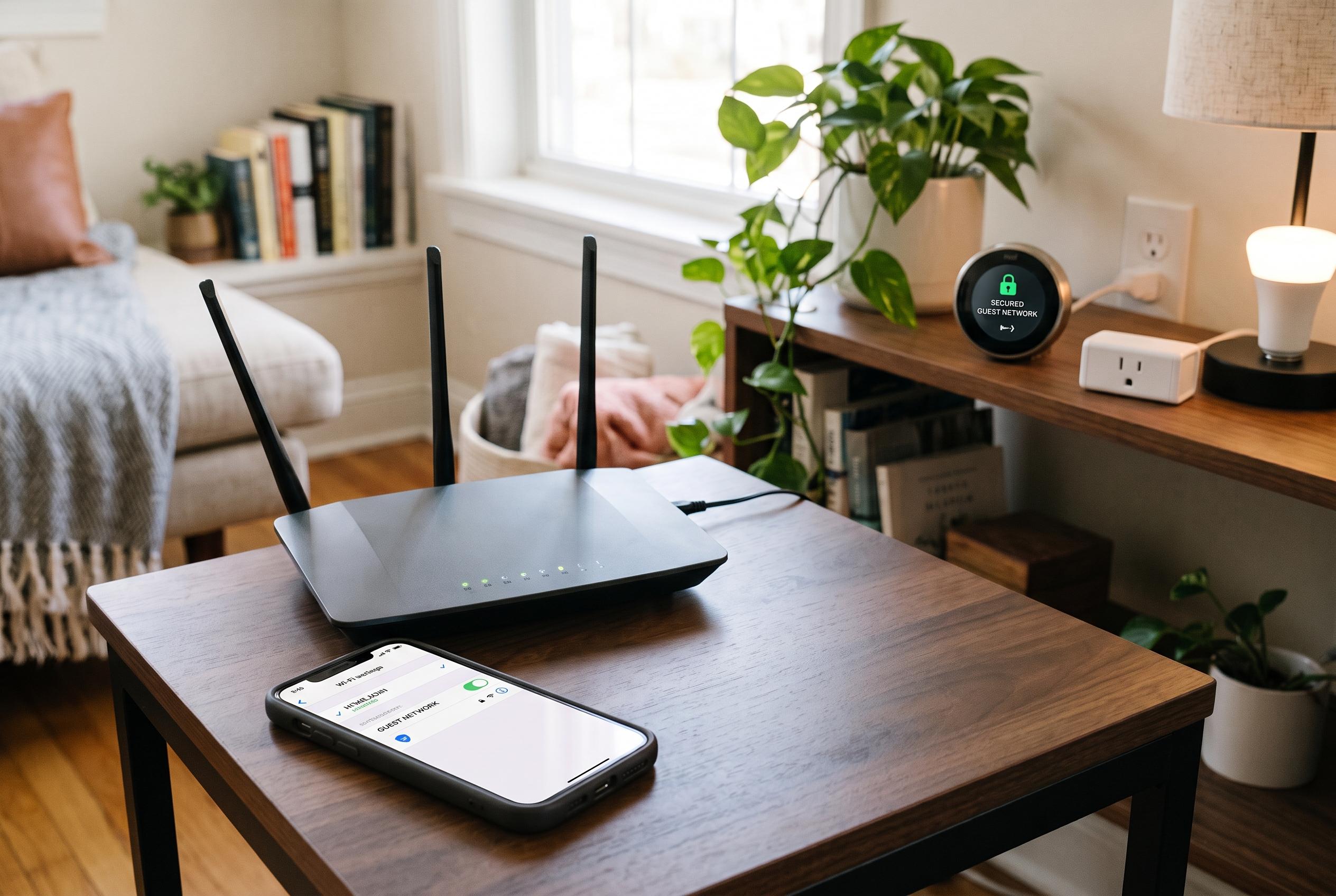

Many households overlook the potential security benefits of their guest Wi-Fi networks. By segmenting smart devices from main systems, homeowners can create a safer, more controllable home network environment with minimal effort, leveraging existing router features.
A guest Wi‑Fi network is often treated as a courtesy for visitors, but it can serve a much more important role inside the home: a low-friction isolation layer for devices that do not deserve full access to the rest of the network. MakeUseOf argues that this is where many households are missing a simple security gain, because the same feature intended for guests can also separate lower-trust smart devices from laptops, phones and shared storage.
The logic is straightforward. On a typical home network, devices can often discover and communicate with one another to support printing, casting and file sharing. That convenience also creates risk. If a smart bulb, plug, camera or thermostat is compromised, the attacker may be able to move laterally towards more valuable devices. Guidance from SpeedtestHQ and Bitdefender describes guest-network segmentation as a way to reduce that risk by keeping visitor traffic and less secure IoT gear away from the main network.
Used this way, the guest network becomes a practical quarantine zone for internet-connected hardware that is difficult to patch or monitor. SpeedtestHQ’s IoT guidance says this can be especially useful for smart-home devices, while MakeUseOf notes that the aim is not to punish those devices but to prevent them from reaching sensitive systems if they are ever breached. In a home environment, that means a compromised camera should not be able to probe a NAS, a work laptop or family backups.
The strongest setups go one step further by enabling client isolation, sometimes called AP isolation, so devices on the guest network cannot talk to one another either. That matters because it limits what an infected device can inspect locally. GL.iNet’s router documentation and Digital Citizen’s ASUS guide both show that vendors increasingly present separate SSIDs for guests and IoT hardware as a normal part of home-network design, not an advanced specialist configuration.
For users willing to do more, the same principle can be extended with VLANs. MakeUseOf describes this as a more granular version of the guest-network idea, with separate zones for management, trusted devices, smart-home equipment and visitors, each governed by firewall rules. In more mature home setups, the default is to deny traffic unless it is explicitly needed, which is a cleaner security model than assuming every device should see everything else on the network.
There are also practical advantages beyond security. A guest network makes it easier to change a password without reconfiguring every connected gadget, and many routers allow bandwidth limits or quality-of-service rules on that separate SSID. Routerhax and SpeedtestHQ both note that these controls can be useful when a single low-cost device is noisy on the network or when you want to contain its traffic without affecting the rest of the household. The broader point is that the feature many people ignore is already built into much of the hardware they own, and it can provide a meaningful upgrade with very little effort.
Disclaimer: This content is intended for informational purposes only. Readers are advised to exercise their own judgement, conduct due diligence, or consult a qualified expert before acting on any information provided.



