

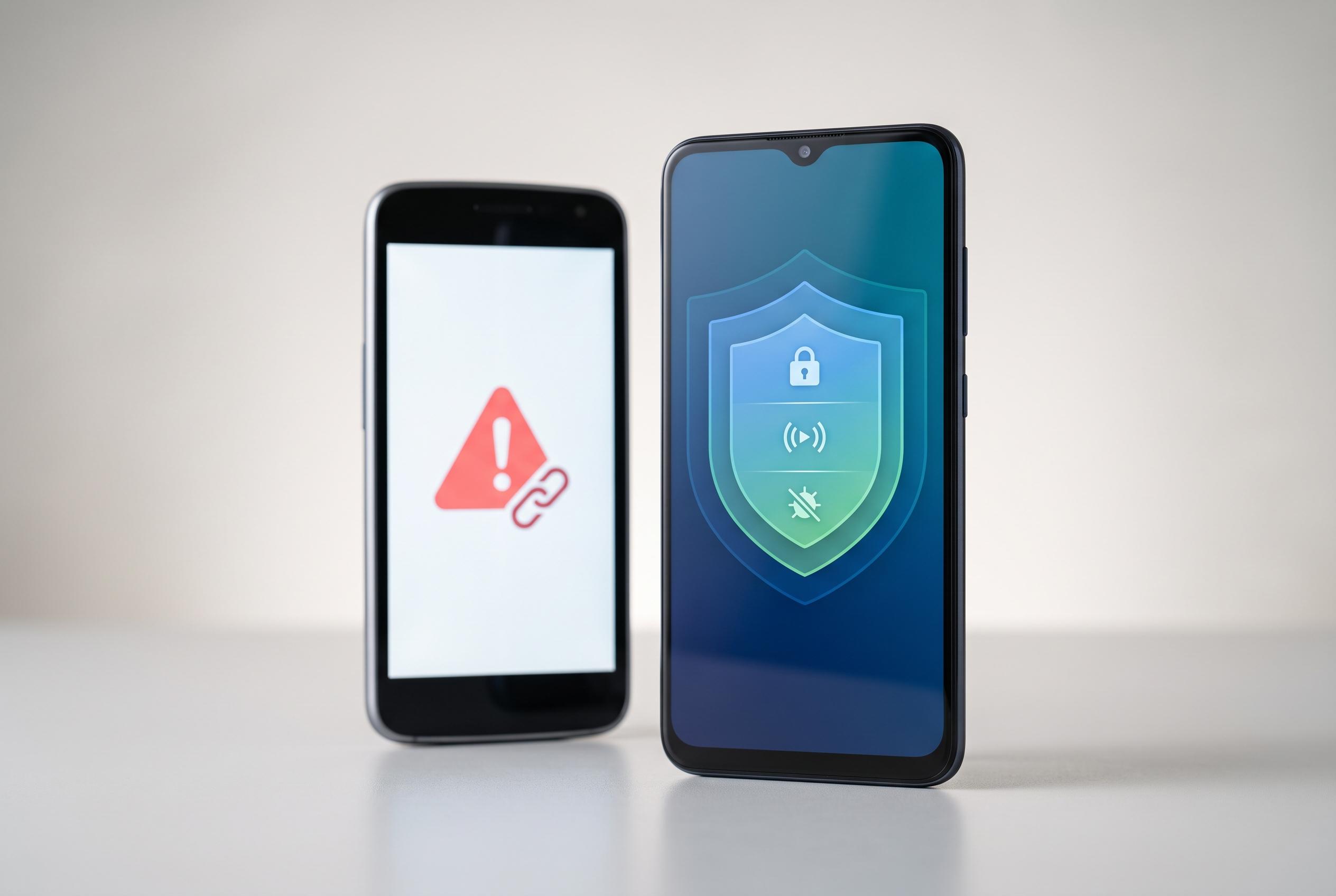

Modern Android devices incorporate layered protections reducing the need for third-party antivirus apps, but user vigilance remains crucial against scams and malicious links, especially on outdated or unprotected devices.
For most Android users, a separate antivirus app is no longer the first line of defence. Modern phones already include layered security controls, and in many cases the greater risk lies not in a classic virus but in scams, malicious links and deceptive apps. That is the central argument made in the French report, and it is broadly consistent with Kaspersky’s explanation that Android’s built-in protections now handle many routine threats effectively.
Google’s own security stack does much of the work. Play Protect scans apps at installation and afterwards, can disable suspicious software and may remove high-risk applications remotely. Android also relies on sandboxing, runtime permissions and regular system updates to limit what any one app can access. Google has also been tightening the rules around sideloaded software, including developer verification for apps installed outside the Play Store, although sideloading itself is not being eliminated. Android Headlines and Android Sage both note that the aim is to raise trust in third-party app installs rather than ban them outright.
That said, the idea that the Play Store is inherently safe is misleading. Android Authority reports that many scams still originate from apps on Google’s own store, while TechRadar has highlighted cases of spyware and malicious VPN apps slipping through normal checks. The practical lesson is that source, reputation and behaviour matter as much as where an app was downloaded from.
In reality, the most common threat is often the user being manipulated. Fraudulent text messages, fake customer support calls, romance scams and bogus login pages can defeat even strong device security if someone hands over a code or password. Public Wi-Fi can add further risk, particularly where connections are not encrypted or users are pushed towards fake websites. Security tools can help, but they cannot compensate for poor judgement.
There are still situations where an Android antivirus makes sense. Devices that no longer receive updates, phones with Play Protect disabled, handsets without Google services, and users who regularly install APK files from outside the Play Store are all more exposed. In those cases, a security app can act as a useful backstop, especially if a device begins to show warning signs such as unusual pop-ups, unexplained slowdowns, odd permission requests or rapid battery drain.
Disclaimer: This content is intended for informational purposes only. Readers are advised to exercise their own judgement, conduct due diligence, or consult a qualified expert before acting on any information provided.



