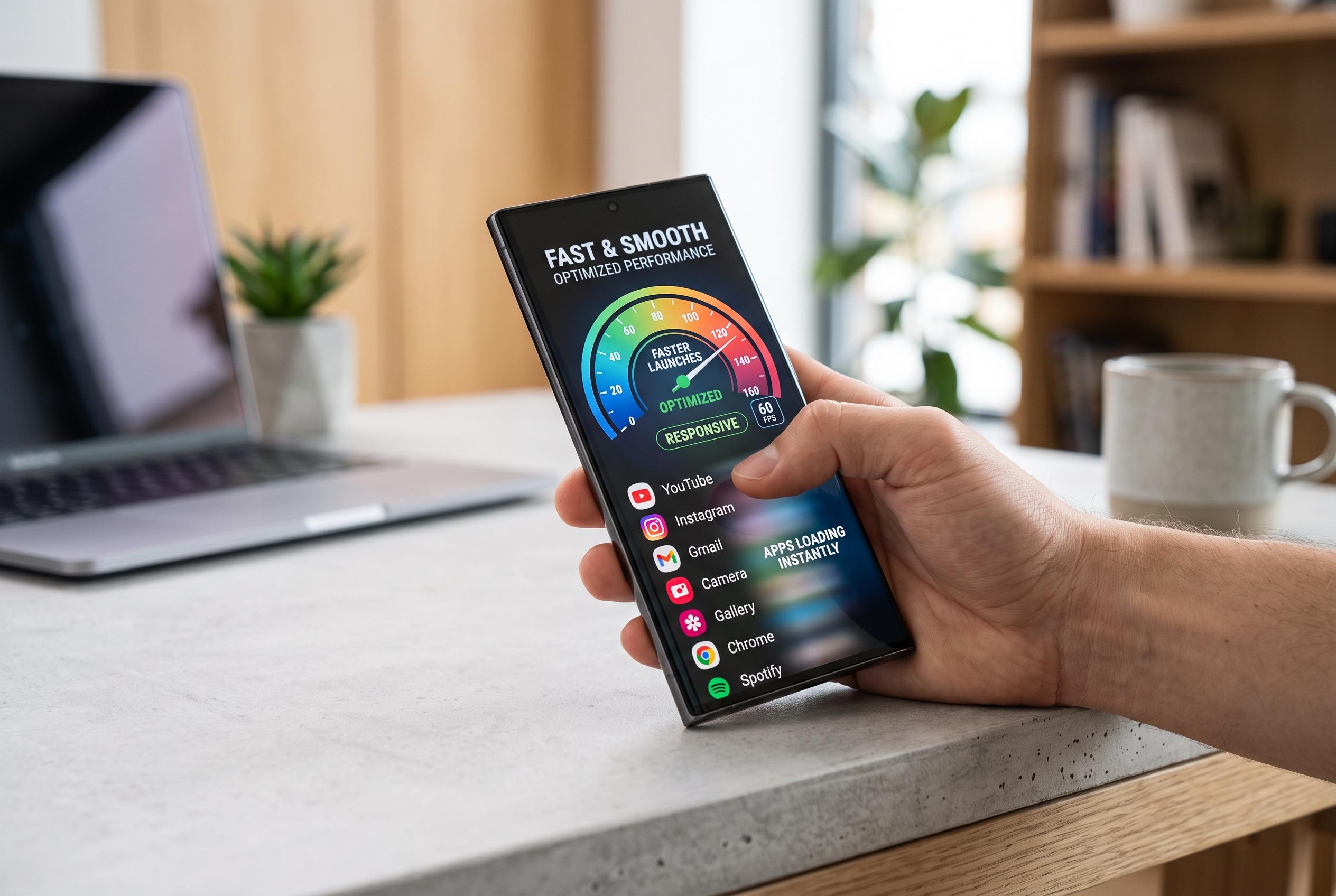

Samsung’s Galaxy App Booster enhances app launch times and swipe responsiveness, especially on ageing devices, by pre-compiling app code , a move that offers noticeable improvements after system updates but requires time and power to run effectively.
Samsung’s Galaxy App Booster can make a noticeable difference to app launch times and swipe responsiveness, particularly on older phones that have had many updates over time. In testing described by MakeUseOf, the tool reduced launch times for apps such as Amazon, YouTube and the Play Store and made scrolling smoother in Chrome, especially on cold starts after the browser had not yet settled its code in memory. Samsung Community explanations of the feature point to the same basic effect: it pre-compiles app code so the phone does less work when an app is opened.
The utility is not a standalone app in the usual sense. It sits inside Samsung’s Good Guardians package, which replaced Galaxy Labs and also includes other maintenance tools such as Battery Guardian and Memory Guardian. Samsung’s own support material says Device Care already provides broader performance management features, but App Booster is more specialised because it targets application compilation rather than storage cleanup or RAM housekeeping.
Technically, the point of App Booster is to shift work from launch time to a maintenance run carried out in advance. Android normally relies on a mix of just-in-time compilation and on-demand interpretation, which keeps installation faster but can leave more processing for later. App Booster pushes more of that compilation work ahead of time, so the system can load pre-built native code when an app opens. Samsung Community guidance and MakeUseOf’s hands-on results both suggest the effect can be especially clear after a major system update or security patch.
The trade-off is time and power. The process can take several minutes and uses noticeable CPU and battery resources, so it makes more sense to run it while the phone is charging than to treat it as a daily routine. Samsung’s community advice is to use it after updates or when performance begins to feel less responsive, which matches the way Android itself eventually performs similar optimisation in the background. SamMobile has also reported continued support for Galaxy App Booster on newer One UI releases, including One UI 7 and, more recently, One UI 8.5, which suggests Samsung still sees the tool as a meaningful part of its performance tuning stack.
Disclaimer: This content is intended for informational purposes only. Readers are advised to exercise their own judgement, conduct due diligence, or consult a qualified expert before acting on any information provided.