

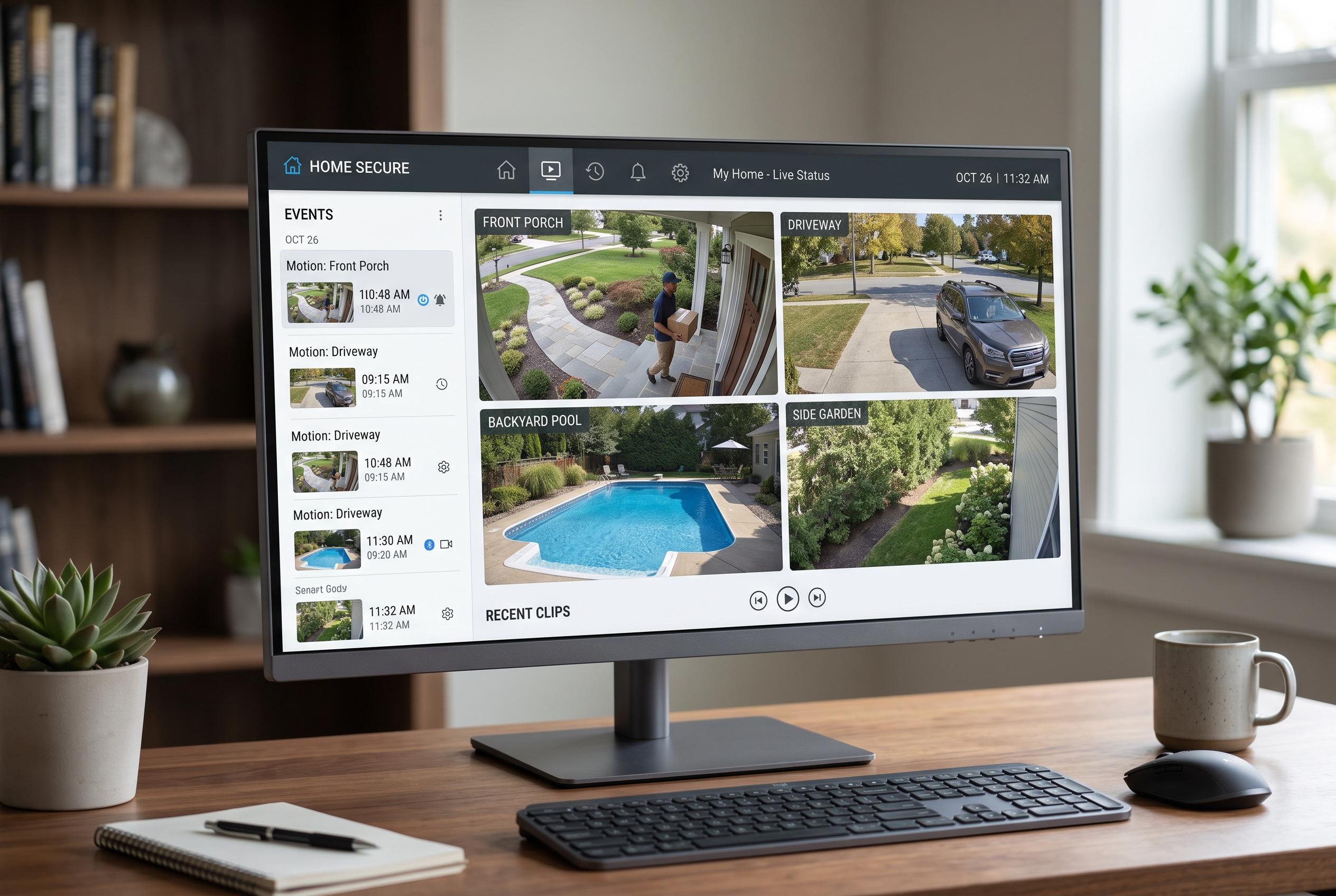

A new approach to security camera dashboards transforms routine monitoring into an efficient, daily check with the integration of Frigate and the Advanced Camera Card, offering a unified, interactive view of live streams, clips, and event history.
Home Assistant users who rely on security cameras often end up with a familiar problem: the feeds exist, but they are not pleasant or useful enough to open regularly. One writer at MakeUseOf described a shift away from treating cameras as passive background tools after rebuilding a Home Assistant dashboard around Frigate, turning security monitoring into something closer to a daily glance than an emergency-only task.
That change began with a clearer interface. Home Assistant’s built-in Picture Entity card is adequate for a single feed, but it does little for households with several cameras, multiple events and a need to review clips quickly. Frigate adds far more intelligence, including live streams, latest-detection images and motion sensors for each camera or zone, but its own interface can still require too many clicks when several cameras are involved.
The missing piece, according to the article, was the Advanced Camera Card, an open-source Home Assistant extension originally known as Frigate Card. Its features include multi-camera grids, clip and snapshot browsing, a mini-gallery, zone and label filtering, fullscreen mode and direct access to related entities. The writer said the timeline view made the biggest difference, because it allowed event review directly from the dashboard instead of sending the user into Frigate’s separate web interface or Home Assistant’s media tools. Documentation for the card confirms those capabilities.
The broader appeal comes from how Frigate and Home Assistant work together. Frigate is designed as a local, privacy-focused network video recorder that can run object detection on in-house hardware and connect to IP cameras through RTSP streams. Its integration with Home Assistant exposes entities that can be used in automations, alerts and dashboard tiles. Frigate’s documentation also notes that third-party tools such as the Advanced Camera Card are part of the wider ecosystem, which helps explain why the setup can be made more practical than a stock camera view.
In the dashboard described by the MakeUseOf writer, the result was a single screen that combined live video, event history and status information. The layout used a full-width camera grid at the top, with smaller sections below for zone counts and performance sensors. For the front door, a glance-style card opened the clip gallery with a tap, while automations tied to detection sensors were used to push alerts with snapshots attached. The key point was not simply that the dashboard could display cameras, but that it made checking them worth doing.
Disclaimer: This content is intended for informational purposes only. Readers are advised to exercise their own judgement, conduct due diligence, or consult a qualified expert before acting on any information provided.



