

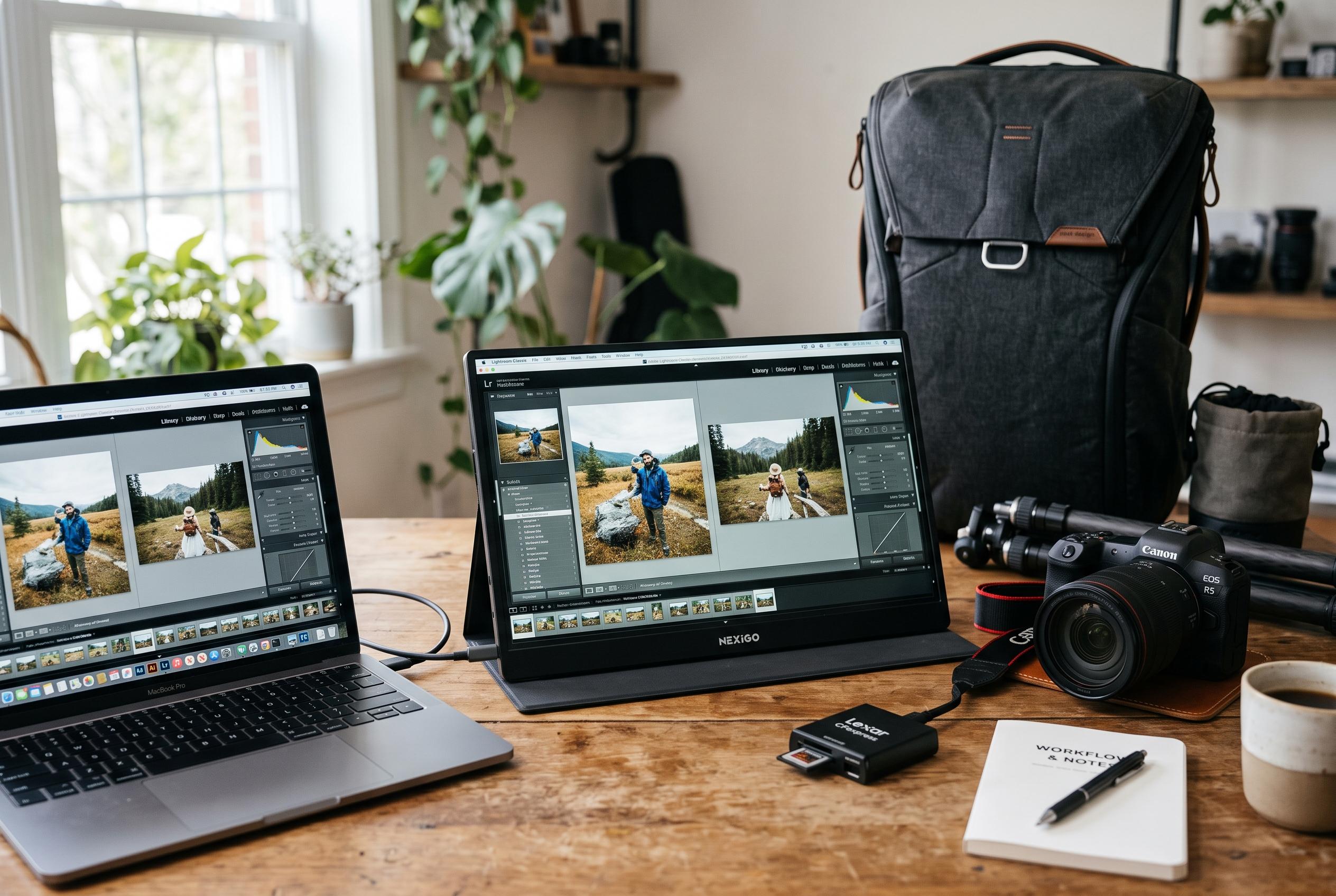

As portable monitors evolve, experts emphasise fitting screens to work routines over raw resolution, highlighting versatile options for photographers, travellers and creatives in the latest review by Technplay.
Portable monitors have become more capable and more specialised, but the right choice still depends less on raw resolution than on how the screen fits a working routine. The clearest way to judge them is by the space they create, the ease of connection and the total bulk they add to a bag, according to the guide published by Technplay. That approach is consistent with broader 2026 display and mobile hardware reviews, which increasingly weigh usability, connectivity and real-world portability alongside specification sheets.
For users who need the most detailed image, UPERFECT’s BE156NF stands out as the most exacting option in the group. Its 15.6-inch OLED panel, 4K resolution and light weight suit photo review, design work and other visual tasks where contrast matters. But the same qualities bring trade-offs: reflective glass can be awkward near bright windows, and 4K scaling on a small panel can reduce the amount of information visible at once, so it is best suited to users who know they want pixel density rather than a larger workspace.
ASUS’s ZenScreen MB16QHG appears to be the most balanced all-rounder. Technplay points to its 16:10 aspect ratio, 2,560 x 1,600 resolution and 120Hz refresh rate as particularly useful for office work, content creation and smoother scrolling. The model also has two full-function USB-C ports, HDMI, an integrated stand and a tripod mount, which gives it flexibility that many rivals lack. The downside is weight: at about 1.2kg, it is better for moving between fixed workspaces than for truly minimal travel.
For frequent business travel, Dell’s Pro 14 Plus P1425 is the most practical choice. Its 14-inch 16:10 panel offers 400 nits of brightness, 100% sRGB coverage and a tidy single-cable USB-C setup with power delivery up to 65W. That makes it especially useful for presentations, documents and long web pages. It does not include HDMI, so it is less convenient with older laptops or non-PC devices, but for modern USB-C systems it keeps the desk and the bag simple.
Lenovo’s ThinkVision M14t Gen 2 is the most clearly interactive model in the selection. Its 10-point touch support and active pen compatibility make it useful for marking up documents, sketching layouts and reviewing material directly on screen. LG’s gram +view 16MR70, by contrast, focuses on maximising display area without adding much weight. With a 16-inch 2,560 x 1,600 panel and a low mass, it suits people who want a larger second screen for spreadsheets, timelines and reference material, though its USB-C-only input means compatibility depends on the host device.
The Technplay guide also highlights the wider buying question: not whether a portable monitor is good, but whether it matches the way the owner actually works. As TechRadar’s 2026 portable power station guide and recent monitor round-ups from PC Gamer, GamesRadar and T3 show, product categories are increasingly splitting into highly specialised tools rather than one-size-fits-all purchases. In display terms, that means a portable monitor should reduce friction, not simply add pixels. For some users that will mean the ASUS model’s versatility, for others the Dell’s portability or the Lenovo’s touch input. The best option is the one that keeps the right information visible with the least effort.
Disclaimer: This content is intended for informational purposes only. Readers are advised to exercise their own judgement, conduct due diligence, or consult a qualified expert before acting on any information provided.



