

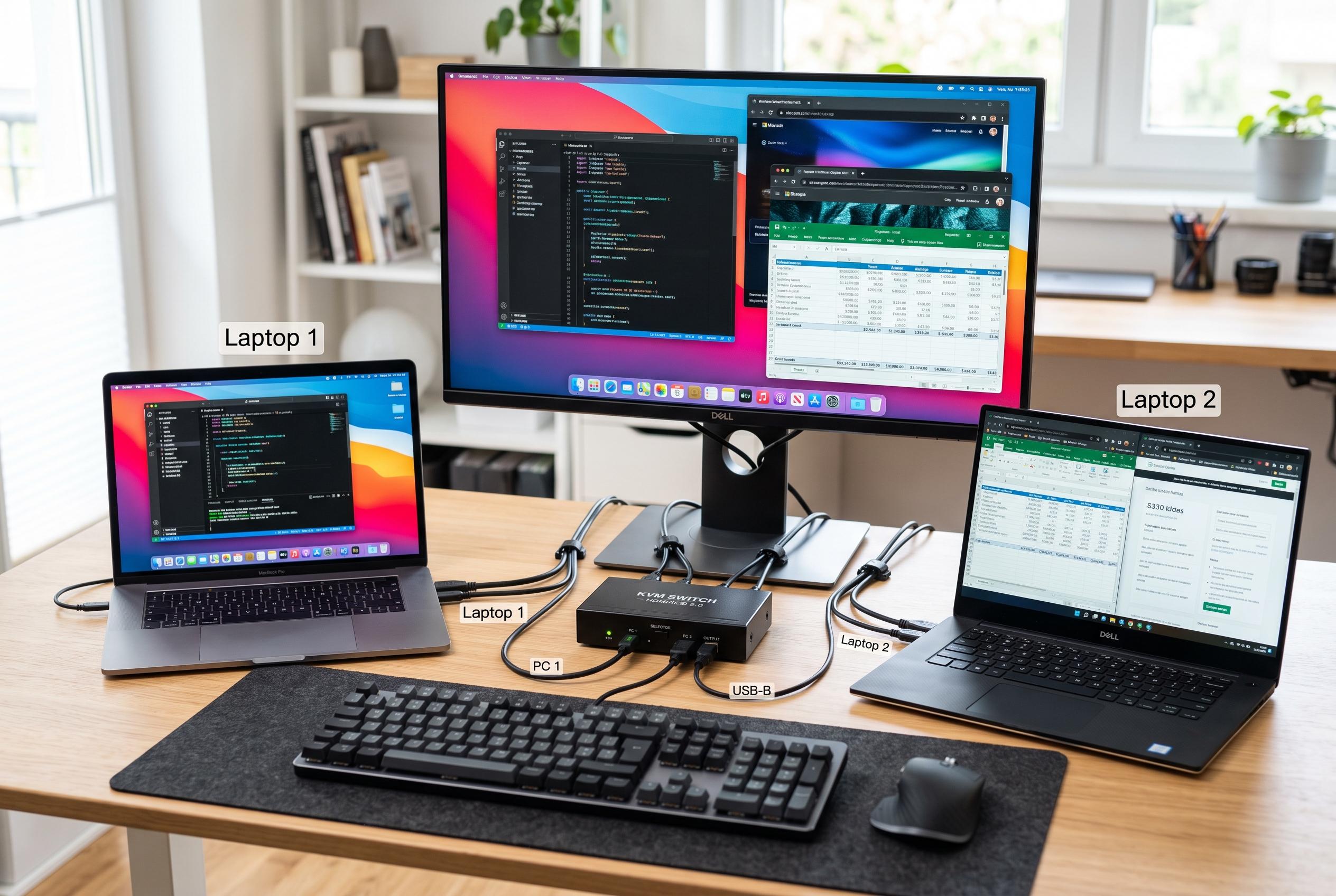

A low-cost KVM switch offers a simple solution for controlling two laptops with one monitor and peripherals, but its performance reveals limitations in bandwidth when handling high-resolution and high-refresh-rate displays.
A basic KVM switch can make two laptops behave like one workstation, and that is exactly what one MakeUseOf writer found after setting up a low-cost HDMI-and-USB unit on a Windows machine and a Linux machine. The appeal was not sophistication but simplicity: one monitor, one keyboard, one mouse and a single physical button to hand control from one computer to the other without swapping cables or reconnecting peripherals.
The hardware choice was a Lemorele G98, a no-frills box with two HDMI inputs, one HDMI output and USB ports for peripherals and host connections. Setup took only a few minutes and required no drivers or companion software. That is in line with standard KVM buying advice, which stresses matching the switch to the exact combination of computers, displays and accessories you plan to use, rather than assuming that any device marketed as 4K-capable will suit every desk. Technical guides from TESmart and KVMSwitchTech also note that HDMI version matters: HDMI 1.4 generally tops out at 4K at 30Hz, while HDMI 2.0 can reach 4K at 60Hz.
The catch came with display performance. The switch was rated at 4K at 30Hz, but the writer had expected it to handle 1080p at 144Hz. Instead, the screen showed green speckling, which turned out to be a bandwidth problem rather than a graphics fault. After lowering the signal to 1080p at 120Hz, the artefacts disappeared. That fits with technical guidance from Fairline and TESmart, which explain that higher resolution, faster refresh rates, HDR and greater colour depth all increase bandwidth demands, sometimes beyond what a cheaper KVM can carry cleanly.
In daily use, the switch largely vanished into the background, which is usually the highest praise for a desk accessory. The keyboard and mouse followed whichever computer was active, and switching was almost instant. The trade-offs were clear, though: such a device is not intended for demanding multi-machine video work, and the USB hub is better suited to input devices than fast external storage. At roughly $20, the purchase solved a narrow but persistent problem, even if the writer now plans to buy a better model later to remove the display limitations. As multiple buying guides make clear, the key lesson is to check the specifications first, because the cheapest option is often the one most likely to expose the limits of your monitor and cables.
Disclaimer: This content is intended for informational purposes only. Readers are advised to exercise their own judgement, conduct due diligence, or consult a qualified expert before acting on any information provided.



