

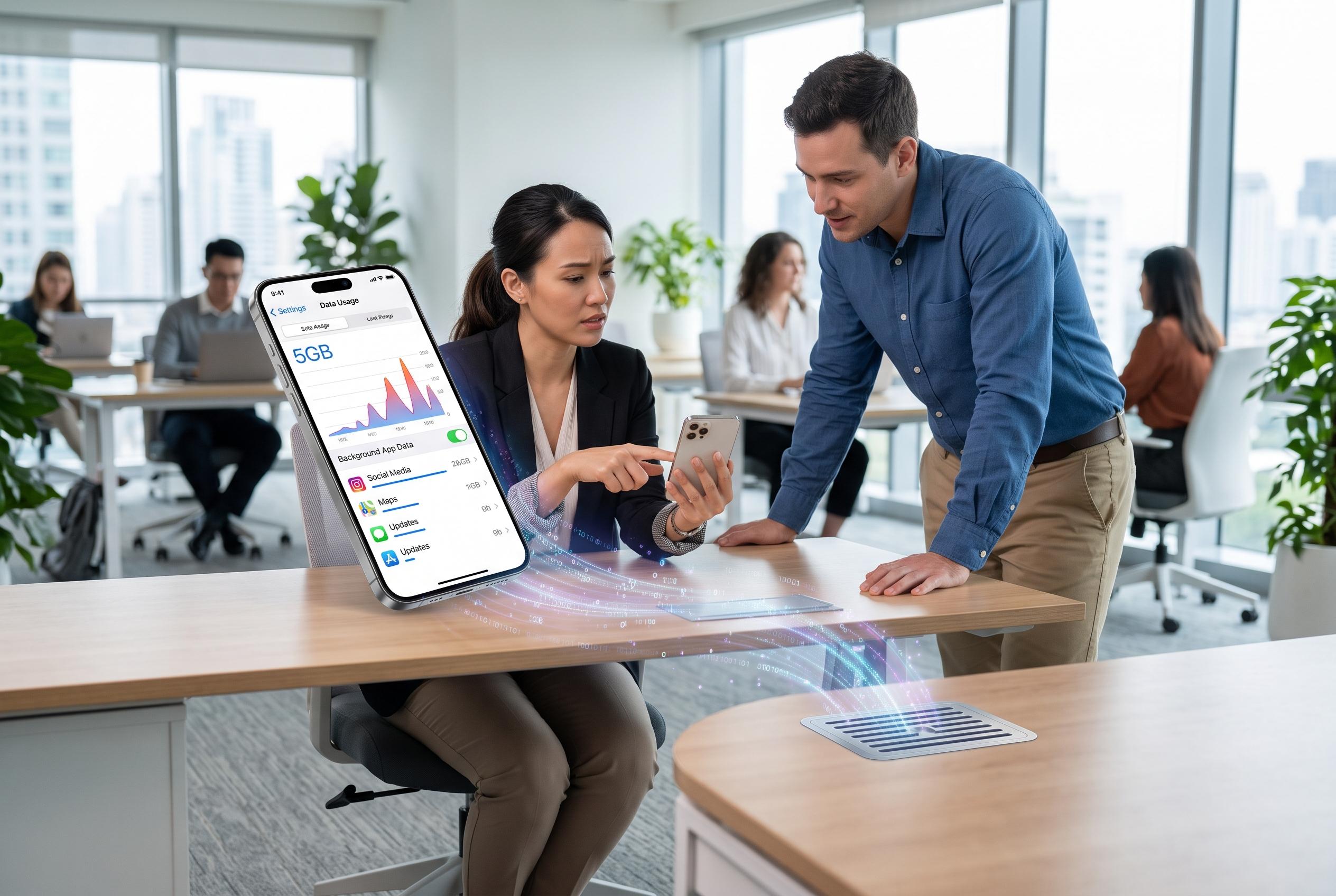

Experts warn that app design and background processes are main culprits for unexpected mobile data depletion, urging users to review app settings and enable data-saving features.
Smartphone users who watch their mobile data disappear faster than expected are often blaming the wrong culprit, according to Selasie Vondee, chief technology executive at Smart Innovations Ghana. Speaking on the Big Convo segment of Culture Daily on 3Music TV and Pluzz89.9 FM, Vondee said the problem is usually not a fault with the network alone but a mix of modern app design, persistent background activity and data-heavy habits.
The central issue, he said, is that many apps do not stop communicating with servers simply because they are closed. Google’s support guidance for Pixel phones, Apple’s instructions for iPhone and iPad users and Samsung’s advice for Galaxy devices all explain that mobile data can be consumed in the background by services such as syncing, automatic updates and app refresh. Those functions are useful because they keep notifications current and content up to date, but they also create a constant stream of data use that many people do not notice.
Vondee also pointed to entertainment and social platforms as major consumers of data, naming Instagram, TikTok and Snapchat among the heaviest users. That assessment is consistent with the way these services are built: they prioritise video, images and continuous feed loading, which can quickly exhaust smaller data bundles. Other guides on mobile performance also note that poor signal conditions, roaming and software behaviour can affect how efficiently a phone uses data, adding to the sense that allowances vanish without warning.
To reduce waste, Vondee advised users to check which applications are drawing the most data in their phone settings, switch off background app refresh where possible and turn on low-data or battery-saver modes to curb non-essential activity. Google, Apple and Samsung all provide similar controls, including data usage monitoring and data saver features, which can help limit background transfers and give users a clearer view of where their allowance is going.
Disclaimer: This content is intended for informational purposes only. Readers are advised to exercise their own judgement, conduct due diligence, or consult a qualified expert before acting on any information provided.



