

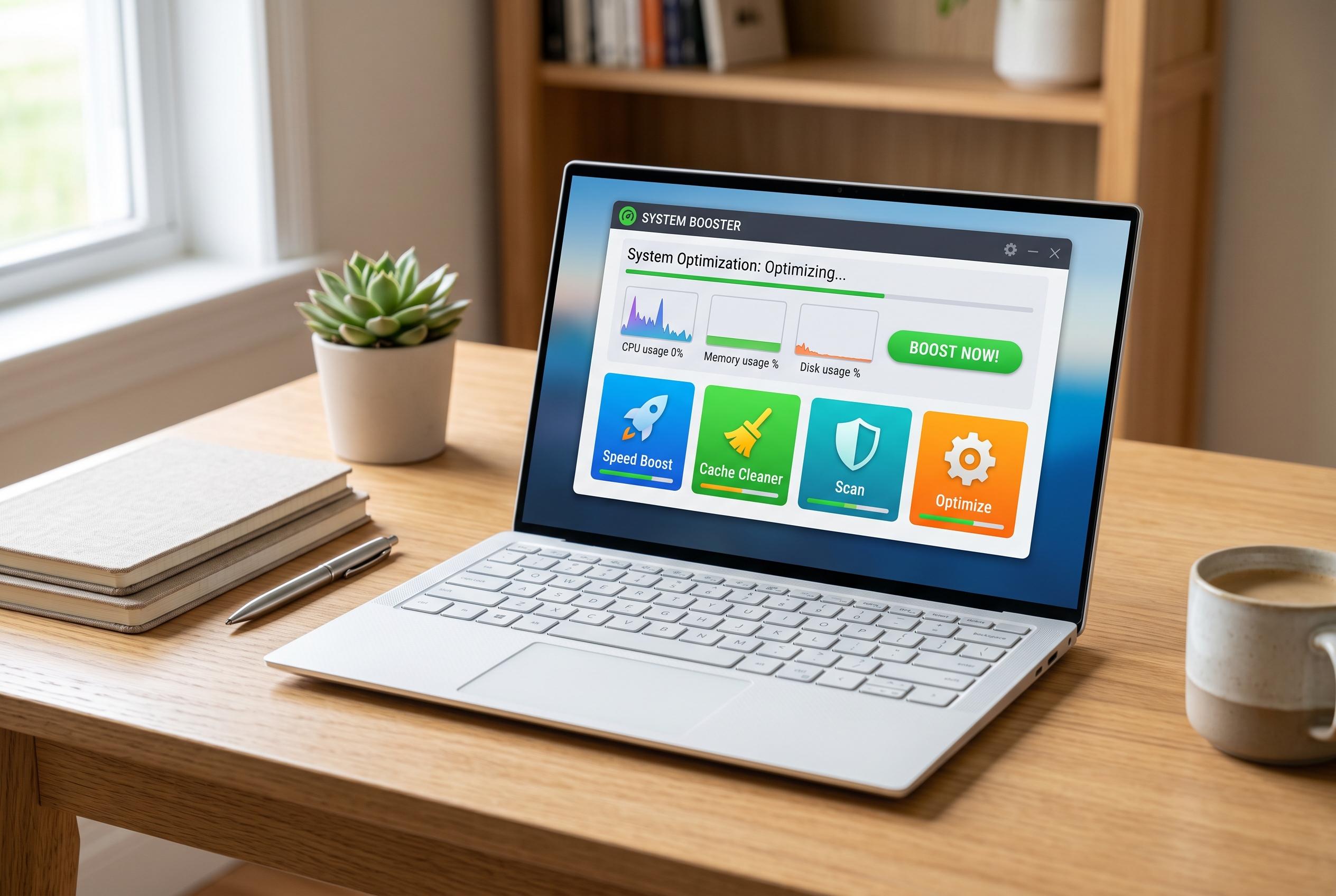

A collection of free utilities and tweaks can significantly improve the responsiveness and usability of older Windows laptops, breathing new life into ageing hardware without the need for replacements.
The experience of using an older laptop is often defined less by outright failure than by friction. On a 2016 HP Spectre x360 with 8GB of RAM and a 256GB SSD, the hardware still works, but everyday tasks can feel slower and less tidy than they once did. According to Windows Central, Wintoys is a free maintenance utility that brings app management, storage cleanup, startup control and repair tools into one place, which makes it a practical way to reduce that drag.
One of the biggest gains comes from replacing scattered Windows settings with a single control point. Wintoys also includes a tweaks area for File Explorer, the desktop, privacy options, telemetry and the Start menu, giving users more direct control over behaviour that can make an ageing system feel cluttered. On a machine with limited storage, that kind of consolidation matters because it reduces both unnecessary background overhead and the time spent digging through menus.
Search is another area where older Windows laptops often feel less responsive than they should. Windows Central has argued that Microsoft’s built-in search remains sluggish and cluttered, and it highlighted Flow Launcher as a faster alternative. The app launches with Alt+Space and can search apps, files, folders, settings and bookmarks while also handling calculations, web searches and system commands. It is open source and supports plugins, which gives it more flexibility than a basic search box.
Other small utilities can remove separate frustrations that add up over a day of use. ShareX replaces several tools at once by combining screenshots, annotation, blur tools, OCR and recording features, while still feeling lightweight enough for older hardware. LocalSend tackles file transfer in a simpler way by moving photos, documents and videos directly over the local network, without depending on cloud uploads. QuickLook adds a macOS-style preview system in File Explorer, letting users press the spacebar to inspect a file without opening the full app.
Taken together, these apps do not transform a dated laptop into new hardware. What they do is reduce the sense that the machine is constantly fighting its owner. By cutting delays, limiting unnecessary app launches and streamlining routine tasks, they can make an older Windows laptop feel more capable, more responsive and easier to live with.
Disclaimer: This content is intended for informational purposes only. Readers are advised to exercise their own judgement, conduct due diligence, or consult a qualified expert before acting on any information provided.



