

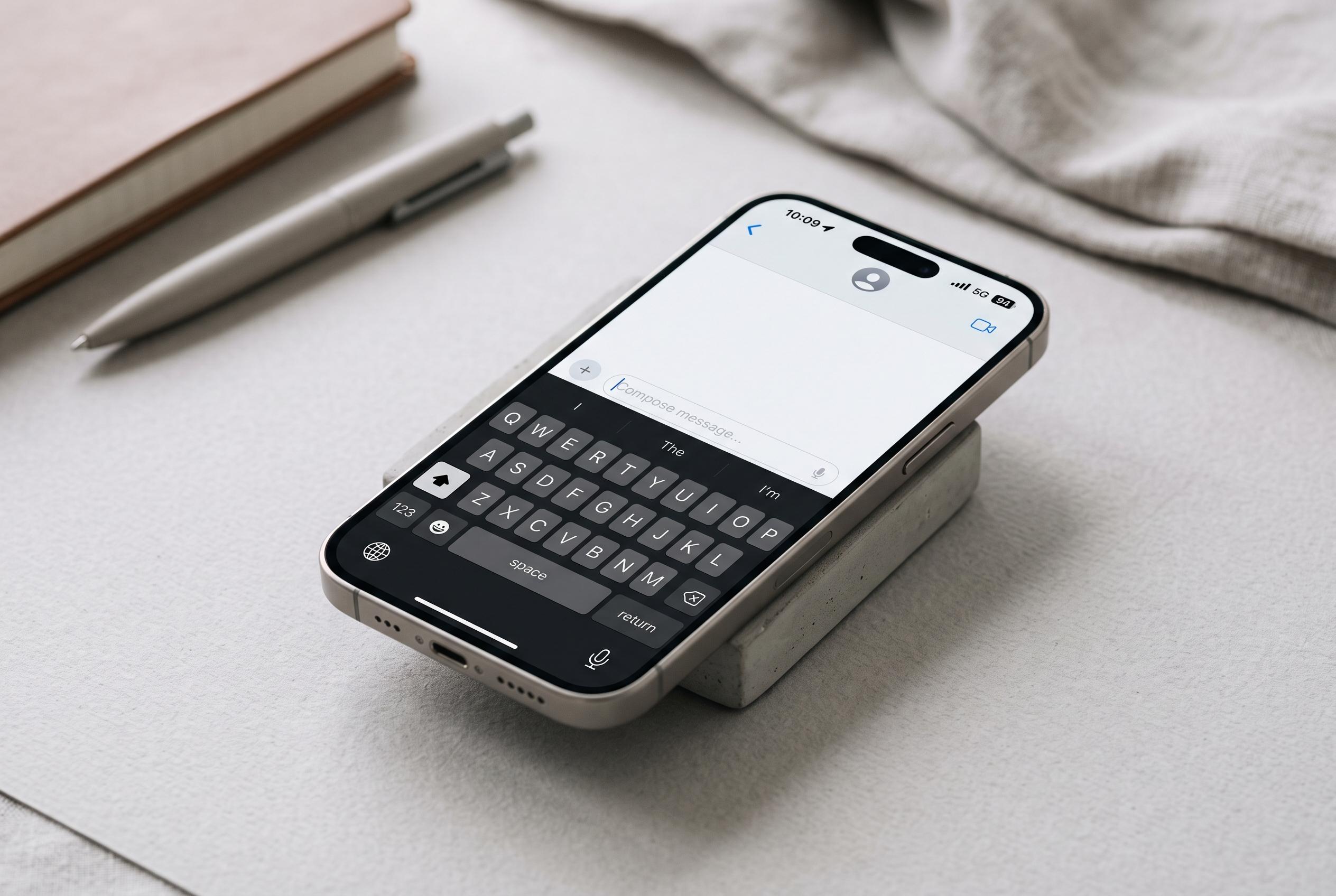

Apple’s iPhone keyboard features a range of hidden shortcuts, from swipe typing to trackpad controls, that can significantly enhance message speed and editing accuracy, yet many users remain unaware of these time-saving tools.
Apple’s iPhone keyboard has a set of built-in shortcuts that can make everyday typing faster and more precise, yet many users never find them. AP’s One Tech Tip series, published on 12 August 2026, shows that several of the most useful tools are already inside iOS, from swipe typing to cursor control and quick text editing.
One of the simplest is Apple’s slide-to-type feature, also known as QuickPath. Users can switch it on under Settings, then type by dragging a finger across letters instead of tapping each key. AP notes that this can speed up message writing, particularly for short bursts of text, although it is not always as accurate as regular tapping.
Another overlooked function turns the keyboard into a trackpad. By pressing and holding the space bar, users can move the cursor with far greater precision than by tapping inside the text. That makes it easier to correct a misspelt word, insert missing punctuation or edit a sentence without repeatedly jumping the insertion point around the screen.
The same touch-and-hold approach also helps with selection and paste actions. AP reports that double- or triple-tapping can highlight a word or paragraph, while the three-finger pinch gesture can copy text and the reverse motion can paste it. These gestures are often more reliable on larger screens, but they are built into iPhone and can save time once learned.
Other guides point to extra shortcuts that extend the same idea of quicker editing. Apple Magazine says the keyboard can be used more efficiently with text replacement shortcuts, which expand abbreviations into longer phrases, while one-handed mode shifts the keyboard left or right for thumb typing on bigger devices. Macworld and iDownloadBlog also highlight the space-bar trackpad, one-handed keyboard mode and quick access to numbers, symbols and accented letters through press-and-hold gestures.
The result is a keyboard that can do more than most people realise. For users who write a lot of messages, emails or notes on an iPhone, these shortcuts reduce repetitive tapping and make editing far less awkward. They are small features, but together they can make a noticeable difference to speed and accuracy.
Disclaimer: This content is intended for informational purposes only. Readers are advised to exercise their own judgement, conduct due diligence, or consult a qualified expert before acting on any information provided.



