


From its origins as a DOS text editor to a cloud-connected AI-assisted platform, Microsoft Word continues to reinvent itself with the launch of Word 2024 and the integration of Copilot, signalling a transformative shift in document creation and management.
Microsoft Word’s history is less a story of added features than of repeated reinvention. It began in 1983 as Word for MS-DOS, long before the Windows era, and later moved into a graphical environment, a suite-based productivity model, an XML-based file structure and, most recently, cloud-connected collaboration with AI assistance. What started as a desktop tool for shaping text on a screen has become a document platform that now spans local files, shared workspaces and subscription services.
According to Microsoft’s own chronology, the first release went out in 1983, with the Windows version following in 1989. That distinction matters. Word did not begin life as a Windows application, but as a DOS program that tried to make word processing feel more visual at a time when most software still depended on text commands. The aim was to bring users closer to what would eventually print on the page, an early form of what-you-see-is-what-you-get editing that helped define the product’s direction.
The Windows release changed Word’s place in the market. Once it could take advantage of menus, windows and dialog boxes, it became easier to use and more suited to everyday office work. As Microsoft later folded Word into Office with Excel and PowerPoint, the program stopped being an isolated editor and became part of a broader productivity system. The familiar Word of the 1990s and early 2000s was built around the .doc format, which gave organisations a durable way to store and exchange files but also left them tied to a proprietary binary structure.
That older .doc era remained important for years because it supported documents, templates and macros across successive releases. The trade-off was flexibility: the format was harder for outside tools to inspect, automate or analyse than later XML-based files. That changed decisively with Word 2007, which introduced both the Ribbon interface and .docx, the Office Open XML format. The new interface made commands more visible, but it also forced long-time users to relearn the layout. The new file format, by contrast, split document content, metadata and related assets into structured parts, making files easier to process programmatically.
After that rupture, Word’s evolution became steadier. Versions from Word 2010 through Word 2021 kept .docx as the default and added gradual improvements in editing, compatibility and collaboration. At the same time, Microsoft moved the product towards a service model. Microsoft 365 brought continuous updates, cloud storage and synchronised work across devices, turning Word into part of a connected environment rather than a one-time purchase. Microsoft also added co-authoring, which changed the basic unit of work from a solitary file to a shared document that multiple people could edit at the same time.
Word 2024 shows that the perpetual licence model has not disappeared. Microsoft says the edition includes session recovery after unexpected closure, a refreshed Office theme, modern comments, new viewing modes and improved handling of resolved comments, along with support for OpenDocument Format 1.4. But its role is different from Word for Microsoft 365, which continues to evolve through subscription updates. Microsoft’s own licensing distinction is important: Word 2024 is a fixed release with a defined support window, while Microsoft 365 remains the route to ongoing changes and connected services.
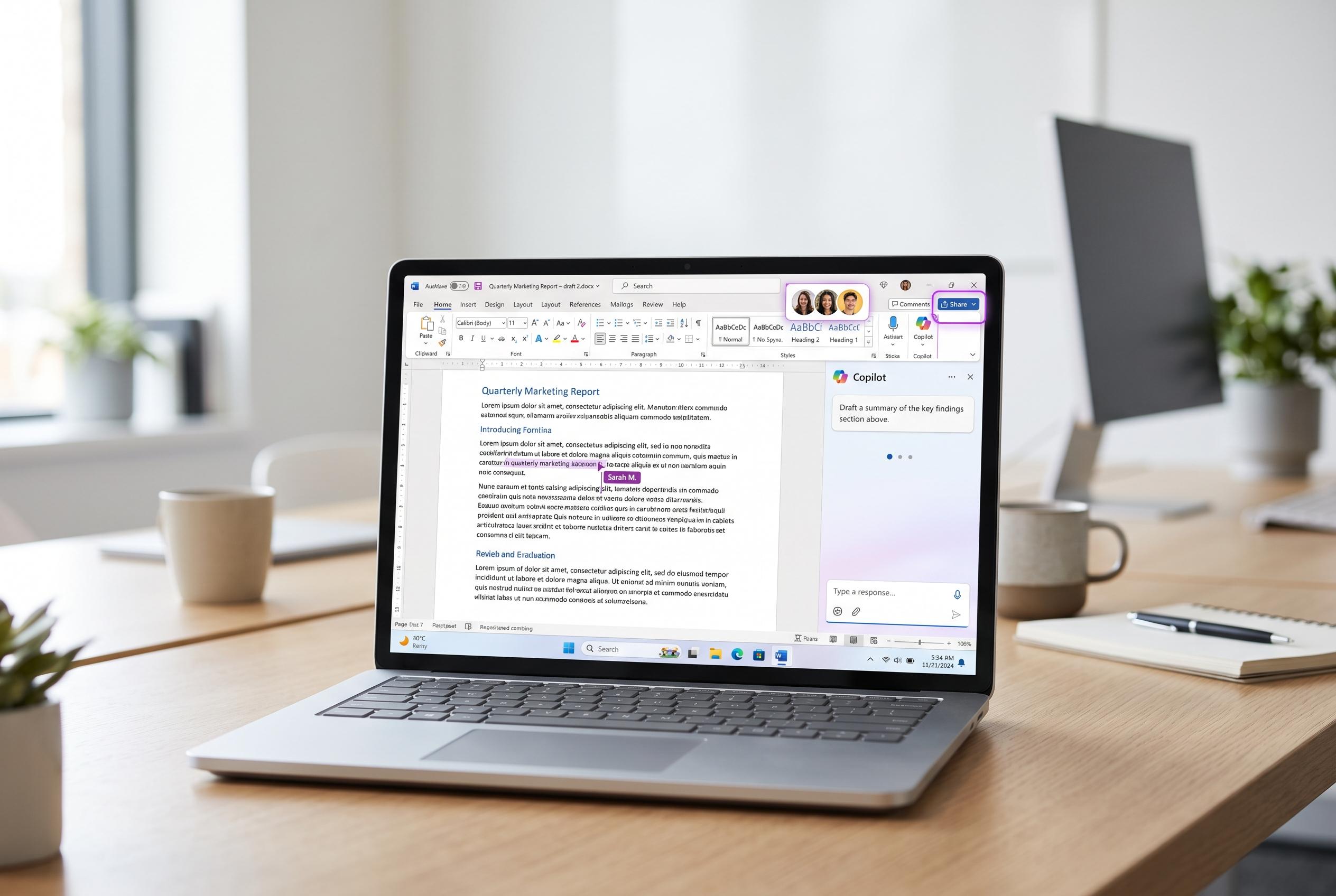
The latest step is Copilot, which Microsoft has positioned as an AI layer inside Word for eligible Microsoft 365 customers. Its role is not to replace authorship but to assist with drafting, summarising, answering questions and refining text, subject to the user’s permissions and plan. That is a significant shift from the original DOS-era program. Word once helped users arrange words on a page; now, in its connected form, it can help shape, interpret and reorganise the document itself.
Disclaimer: This content is intended for informational purposes only. Readers are advised to exercise their own judgement, conduct due diligence, or consult a qualified expert before acting on any information provided.



