

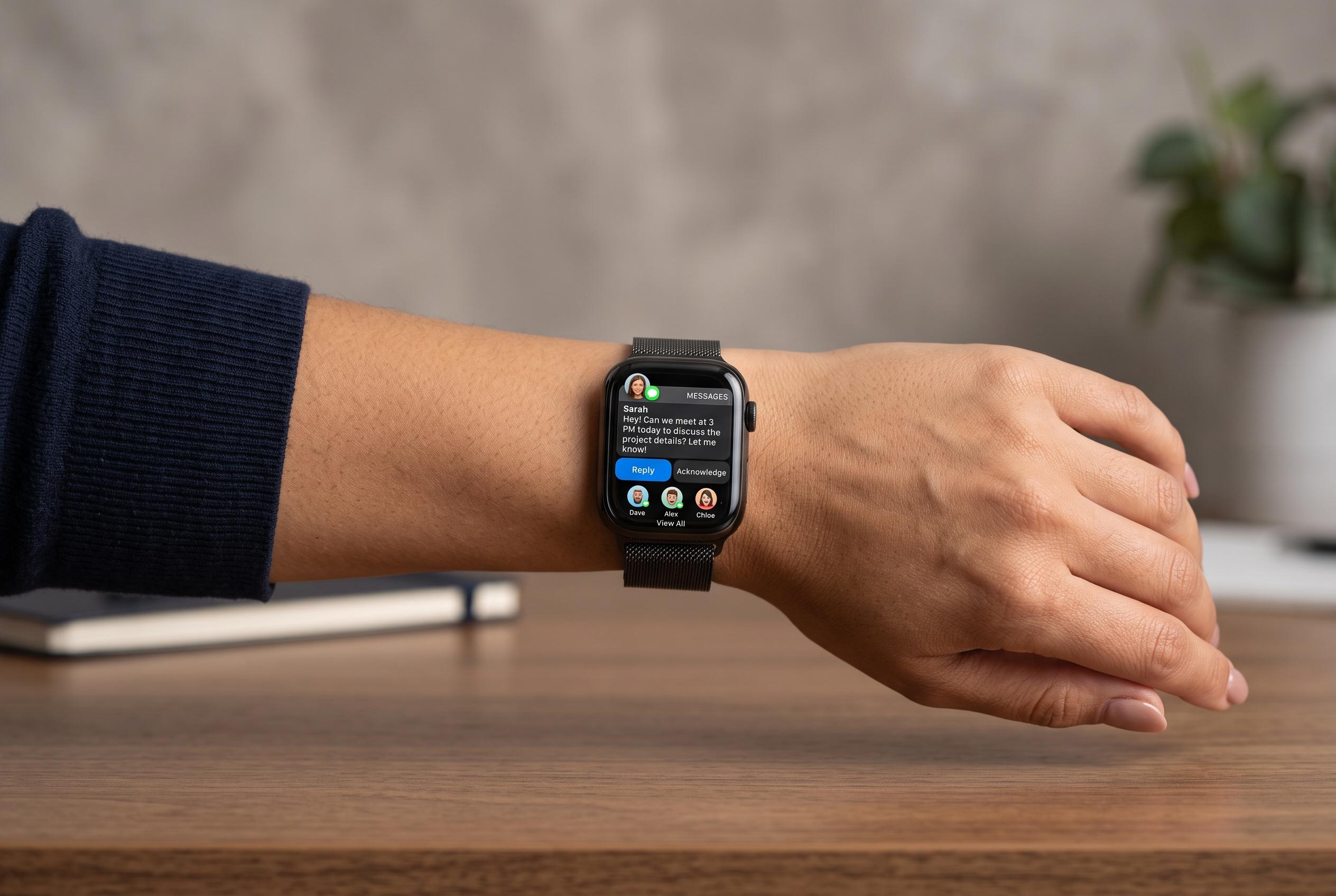

A user shares a two-year experience relying solely on an Apple Watch for communication, revealing both its potential and constraints as a primary device in a new stage of wearable technology use.
Using an Apple Watch as a primary communications device is no longer a novelty, but it remains a deliberate choice rather than a simple swap. A recent account published by Geeky Gadgets, based on the experience of Redeeming Productivity, describes a user who has relied on the watch for two years in place of a smartphone, leaning on cellular calling, messaging, GPS navigation and Apple’s built-in productivity tools to cover everyday needs.
Apple’s own support guidance confirms that a cellular model can handle core tasks when the iPhone is not nearby, including calls, texts, Siri requests and weather checks, provided the watch is connected to Wi-Fi or a mobile network. Apple also notes that some functions are reduced when the device is offline, and that Low Power Mode further limits what the watch can do. Macworld and TechRadar likewise report that GPS + Cellular models can operate independently for basic communication and media, while GPS-only versions still depend on an iPhone for full use.
The practical appeal is clear: the watch can manage calls, iMessages, navigation through Apple Maps and everyday planning through Calendar, Reminders, Notes and Voice Memos. The device also supports audio through Apple Music, Podcasts and third-party apps, which makes it more useful than its size suggests. Even so, the setup is not seamless. The article points out that some popular apps are either restricted or awkward in standalone use, and that tasks such as scanning QR codes, handling two-factor authentication, using ride-hailing services or connecting to CarPlay remain problematic.
Battery life is one of the main constraints. Heavy cellular use can drain the watch quickly, which makes newer models such as the Series 10 and Ultra 2 more suitable than older devices for anyone hoping to rely on the watch throughout the day. Apple’s support material also makes clear that performance depends on connectivity, and that what works on the wrist in one setting may not be available in another. In practice, that means the watch is better seen as a pared-back communications hub than a full phone replacement.
The transition tends to work best when approached in stages. The Geeky Gadgets piece recommends starting in a tethered configuration, where the watch stays paired to an iPhone, before moving to a more independent setup. It also suggests keeping a computer or iPad for tasks the watch cannot easily handle, and using accessories such as AirPods, charging docks and protective cases to improve day-to-day usability. The result is a stricter, more focused way of staying connected, but one that depends on accepting clear trade-offs.
Disclaimer: This content is intended for informational purposes only. Readers are advised to exercise their own judgement, conduct due diligence, or consult a qualified expert before acting on any information provided.



