

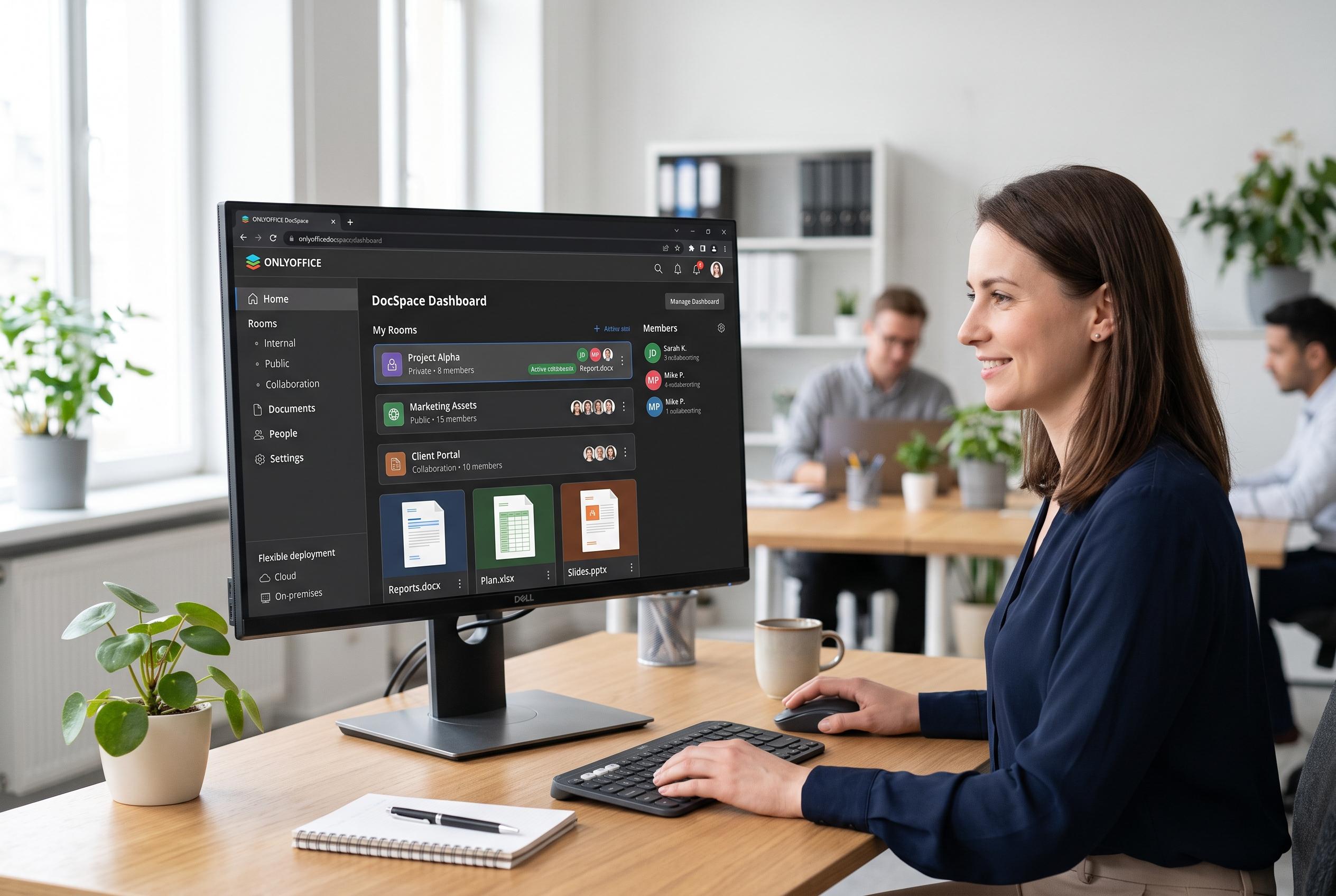

ONLYOFFICE announces the launch of DocSpace, a versatile browser-based office platform that combines document management, real-time collaboration, and customisable virtual rooms, catering to both personal and organisational needs with flexible deployment options.
ONLYOFFICE DocSpace is built around a simple idea: office work can happen in the browser, with storage, editing and collaboration brought together in one place. The platform supports documents, spreadsheets, presentations, PDFs and forms, and it can be used either as a hosted cloud service or installed on an organisation’s own servers. According to ONLYOFFICE, the service is intended for both personal use and shared work across teams, clients and partners.
What sets it apart from a conventional file store is its room-based structure. Rather than treating everything as a flat drive, DocSpace organises content into rooms with defined access rights. ONLYOFFICE’s help documentation says these include collaboration rooms, public rooms, form-filling rooms, virtual data rooms and custom rooms, each designed for a different type of exchange. That makes the platform closer to a blend of cloud storage and office suite than to a direct clone of Google Docs.
The cloud version offers a free Startup plan that is generous enough for testing and small projects, but not unlimited. ONLYOFFICE says it includes up to three administrators, unlimited users and guests, a cap of 12 rooms and 2 GB of storage. The same material makes clear that the limit is meant for documents and collaboration rather than large media libraries. Paid tiers add more storage, more control and administrative features such as custom branding, single sign-on, backup, recovery and support.
Day-to-day use begins with a personal area called “My documents”, where users can create files, organise folders and upload existing content. ONLYOFFICE says the editors cover text files, spreadsheets, presentations and PDF forms, with compatibility aimed in particular at Microsoft Office formats such as DOCX, XLSX and PPTX. The browser interface is backed by desktop applications for Linux, Windows and macOS, plus mobile apps, so work can continue outside the web client.
Collaboration is the product’s central feature. ONLYOFFICE says DocSpace supports real-time co-editing, comments, revision history, chat and audio or video calls. Room permissions can be set so that a user is only a viewer, commentator, reviewer, editor or administrator, depending on the task. The platform also supports sharing links with controls for editing, reviewing, comments, expiry dates and password protection, while some room types add restrictions on downloading, printing or copying.
For organisations that want more control, DocSpace can also be self-hosted. ONLYOFFICE’s own materials say the Community edition is published under AGPLv3 and can be deployed with Docker or on Linux and Windows Server, while the Enterprise edition is designed for larger deployments with unlimited rooms and users, multiserver support and commercial assistance. The company’s July update to version 3.7 added lighter single-container builds and ARM-optimised Docker images, which should make evaluation and deployment simpler for teams testing the software on modern infrastructure.
Disclaimer: This content is intended for informational purposes only. Readers are advised to exercise their own judgement, conduct due diligence, or consult a qualified expert before acting on any information provided.



