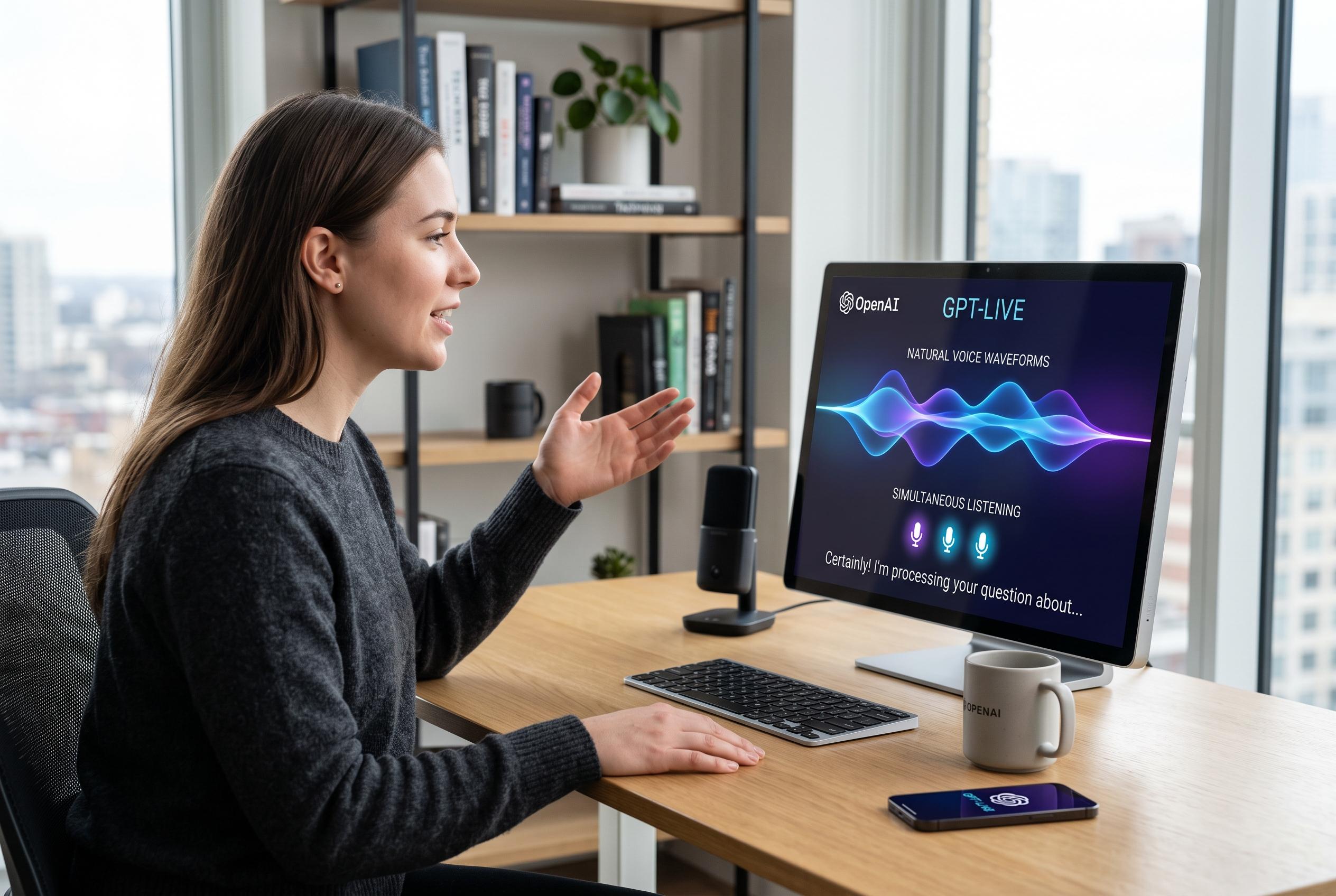

OpenAI has launched GPT-Live, a new voice feature for ChatGPT that aims to make voice conversations more like natural, live dialogue, with simultaneous listening and speaking, quicker responses, and enhanced multitasking capabilities.
OpenAI’s latest voice upgrade for ChatGPT is designed to make spoken exchanges feel less like a command-and-response tool and more like a live conversation. The company says GPT-Live can listen and speak at the same time, which reduces the awkward pauses and frequent interruptions that marked earlier voice features. It also adds quicker replies, small backchannel prompts such as “mhmm” and “yeah”, and the ability to hand more demanding prompts to larger models, including GPT-5.5, behind the scenes. According to OpenAI, the feature is available in the ChatGPT app on Android and iOS, as well as in web browsers, with GPT-Live-1 for Pro, Plus and Go users and GPT-Live-1 mini on the free tier.
The most practical change for users is the simpler, more fluid interaction. OpenAI’s help pages say the Live mode supports free-form voice chats and can mix voice with text, images, web search and memory where those features are available. That means people can speak, type or do both in the same chat without switching context. Tom’s Guide reported that the updated interface is now the default in some versions of the product, while users who prefer the older layout can switch back through settings.
For day-to-day use, the voice mode is most effective when treated as a flexible assistant rather than a novelty. Canaltech notes that users can pick a preferred voice, change language settings and choose whether voice mode opens automatically. The feature also works well for translation tasks, since the model can keep pace with a live exchange between two languages without forcing the user to type each line manually. That makes it useful for travel, study and informal conversations.
The new system also keeps a written transcript of the exchange. Users can scroll during a voice session to review what was said, which is helpful when checking names, figures or other details that might be easy to miss in spoken form. OpenAI also says the voice experience can display visual output through supported widgets, although it still does not offer live screen sharing or video input. In some cases, it can surface charts, data cards or other visual elements when that format is more suitable than speech alone.
A further option is to keep talking while the phone is locked or while another app is open. That makes the tool more useful for hands-busy situations, such as cooking, commuting or taking notes. Canaltech also highlights a control that lets users adjust the model’s level of intelligence, with Instant, Medium and High available on paid plans. Instant is the default and prioritises speed, while the slower settings allow a little more reasoning time for harder questions. Even in fast mode, OpenAI says the assistant can still route complex work to more capable models in the background when needed.
Disclaimer: This content is intended for informational purposes only. Readers are advised to exercise their own judgement, conduct due diligence, or consult a qualified expert before acting on any information provided.