

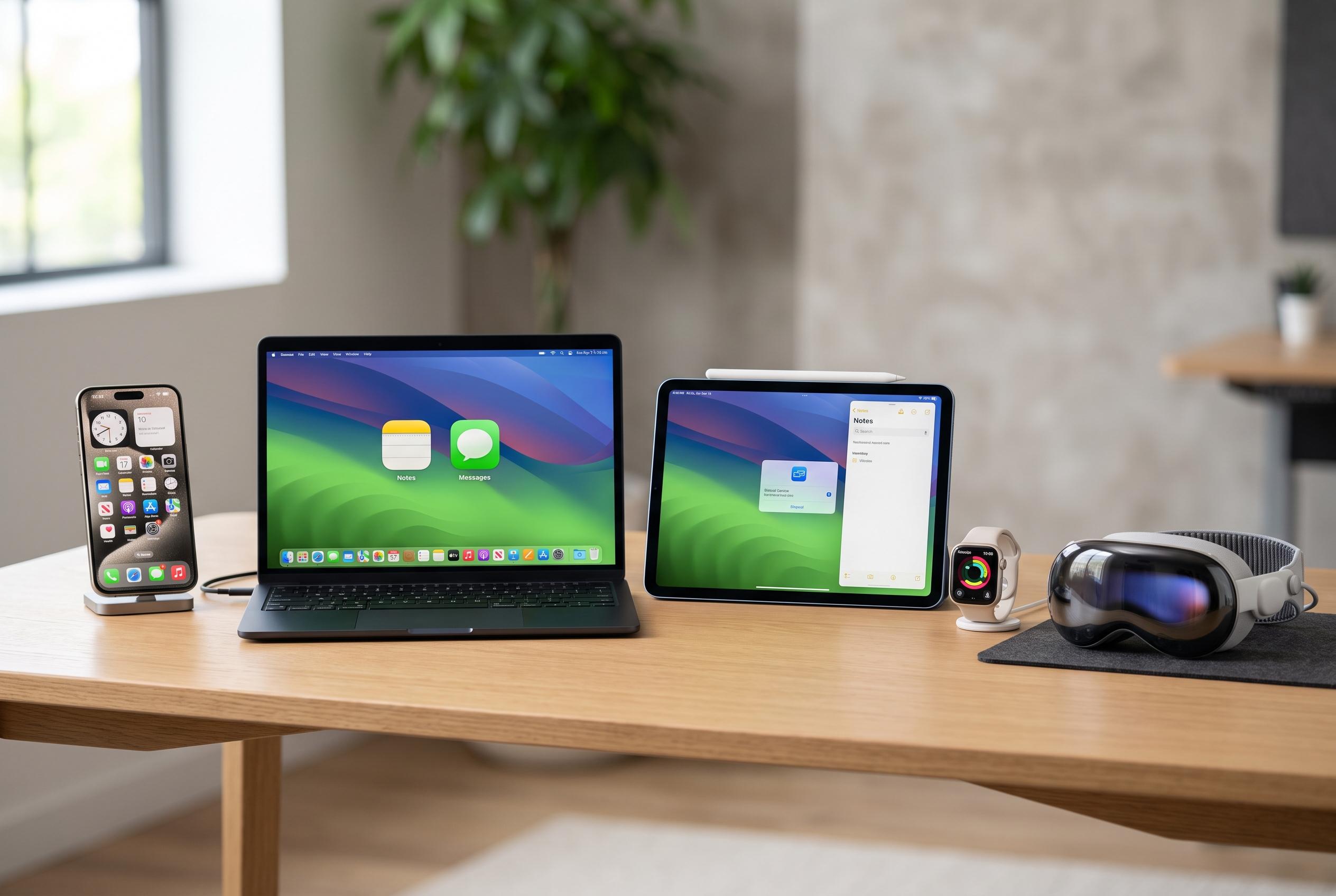

Apple is expanding its Continuity ecosystem in OS 27, introducing more seamless, persistent sharing of conversation history, live content, and device relationships across iPhone, Mac, iPad, Apple Watch, and Vision Pro , making the user experience more unified but more selective about trusted devices.
Apple is broadening Continuity beyond simple hand-offs between devices and into a more persistent layer of shared context. The latest OS 27 releases move conversation history, live content and trusted-device relationships further into the centre of the experience, so work can follow the user from iPhone to Mac, iPad, Apple Watch and Apple Vision Pro with less friction.
The best-known Continuity functions still do the basic job well. Apple’s own documentation says users can start an email, message or other task on one device and finish it on another, while calls, texts and clipboard items can move across a signed-in Apple ecosystem. More recent additions make the system feel less like a transfer and more like one joined-up computing environment, even though each feature still depends on its own mix of hardware, software and account requirements.
One of the clearest examples is iPhone Mirroring, which lets a nearby Mac display and control a locked iPhone. Apple says the feature supports mouse, keyboard and trackpad input, as well as notifications and Live Activities, while the handset stays locked in place. That turns the Mac into a practical control surface for mobile-only apps and workflows, although it still comes with strict limits around account, distance and platform compatibility.
Apple is also pushing Continuity into more specialised territory. According to the company’s OS 27 materials, Siri conversation history can now synchronise across supported personal devices, so a request started on an iPhone can continue later on a Mac without losing context. Apple is also extending the link between macOS and visionOS with Spatial Preview, which allows a Mac app to send documents, PDFs and 3D assets to Apple Vision Pro for native spatial viewing rather than simple screen mirroring.
That matters because Continuity is not one technology but a policy system layered over several transport methods. Apple uses Bluetooth, Wi-Fi, iCloud, carrier services and device trust to decide which product can supply a display, credential, camera or piece of personal context at a given moment. The result is powerful, but it can also be opaque: the same feature may fail for different reasons depending on region, network conditions, software version or the security state of the devices involved.
Apple’s own Continuity overview still frames the ecosystem as a set of related tools, from Handoff and Universal Clipboard to AirDrop, AirPlay to Mac, Sidecar and Continuity Camera. The broader trend in OS 27 is that these functions are becoming more context-aware, more persistent and more dependent on the user’s account relationship with each device. In practice, that makes Apple’s platform feel more unified, but also more selective about which products are trusted to share the experience.
Disclaimer: This content is intended for informational purposes only. Readers are advised to exercise their own judgement, conduct due diligence, or consult a qualified expert before acting on any information provided.



