

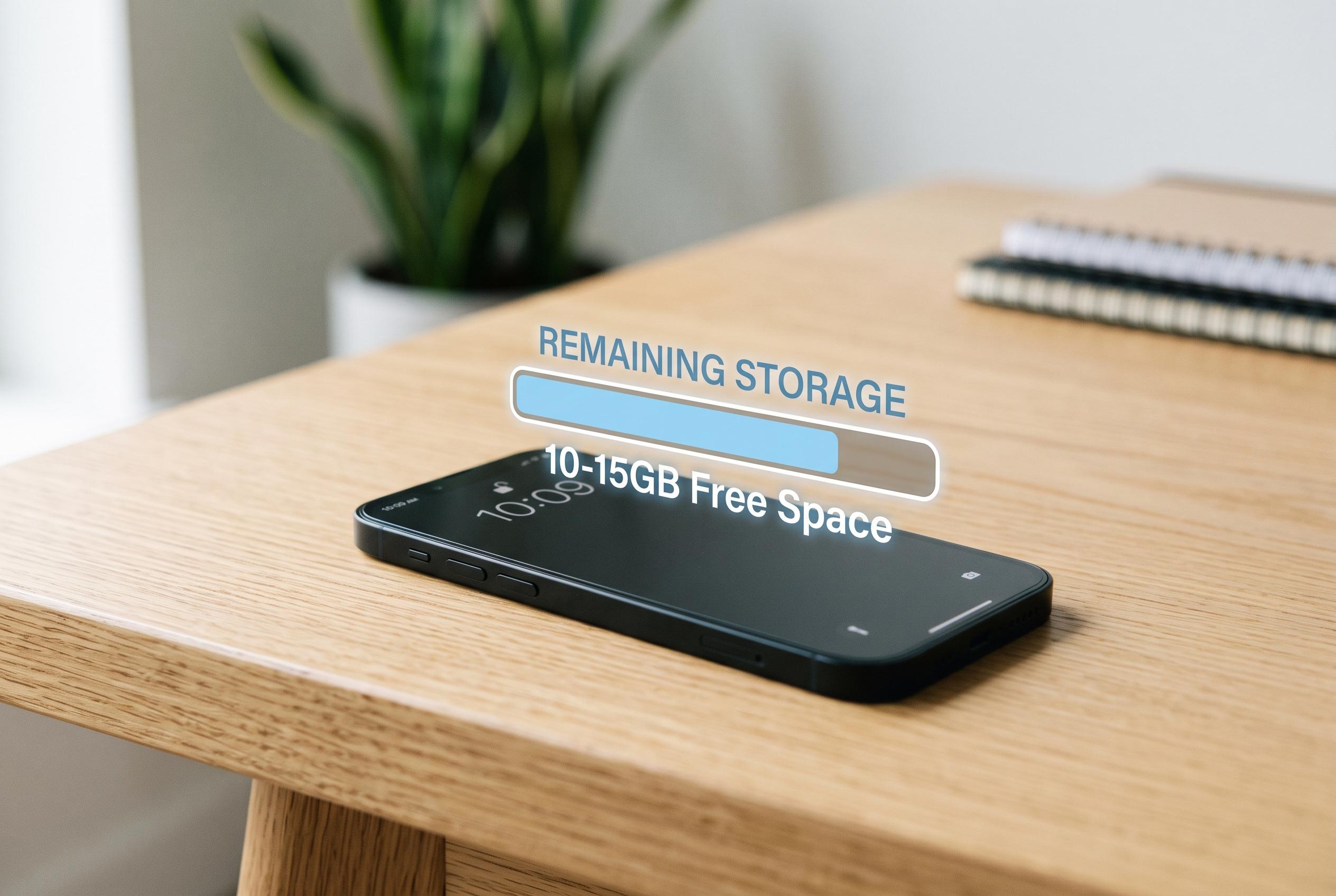

Moving away from the old 10% rule, experts recommend maintaining a dedicated 10-15GB free space on modern iPhones to ensure smooth performance, efficient updates, and longevity of device health.
The long-standing advice to keep 10% of a drive free did not begin with smartphones at all. It came from the era of mechanical hard disks, when spare space helped reduce fragmentation and kept performance from falling away as a disk filled up. On an iPhone, that logic does not translate directly, because the device uses flash storage, not spinning platters. That difference matters: the old percentage rule was designed for a very different kind of storage and a very different pattern of wear.
Apple’s own guidance focuses less on a fixed percentage and more on managing what actually consumes space. Photos, videos, apps, music and cached data all contribute to storage pressure, and iCloud Photos can offload full-resolution originals while leaving lighter versions on the device. Apple also recommends checking storage usage directly in Settings and moving content elsewhere when needed. In practice, the real question is not how empty the phone looks, but whether enough room remains for system tasks and new data.
That need for headroom is real. iOS uses free space for temporary files, background processes, cache management and wear levelling, which helps distribute writes across flash cells more evenly. When the available space gets too low, the system has less room to manoeuvre. Apps may reopen more slowly, feeds can take longer to load, and the device may begin to show low-storage warnings. The slowdown tends to appear only when storage is close to full, not merely because the device is not half empty.
For that reason, a practical buffer is more useful than a percentage. A steady reserve of about 10GB to 15GB is a sensible target on most modern iPhones, whether the device has 128GB or 1TB of storage. That amount is usually enough to handle iOS updates, temporary installation files, routine caching and a bit of extra media without forcing the system into constant housekeeping. On smaller-capacity models, 10% may still be too little for comfortable use; on larger models, it is often more than needed.
This matters most during software updates. iOS upgrades often require several gigabytes of free space to download, unpack and verify, and some installations temporarily need far more than the final update itself. Apple’s minimum threshold is lower than a comfortable operating buffer, which is why a phone may technically still function while becoming awkward to maintain. A reserved block of free space gives the device room to complete those larger operations without repeated interruptions.
The simplest way to keep that buffer is to manage storage before it becomes urgent. Turn on optimised photo storage, remove unused apps, review large message attachments, and clear downloaded music or video that is no longer needed. It is also worth checking the iPhone storage screen from time to time, because system data and app caches can expand quietly. The most useful rule is not a percentage of the total drive, but a fixed reserve that leaves the phone enough room to work normally.
Disclaimer: This content is intended for informational purposes only. Readers are advised to exercise their own judgement, conduct due diligence, or consult a qualified expert before acting on any information provided.



