

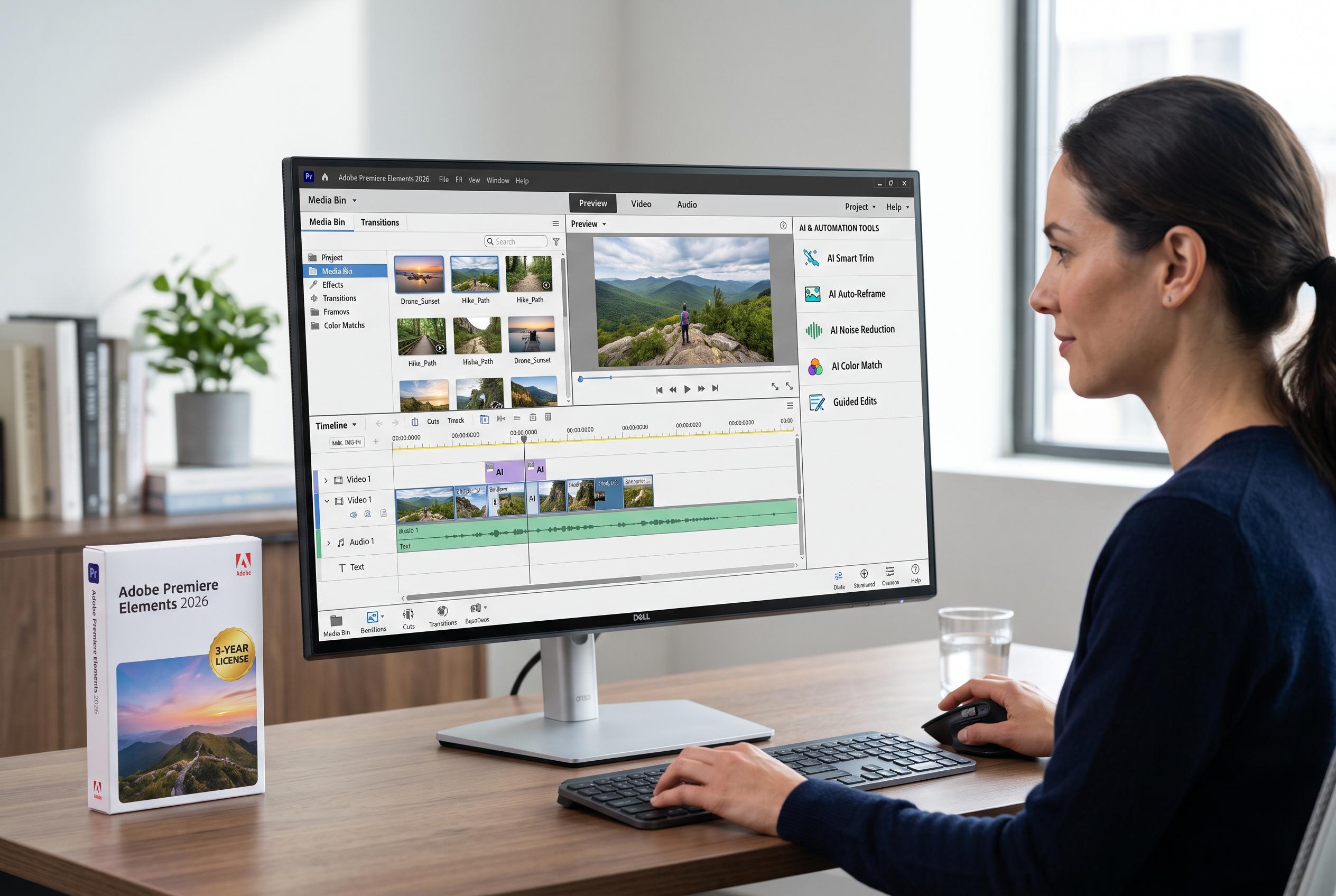

Adobe releases Premiere Elements 2026, boosting AI-assisted editing and automation for casual creators, alongside a non-subscription three-year licence but with persistent limitations for demanding users.
Adobe Premiere Elements 2026 is designed for users who want a simpler route into video editing without moving to a full professional suite. According to Adobe, the software combines AI-assisted editing with Quick, Guided and Advanced modes so that beginners can make basic cuts, follow step-by-step instructions or work more freely as confidence grows. Adobe also says the package includes a three-year licence rather than a subscription, which remains a major part of its appeal for casual creators.
The 2026 release centres on a broad set of practical tools. Adobe lists AI-powered editing, Quick Edit, Guided Edits, colour correction, automatic colour and tone adjustment, video effects, transitions, audio editing, audio effects, motion tracking, titles and text, slow motion and time-lapse, video collage creation, and export and sharing options. The company also says some functions may vary by operating system, version and internet access.
Adobe’s wider 2026 Elements update adds more automation and creative support across the range. In its announcement, the company said the package brings generative AI features for image and background creation, AI photo restoration, an improved Remove tool, and direct access to free Adobe Express templates. For video users, that points to a stronger push towards faster assembly and less manual correction, especially for home projects and social media content.
Independent reviews suggest the software remains best suited to hobbyists rather than demanding creators. Digital Camera World said Premiere Elements 2026 adds support for 360 and VR video, motion-based titles, freehand cropping for vertical formats and AI music remixing, but noted that some tools are less intuitive than expected and that the AI Highlight Reel can be unreliable. The review also said the platform is still limited to 4K and an 8-bit processing engine, which makes it less suitable for higher-end footage. That position is broadly consistent with Adobe’s own framing of the product as an accessible editor for everyday use rather than a professional finishing tool.
Disclaimer: This content is intended for informational purposes only. Readers are advised to exercise their own judgement, conduct due diligence, or consult a qualified expert before acting on any information provided.



