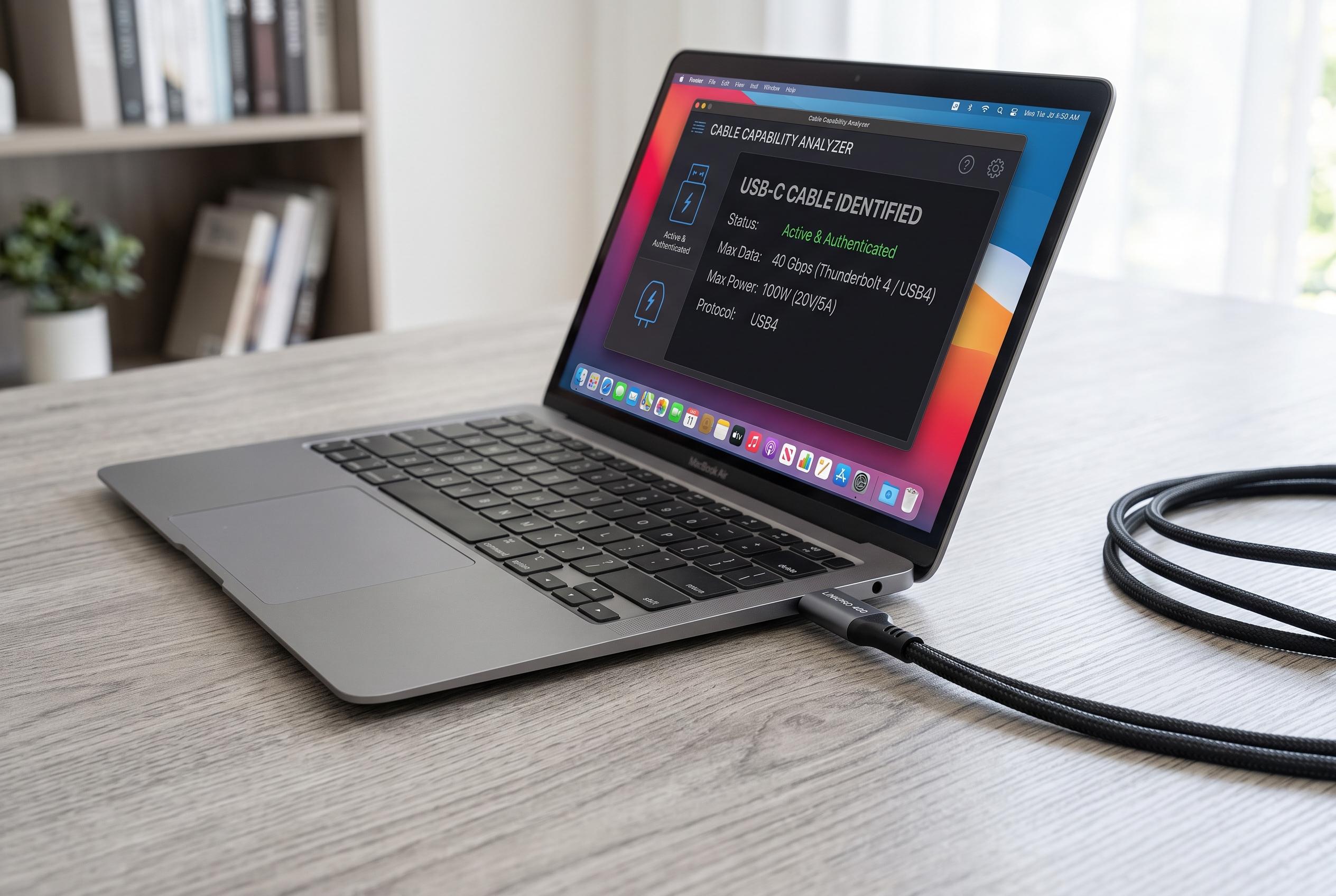

WhatCable offers Mac users an open-source solution to identify and troubleshoot USB-C cable capabilities, highlighting differences in data transfer, charging, and display support amid ongoing standards challenges.
WhatCable is a small but useful answer to one of modern computing’s most tedious problems: USB-C cables look identical even when their capabilities are very different. On a Mac, the free app reads what the system can actually detect and then spells out a cable’s data speed, charging capacity and display support, rather than relying on packaging claims. It is intended to help users separate a basic lead from one that can handle high-bandwidth transfers, fast charging or external displays.
According to reviews by Cult of Mac and Notebookcheck, the app presents its findings in plain language and covers the main USB-C variables that most buyers care about: power delivery, transfer rates and supported protocols. MacGadget notes that WhatCable is open source and runs on Macs with macOS Sonoma 14 or later, while Mac Menubar Apps describes it as a menu bar utility that sits quietly in the background. The app is available through Homebrew or as a direct download.
Beyond simple identification, the software also offers more advanced diagnostics. The developer says it includes live power metering, negotiation checks and cable history, with a paid Pro edition aimed at deeper hardware troubleshooting. ProductCool reports that the tool reads USB Power Delivery and USB-C e-marker data through macOS’s IOKit framework, which is the technical layer that makes its cable analysis possible.
There is, however, an obvious limit to the current release: it is still a Mac-first tool. The developer has a GitHub page pointing to future Windows and Linux support, but says the PC landscape is harder because of the number of motherboard and USB controller combinations involved. As Boing Boing observed, that leaves WhatCable as another sign that USB-C remains a standards problem as much as a convenience.
Disclaimer: This content is intended for informational purposes only. Readers are advised to exercise their own judgement, conduct due diligence, or consult a qualified expert before acting on any information provided.