

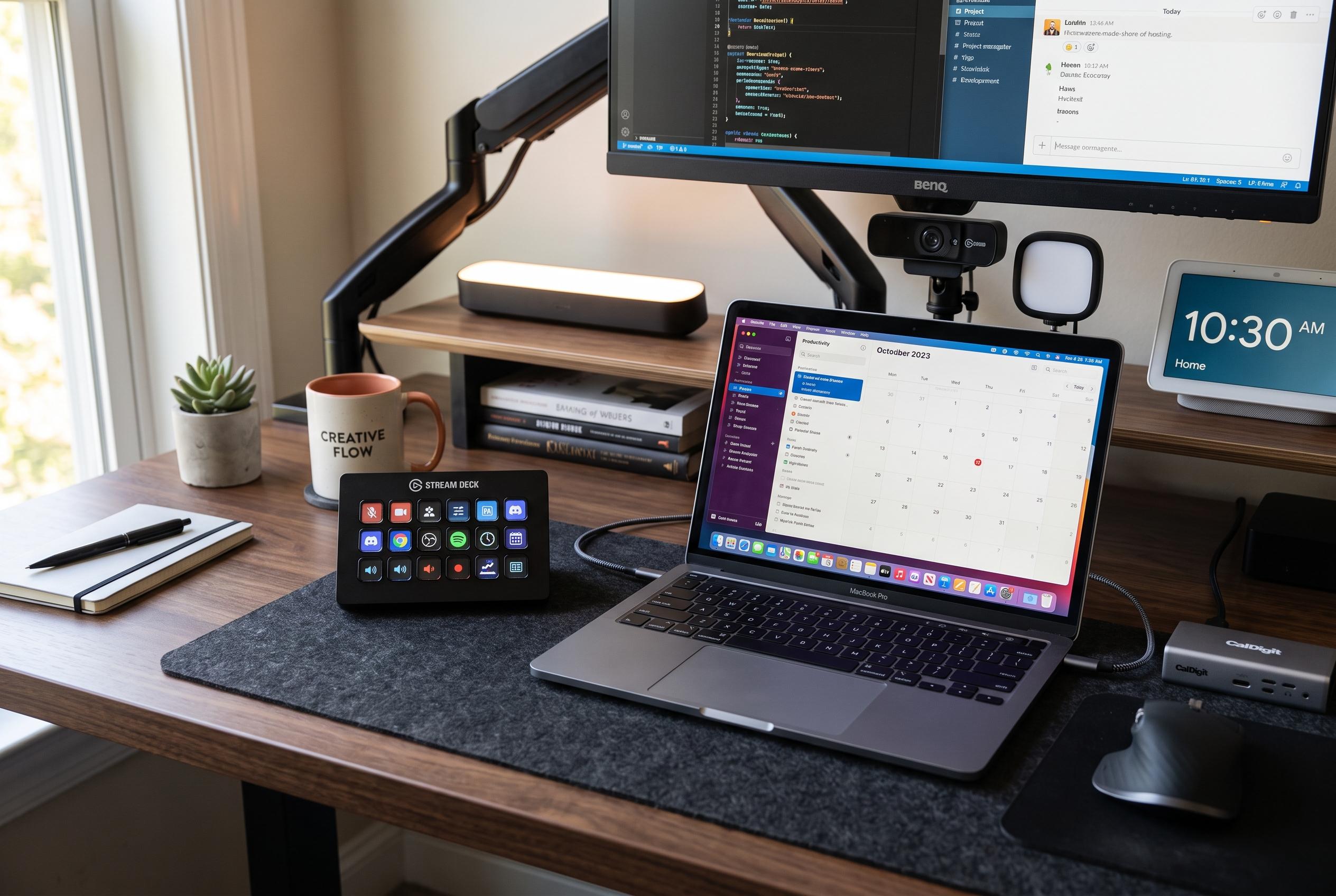

While primarily marketed to streamers, Elgato’s Stream Deck is gaining ground as a versatile device to optimise workflows, control smart devices, and enhance remote working and meeting setups.
Elgato’s Stream Deck is usually marketed as a tool for streamers, but its appeal is broader than live video. The device is a compact control pad with customisable LCD keys, designed to launch actions, open applications and manage workflows through drag-and-drop setup. Elgato says it works with both Windows and macOS and supports a wide range of plugins and integrations, which is why it has found a following well beyond gaming.
For some users, the hardware makes sense only if it is matched to the workload. Elgato’s standard Stream Deck offers 15 keys, while the Stream Deck XL expands that to 32. At the other end, Stream Deck Mobile turns a phone or tablet into a virtual controller with six keys. In practice, the right model depends on how many actions you actually need at hand, rather than on the size of the device alone.
That point matters in home working, where the device can replace a surprising amount of repetitive clicking and copying. One useful application is text snippets: short codes, standard replies and frequently used phrases can all be placed on individual buttons. For office work, that can mean fewer trips to notes, fewer windows to manage and less interruption to writing or administration.
The same logic applies to shortcuts. A single key can open a website, launch a programme or trigger a saved sequence of actions. In a meeting workflow, that can mean opening the conferencing tool, switching on desk lighting and changing audio output in one step. Elgato’s software also allows multi-actions, so several commands can be chained together and executed in order.
Meeting controls are another area where the device is useful. Buttons can be assigned to mute audio, switch cameras or manage other in-call functions, depending on the platform and available plugins. Where a service lacks a dedicated extension, hotkeys can be used instead. For Google Meet, that can include camera and microphone toggles, and browser add-ons can be combined with timed multi-actions to trigger reactions.
The Stream Deck can also sit between work and the rest of the home. With Home Assistant integration, it can control smart lighting, read room conditions and switch connected sockets or USB outlets. That makes it possible to turn desk lamps on or off, manage temperature-related routines and cut power to charging accessories when they are not needed.
It is also handy for monitoring device batteries and managing media playback. Elgato’s Battery plugin can show charge levels for supported wireless peripherals, including devices tracked through Logitech G Hub, Corsair iCue, Razer Synapse and even Xbox controllers. Music control is equally straightforward: plugins for services such as Spotify, Apple Music and YouTube Music can skip tracks, adjust volume and, in some cases, show the current album art and track details on the key itself.
Disclaimer: This content is intended for informational purposes only. Readers are advised to exercise their own judgement, conduct due diligence, or consult a qualified expert before acting on any information provided.



