

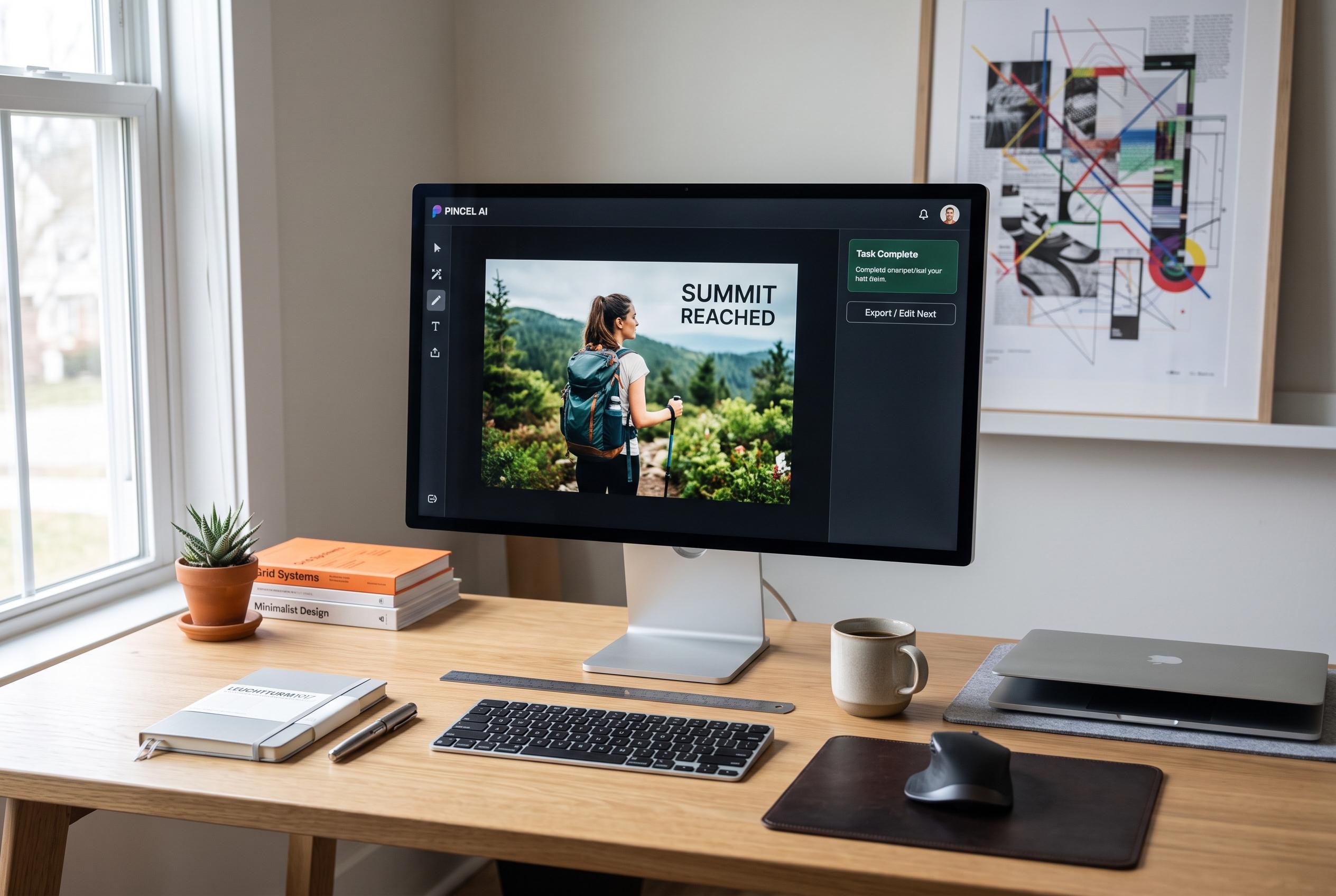

Pincel AI’s rapid, accessible interface is reshaping casual image editing, but its limitations emerge with detailed tasks, sparking debate over its suitability for professional use.
Pincel AI sits in a crowded part of the market: browser-based image editors that promise fast results without the weight of a full desktop suite. The appeal is obvious. It runs in a web browser, works across devices, and bundles a large collection of AI tools into one interface. Shotkit’s review says the service now offers more than 50 tools and has drawn over 1.5 million creators, with a target audience that includes brands, editors and marketing teams. Other reviews describe the same basic proposition: quick, accessible edits for people who want useful output without a steep learning curve.
In practical use, the strongest case for Pincel AI appears to be speed rather than precision. Shotkit found the AI Image Editor simple to use: upload a picture, enter a prompt and wait a few seconds for a result. The review notes that the tool can alter clothing, backgrounds and isolated subjects, which makes it suitable for routine retouching or visual experimentation. That is broadly consistent with other coverage, which says the platform is well suited to social content, background swaps and other fast browser-side changes, but does not offer the kind of advanced compositing found in more established desktop editors.
The results, however, are mixed when the task becomes more demanding. Shotkit’s tests showed that the AI Image Editor could improve a wedding photograph quickly, but also introduced unintended changes, such as a new boutonnière and a noticeably altered suit tone. Its Object Remover performed less convincingly, clearing the main pylon but leaving visible artefacts in the sky. Other reviewers have reached similar conclusions, saying Pincel works best on simpler backgrounds and more controlled subjects, while complex textures and tightly grouped details can expose the limits of the model.
Where Pincel AI seems most persuasive is in product-focused work. Shotkit’s Product Photo tool test produced a clean, natural-looking perfume image against a new background, suggesting a more reliable fit for marketers, start-ups and content teams than for photographers seeking exact control. The wider toolset includes image-to-video and text-to-video generation, hairstyle and face-editing tools, and outfit changes, all presented through a relatively clean interface that avoids the clutter common in more technical software. That simplicity is part of the product’s appeal, but also part of its ceiling.
Pricing and user sentiment remain important considerations. Shotkit says the service offers 20 free credits for testing, with paid plans starting at $19 a month for 1,000 credits, rising to $79 for 5,000 and $199 for 15,000. It also says unused subscription credits roll over, while separately bought credit packs do not expire, and that refunds are available under a no-questions-asked policy. Independent write-ups note that the pricing can suit bursty workloads, but may feel restrictive for heavy users. Trustpilot currently shows a TrustScore of 2.2 out of 5 from 14 reviews, pointing to a split reception that mirrors the product itself: capable for quick tasks, but not yet a dependable replacement for Photoshop.
Disclaimer: This content is intended for informational purposes only. Readers are advised to exercise their own judgement, conduct due diligence, or consult a qualified expert before acting on any information provided.



