

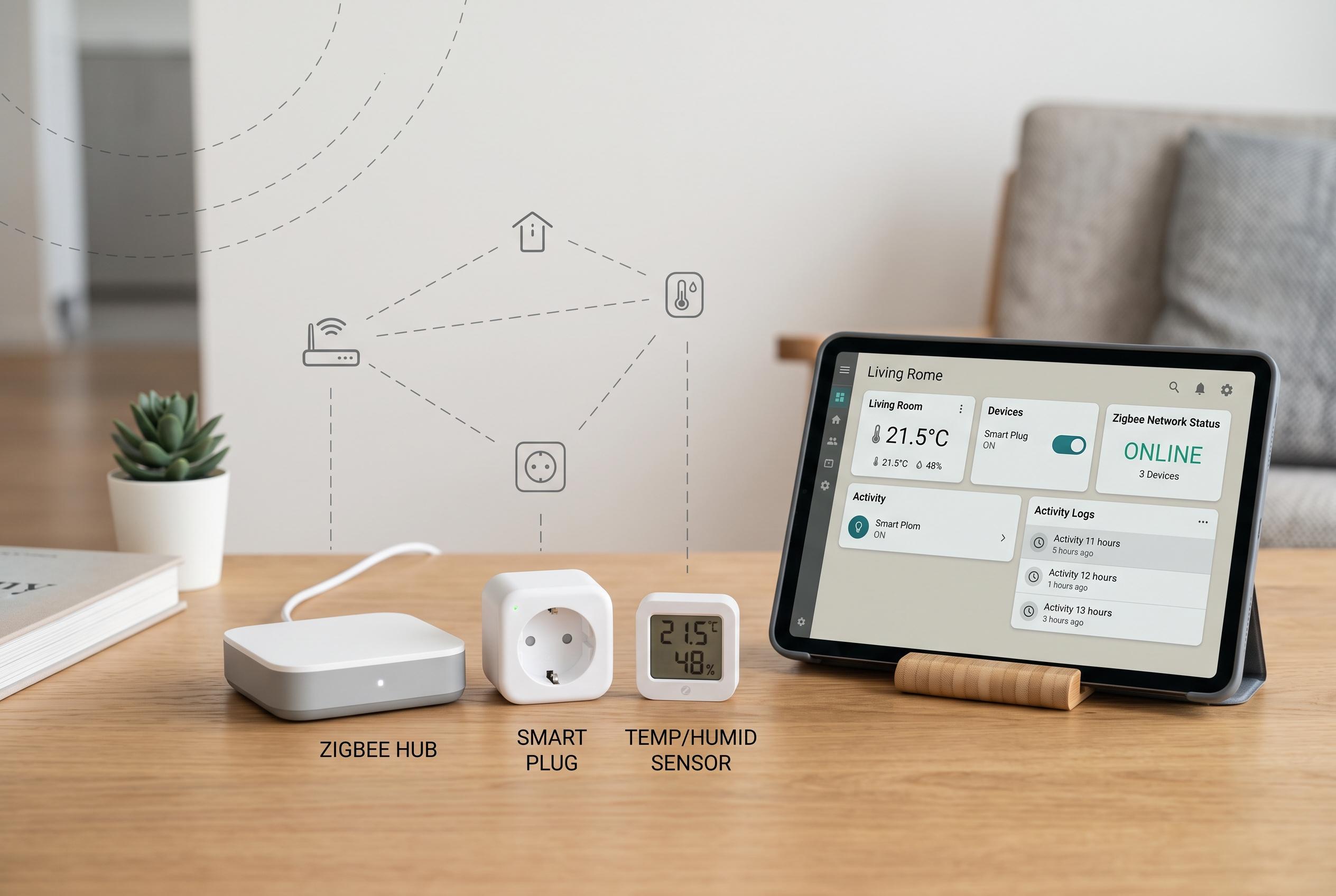

Experts advocate beginning home assistant setups with Zigbee rather than Wi-Fi, emphasising its reliability, low power consumption, and ease of scaling through mesh networking, alongside careful system management and documentation to ensure long-term stability.
If I were building a Home Assistant system from scratch, I would begin with Zigbee rather than Wi-Fi for most devices. That is the central lesson of the lead article, and it is one that is reinforced by wider guides from Samotech, Watt24 and Smart Home Perfected, which describe Zigbee as a low-power mesh protocol that does not depend on Wi-Fi, can extend coverage through repeating devices and is well suited to battery-powered hardware. In practical terms, that means fewer clashes with congested wireless bands and a network that is easier to scale in a busy home.
The point is not just about reliability, but about order. Once a home automation project begins with a mix of Wi-Fi and Zigbee devices, it becomes harder to keep the system coherent. The original article argues for setting up the Zigbee backbone immediately rather than treating it as a later upgrade, and that is sensible because the placement of the coordinator matters from day one. A USB extension cable, rather than plugging the adapter directly into the back of a server, can reduce interference and improve radio performance.
It also makes sense to be selective about what is added on top of the core installation. Home Assistant’s community ecosystem is one of its greatest strengths, and HACS gives users a straightforward way to install custom integrations, cards and themes. But the HACS documentation makes clear that third-party additions still require careful setup and, in some cases, extra configuration. The article’s advice to keep the system close to the default is practical: the more custom layers that are added, the more difficult upgrades, debugging and maintenance become.
That same discipline applies to the wider home lab. The lead article makes a strong case for documentation, and that is especially important once a setup grows beyond a few devices. Labelling hardware, recording IP addresses and noting why a change was made can save time later when troubleshooting or rebuilding parts of the system. For users running Home Assistant on Proxmox, the article also warns against neglecting backups and snapshots, particularly because additional hardware can change device mappings and create unexpected failures.
Taken together, the advice is less about minimalism than about control. Zigbee gives the smart home a stable transport layer, HACS can add useful capability without turning the installation into a patchwork, and documentation keeps the whole arrangement understandable for everyone in the household. The result is a system that is easier to maintain, easier to explain and less likely to become an elaborate but fragile hobby project.
Disclaimer: This content is intended for informational purposes only. Readers are advised to exercise their own judgement, conduct due diligence, or consult a qualified expert before acting on any information provided.



