

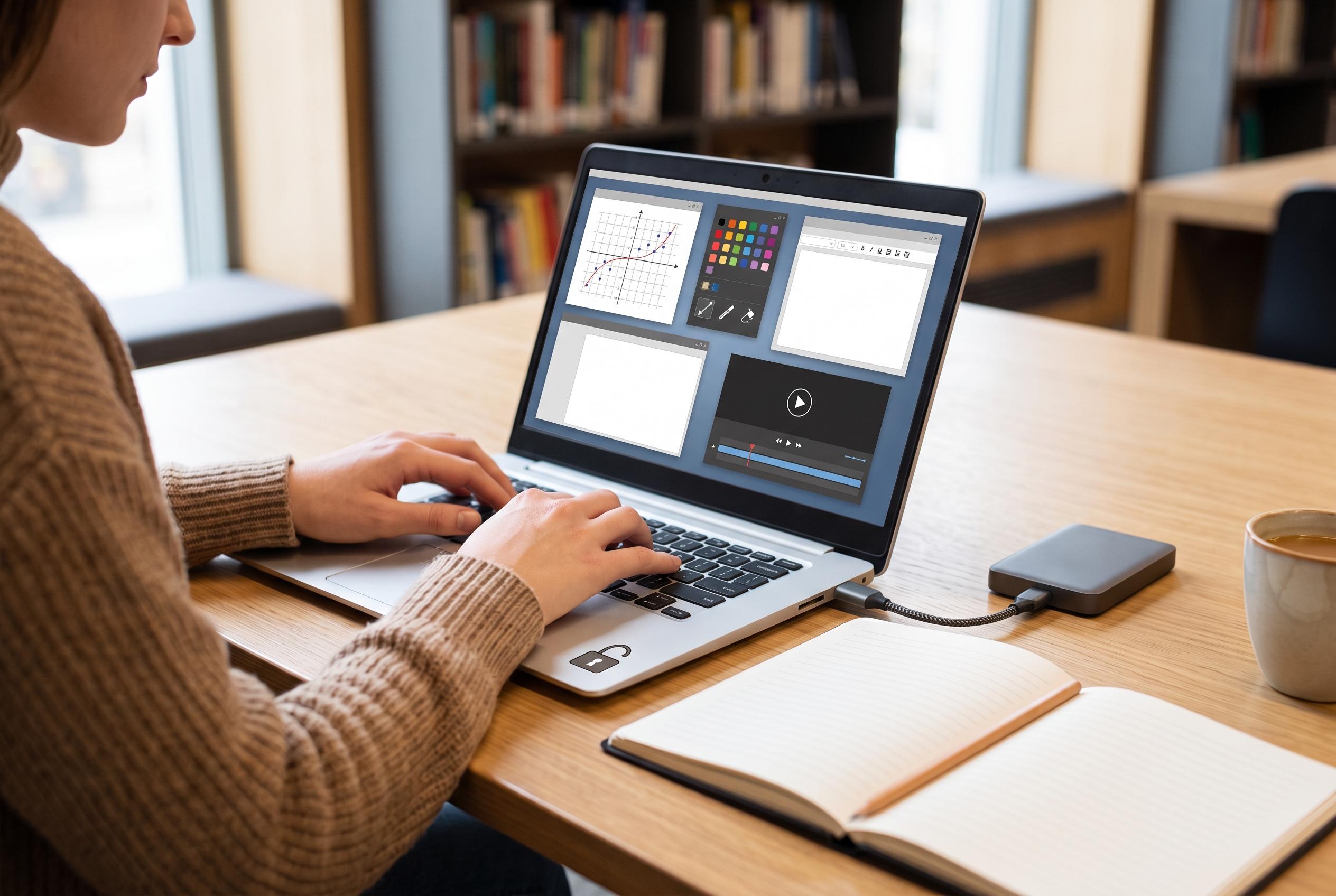

As the costs of paid software for students mount, a range of free open-source tools offers effective substitutes for maths, design, writing and video editing, reducing financial pressures without compromising academic work.
For students trying to keep costs down, the software bill can be as punishing as tuition itself. The best-known paid packages for maths, design, writing and video work are powerful, but they are not always necessary. A range of free open-source tools can cover much of the same ground, often with fewer licensing worries and less pressure to subscribe.
In science, engineering and mathematics, the usual commercial names are Mathematica, MATLAB and Maple. According to SageMath, its platform brings together a broad collection of mathematical packages in one interface, with support for algebra, calculus, number theory and related fields. SymPy offers a lighter option inside Python, with symbolic mathematics for algebraic manipulation, calculus and other advanced operations. GNU Octave is another useful choice for numerical work, with a syntax designed to feel close to MATLAB, which makes it a practical route for students who need matrix and statistical computing without the fee.
For image editing, GIMP remains the best-known free alternative to Photoshop. It is widely used on Linux, but it also runs on Windows and other systems. The trade-off is that it may feel less polished than Adobe’s software, and users accustomed to Photoshop often find the interface harder to learn. Even so, for routine editing tasks such as resizing, cropping and preparing coursework images, it can be enough.
Word processing is easier to replace. LibreOffice is free, cross-platform and able to open and save common Microsoft Office formats, including Word and Excel files. That compatibility matters for coursework, because students still have to exchange files with lecturers and classmates. Its default file type is the OpenDocument Format, but it is still usable in mixed Office environments if formatting is kept simple.
Video editing is harder to reproduce perfectly with free software, but Kdenlive is a credible option for students who need more than a basic consumer editor. It is available on Windows as well as Linux and is aimed at a broad range of editing tasks. For note-taking and project planning, Joplin is another strong choice: it is free, supports syncing across devices and gives students a way to collect notes, outlines and web clippings without relying on a paid ecosystem.
Taken together, these tools show that students do not need to accept software subscriptions as an unavoidable part of higher education. The free alternatives may not match every feature in the commercial products they replace, but they are often capable enough for coursework, revision and day-to-day academic work.
Disclaimer: This content is intended for informational purposes only. Readers are advised to exercise their own judgement, conduct due diligence, or consult a qualified expert before acting on any information provided.



