

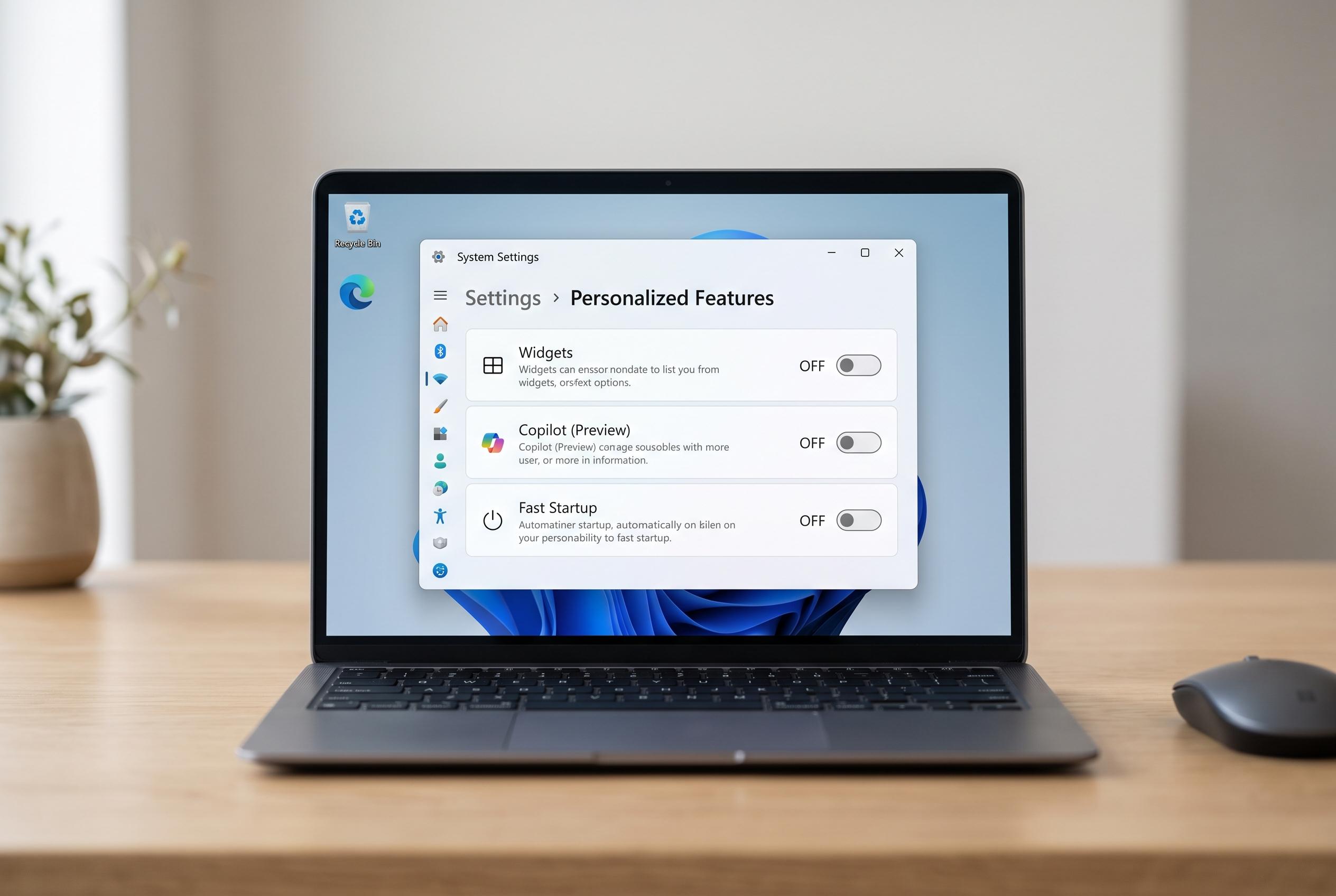

Although Windows 11 introduces several new features, many users find that disabling certain built-in options like Fast Startup, Copilot, and Widgets can streamline performance and reduce unnecessary clutter, highlighting a disconnect between Microsoft’s intentions and practical user experience.
Windows 11 ships with a number of built-in features that Microsoft promotes as helpful, but several of them are easy to live without. In practice, the least useful options are often the ones that create friction, consume resources or tie users more tightly to Microsoft’s own services. For many people, disabling them produces a cleaner and more predictable PC.
Fast Startup is a good example. Microsoft presents it as a way to shorten boot times, but that benefit matters less on systems that already use SSDs. More importantly, the feature does not perform a full shutdown. Instead, Windows saves part of the session to a hibernation file and restores it at the next boot, which can interfere with updates, hardware detection and dual-boot setups, according to guidance from Guiding Tech and forum discussions that also note problems with NTFS volumes left in a hibernated state.
Copilot is harder to ignore because Microsoft has pushed it into more parts of Windows 11, including the taskbar and default apps. Even so, its usefulness remains uneven for many users. Reports from Windows Latest this year say the app can occupy as much as 1GB of RAM, with newer features such as PC analysis adding to the overhead. That makes it a poor trade-off on machines where memory pressure already affects performance.
Windows Backup is another feature that sounds more flexible than it is. The problem is that Microsoft ties it to OneDrive, which limits its appeal for anyone who relies on a different cloud service. In that situation, the built-in backup workflow becomes far less practical than a third-party storage setup. It may still suit users who already live inside Microsoft’s ecosystem, but it is not a general-purpose solution.
Widgets is perhaps the easiest feature to dismiss. The panel is still built around Microsoft Start, which many users find less relevant than alternatives such as Google Discover. The selection of available widgets is also narrow, with only a modest stock set and limited third-party support. After several years in Windows 11, it remains a feature that many people open once and then forget.
The Start menu is more consequential because it is impossible to avoid entirely. Its Recommended section, Search Highlights and web searches that default to Bing can all feel intrusive. A more capable replacement is available through Microsoft’s own PowerToys suite: Command Palette, a launcher that can search apps, files, commands and the web, and can also surface open windows and clipboard history. For users who want speed and fewer distractions, it is the more practical choice.
Delivery Optimisation rounds out the list. Microsoft designed it to make updates faster by allowing PCs to exchange update data with other devices on a local network and across the internet. The feature is considered safe, but it can still increase bandwidth and CPU use at inconvenient times. Since Windows can download updates directly from Microsoft without it, disabling Delivery Optimisation usually carries little downside.
Disclaimer: This content is intended for informational purposes only. Readers are advised to exercise their own judgement, conduct due diligence, or consult a qualified expert before acting on any information provided.



