

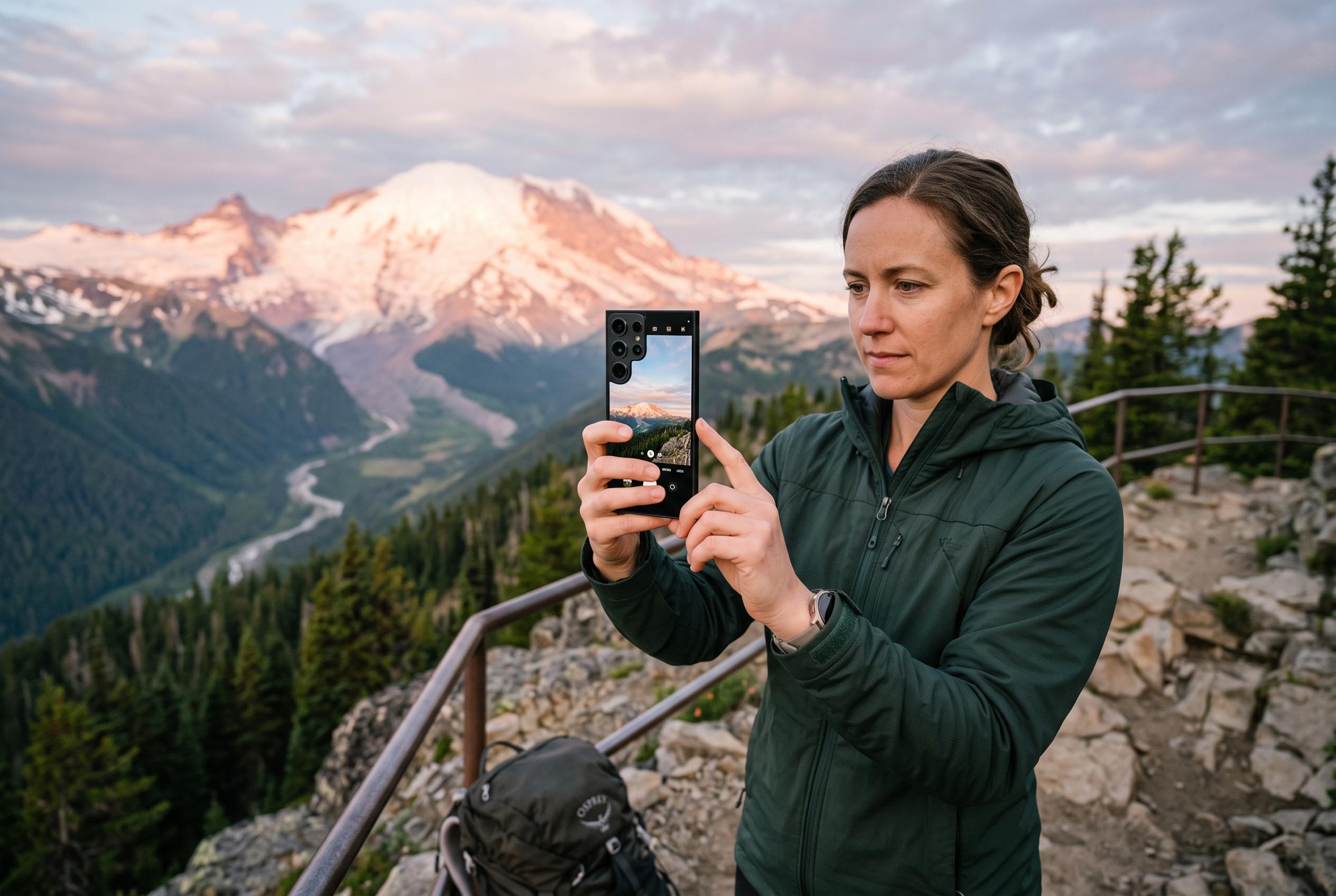

While Samsung Galaxy phones are capable of excellent photos, achieving their best requires deliberate use of camera settings and accessories. Expert advice highlights the importance of restraint, stability, and customisation to unlock photography potential on Galaxy devices.
Samsung Galaxy phones can take excellent photos, but the best results usually come from using the camera deliberately rather than relying on the default point-and-shoot approach. How-To Geek notes that the main rear camera is often the strongest option on Galaxy devices, while switching to ultrawide or telephoto lenses can mean a clear drop in sensor quality on some models. That makes restraint more valuable than chasing maximum zoom or the widest view.
Stability matters just as much. Samsung’s own support material stresses practical basics such as steady framing, natural light and scene-specific modes, while Samsung US has also recommended simple adjustments for pet and action photography, including better lighting and low-light features. How-To Geek adds that Galaxy phones can be more prone to blur than some rivals when the subject or photographer moves, so a tripod or firmer hand can make a meaningful difference.
For users who want more control, Samsung’s Camera Assistant module inside Good Lock is the most useful extra tool. According to How-To Geek, it can shift the balance between speed and focus, reduce some of Samsung’s image processing, and change behaviour such as shutter response and distortion correction. That sits alongside features Samsung itself highlights on its support pages, including Night Mode and other automated shooting aids, but the broader point is that Galaxy camera software is more configurable than many owners realise.
The Pro mode is where Galaxy phones start to behave more like dedicated cameras. Tom’s Guide and Android Central both point to manual tools such as ISO, shutter speed and focus as useful ways to correct exposure problems, limit blur and keep the right subject sharp. In practice, that means the phone’s automatic judgement should be treated as a starting point, not a final answer.
There is also a limit to what software can fix. How-To Geek argues that some photographers may simply prefer another handset for their style of shooting, whether that is a Pixel for stills or an iPhone for video. Samsung’s own guidance continues to emphasise learning the camera system and using the right built-in modes, but the underlying lesson is straightforward: Galaxy cameras can produce strong images, provided the photographer works with their strengths rather than against them.
Disclaimer: This content is intended for informational purposes only. Readers are advised to exercise their own judgement, conduct due diligence, or consult a qualified expert before acting on any information provided.



