

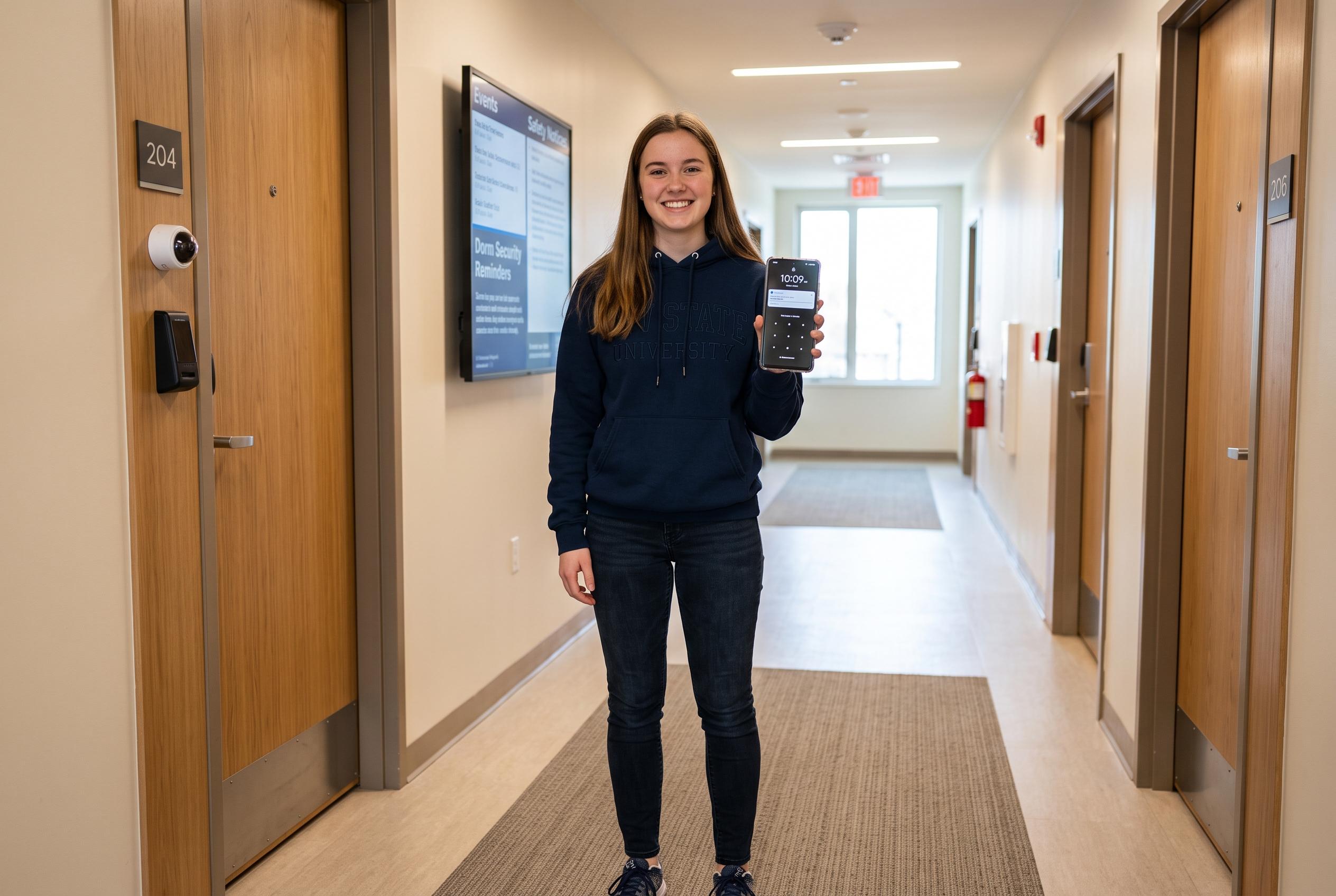

With students heading into university accommodation, a quick security review of their Android phones can prevent major privacy breaches, theft, and data loss, ensuring safer campus living.
Before a student moves into a first hall room, an Android phone deserves a short security check. A handset will quickly become the main route for banking, messaging, tickets and coursework, which makes physical loss and casual snooping far more damaging than they might seem at first. Google’s own support pages say remote finding and locking tools are built into Android once a Google Account is on the device, but they work best when the basics are already in place: a strong screen lock, location services and a device that is set up to be found quickly if it disappears.
The first step is to make sure lost-device protection is switched on. Google says its Find Hub service can help locate, secure or erase a missing Android phone, provided the device still has power and a data connection. That matters in a dorm environment, where a phone is just as likely to be left in a common room as it is to be stolen. Google has also expanded the service in recent years, with Android Central reporting that the Find My Device name was reworked into Find Hub and given broader tracking features, including crowdsourced Bluetooth location data.
Privacy on the lock screen should be tightened as well. Android notifications can expose message previews, banking alerts and other sensitive information to anyone passing by, which is a real risk when rooms are shared and visitors come and go. Tech Advisor and PCNEXUS both note that the exact menu path varies by phone maker, but the aim is the same: hide message content or suppress sensitive alerts until the phone is unlocked. On some Samsung devices, for example, the setting is framed as hiding content while locked, which is less selective but still protects information from casual viewing.
It is also worth enabling Android’s anti-theft tools, especially on phones running newer software. Android Central and Tom’s Guide both report that Google’s newer protections include Theft Detection Lock, Offline Device Lock and related safeguards designed to make a stolen handset harder to exploit. These features are intended to lock the phone automatically if it is snatched, loses connectivity or faces repeated failed authentication attempts. For students relying on campus Wi-Fi, a separate VPN is also sensible, because it adds another layer of protection on shared or unfamiliar networks. A paid service is usually the better choice, particularly if it covers more than one device and is easy to keep active throughout the term.
Disclaimer: This content is intended for informational purposes only. Readers are advised to exercise their own judgement, conduct due diligence, or consult a qualified expert before acting on any information provided.



