

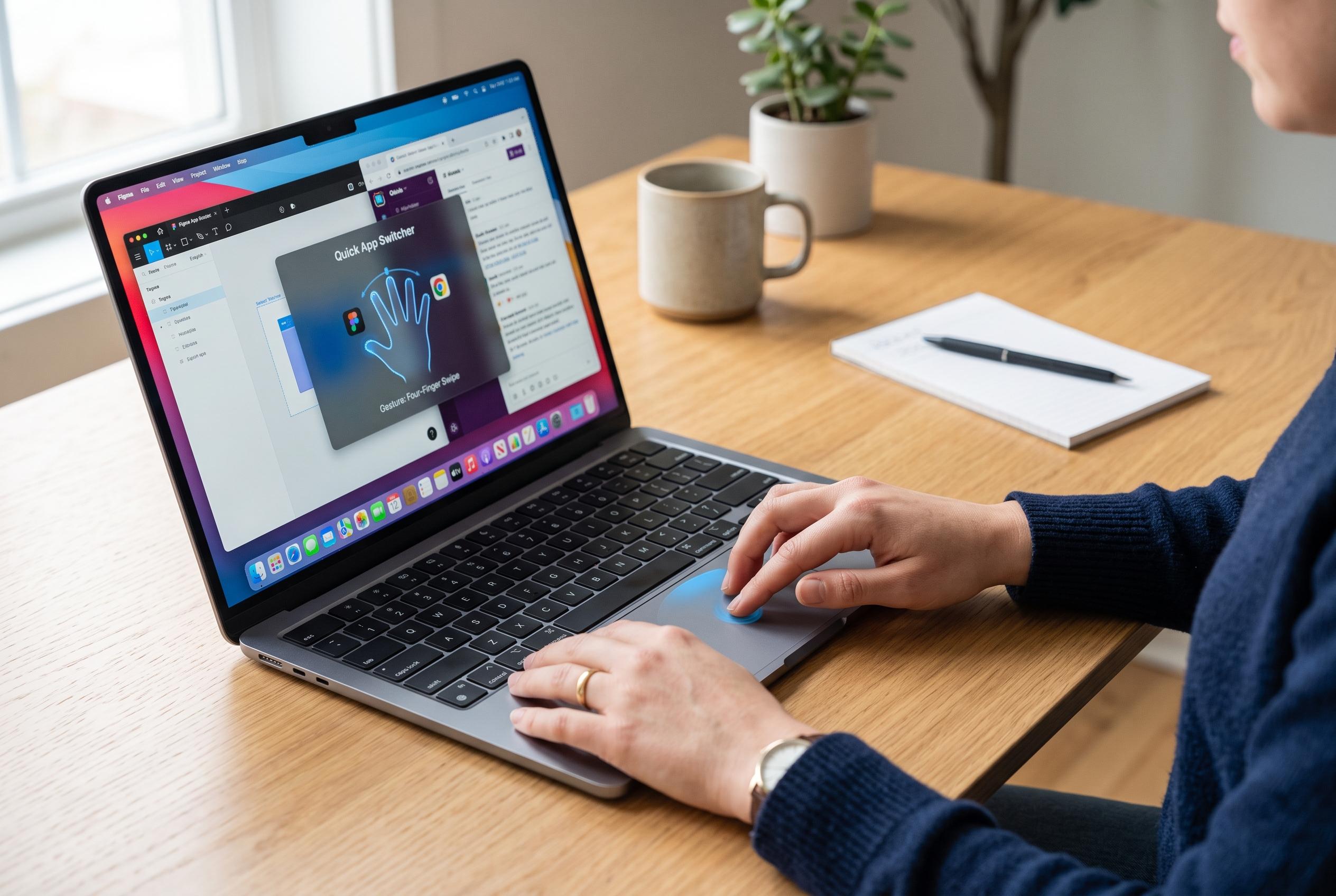

A new application, BetterTouchTool, enhances the MacBook trackpad by allowing users to assign custom gestures, shortcuts, and automations, boosting speed and reducing routine friction.
Apple’s MacBook trackpad is already one of the strongest on any laptop, but it still leaves many useful actions tied to keyboard shortcuts or menu commands. BetterTouchTool is designed to close that gap by letting Mac users assign custom gestures, shortcuts and automations to the trackpad and other input devices. According to Cult of Mac, the appeal is not just convenience but speed: the trackpad becomes a more flexible control surface for everyday tasks. TechSpot and MacUpdate describe the app in similar terms, noting its broad support for taps, swipes and multi-finger gestures, plus a free trial for users who want to test it first.
Cult of Mac says the most useful setup begins with a small number of high-value gestures rather than an overloaded list. Its examples include a two-finger TipTap for moving between browser tabs in Safari or Chrome, a four-finger tap for opening links in the background, and a contextual three-finger triple tap for snapping windows to different parts of the screen. BetterTouchTool’s documentation says gestures can also be limited to specific apps or tied to pointer position, which helps reduce conflicts and makes the controls feel more deliberate.
The article also highlights more specialised gestures for people who work across meetings, design tools and multiple windows. One example turns the edge of the trackpad into a control strip for volume and brightness, using two-finger swipes along the side or top edge. Another assigns a four-finger pinch to mute or unmute the Mac’s microphone at the system level, which can be useful when switching between Zoom, Google Meet and Teams. BetterTouchTool’s own documentation says users can customise how gestures behave and even add on-screen feedback when they fire.
For focused work, Cult of Mac recommends a five-finger tap to toggle full-screen mode, replacing the need to hit the small green window button or remember the standard keyboard shortcut. The publication argues that this sort of gesture is especially practical on a MacBook display, where frequent window switching and app resizing can interrupt concentration. BetterTouchTool’s appeal, in that sense, is not novelty but reducing friction in routines that repeat all day.
Pricing is straightforward. Cult of Mac says BetterTouchTool costs $15 for a standard two-year licence or $25 for a lifetime licence, and it is also available through Setapp. TechSpot and MacUpdate both note the app offers a trial period, while BetterTouchTool’s own documentation shows it is aimed at users who want a more configurable trackpad and mouse experience than macOS provides by default. The main lesson from the workflow examples is that the best gestures are the ones that replace actions you already perform often, not the ones added simply because they are possible.
Disclaimer: This content is intended for informational purposes only. Readers are advised to exercise their own judgement, conduct due diligence, or consult a qualified expert before acting on any information provided.



