

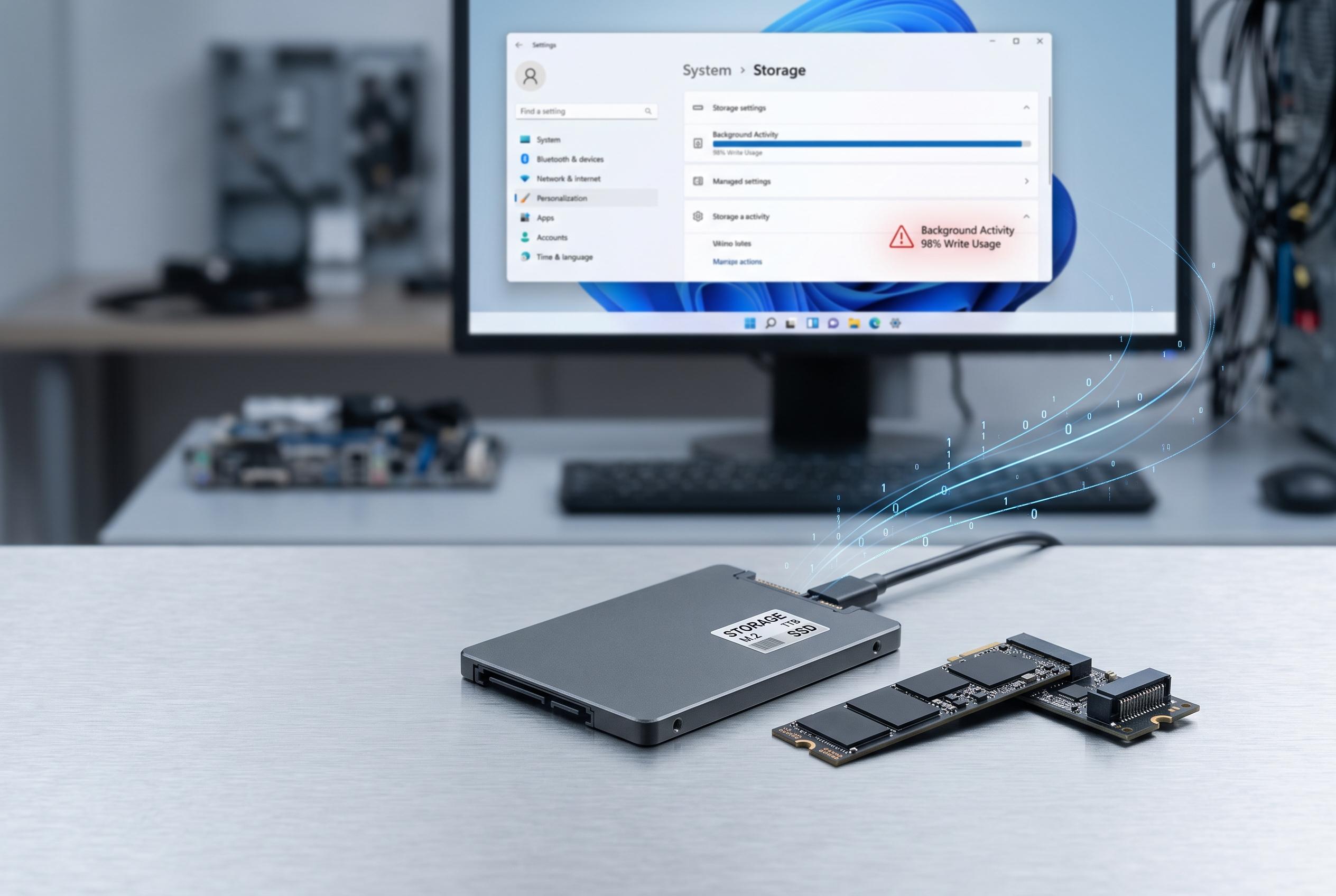

Researchers highlight how seemingly minor background processes in Windows can cumulatively accelerate SSD wear, prompting users to reconsider default system features and optimise storage practices to extend drive lifespan.
Windows can make an SSD look quiet while still putting it through a steady stream of background writes. The familiar spikes in Task Manager usually appear only during obvious activity such as installs or file transfers, yet the operating system is constantly updating logs, paging data, rebuilding search indexes, managing temporary files and syncing with cloud services. Browser caches, thumbnail databases and update processes add to that load, often in small bursts that are easy to miss but still count towards drive wear.
That matters because SSD endurance is finite. Crucial says NAND flash cells can only tolerate a limited number of programme and erase cycles before they degrade, and it warns that low free space, heat, unstable power, weak controllers and poor firmware can all accelerate wear. The company also recommends watching the drive’s lifetime indicators so users know when replacement is approaching. OSCOO makes a similar point, stressing that excessive writes remain the main factor shortening an SSD’s service life.
The article’s core warning is therefore less about ordinary use than about unnecessary background activity. Windows includes several features that improve convenience but add avoidable writes. Fast Startup is a good example: it relies on the hibernation file, which is rewritten during shutdowns, so disabling it can reduce routine storage churn. Hibernation itself is different, because it only writes when the feature is actually used. Telemetry, selective indexing, startup app management and some background services can also be trimmed if the aim is to reduce disk activity rather than maximise convenience.
There are also practical ways to shift heavy workloads away from the system drive. A spare SATA or NVMe SSD can absorb large temporary jobs such as game installs, downloads, video renders, virtual machine images and scratch files. That approach may introduce some performance trade-offs, but it keeps the operating system’s own housekeeping separate from bulk write sessions. In effect, the main drive is left to handle core system tasks while the secondary disk takes the strain.
For most users, the lesson is not that SSDs are fragile, but that they are less forgiving of constant writes than many people assume. Write amplification, as TechSpot has explained, means the drive may write more internally than the host system requested, while wear levelling, described by Rossmann Group, spreads those writes across the NAND to avoid premature failure of individual blocks. KlenNet adds that SSD behaviour is fundamentally different from hard drives, which is one reason storage management is not as simple as blocking writes in the traditional sense. The result is a drive that can last for years, but only if users understand what is quietly writing to it in the background.
Disclaimer: This content is intended for informational purposes only. Readers are advised to exercise their own judgement, conduct due diligence, or consult a qualified expert before acting on any information provided.



