

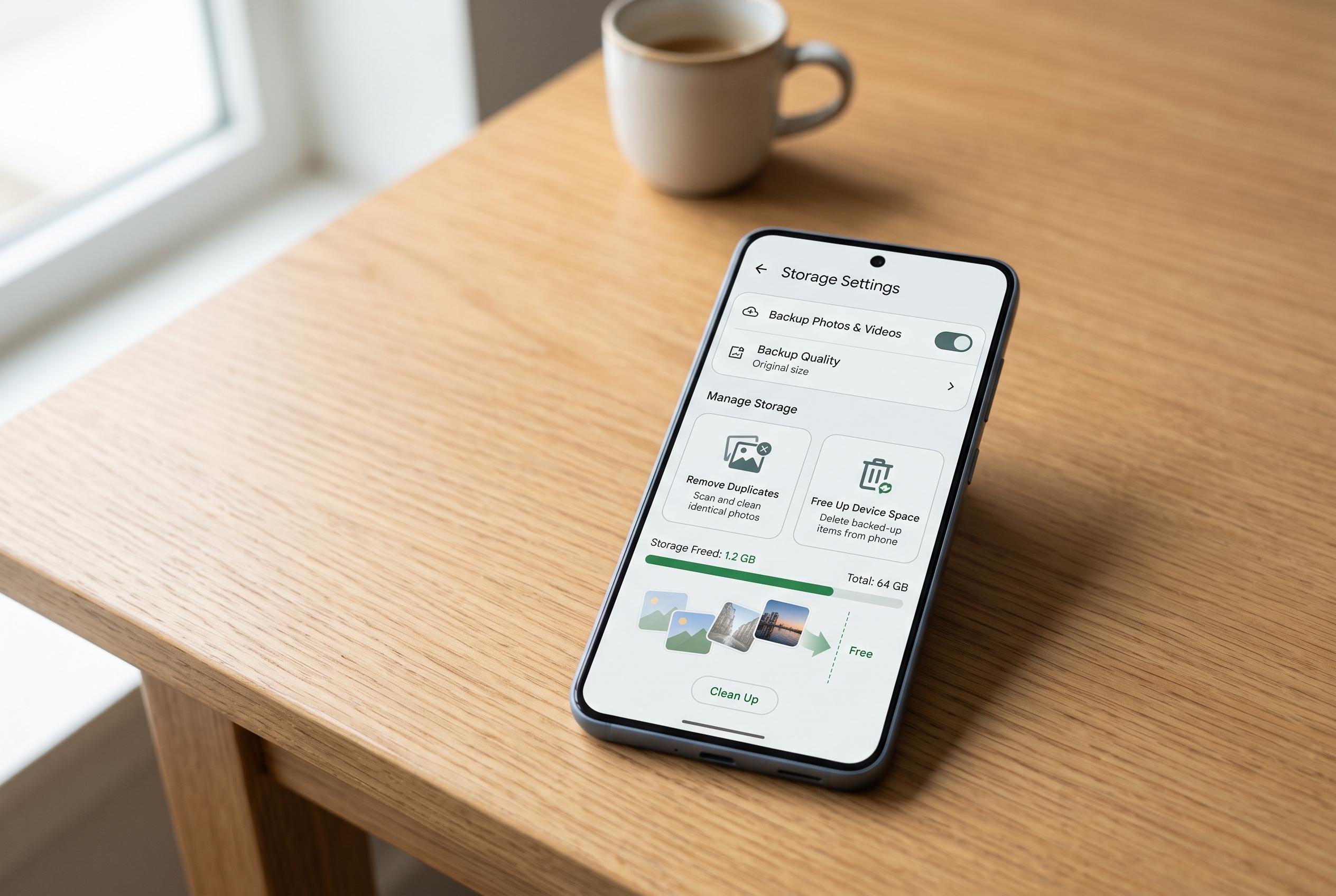

Many Android users face rapid storage fill-up due to repeated photo and video uploads; adjusting backup settings can significantly reduce unnecessary data and free up space.
Many Android users run into the same problem: Google’s free 15 GB fills up quickly because the same photos and videos are being stored more than once. The easiest fix is often not a paid upgrade, but a change to Google Photos’ backup settings so the app stops copying every device folder by default. That matters because Google Drive, Gmail and Google Photos all draw from the same storage pool, so unnecessary uploads can accelerate the warning messages that push users towards Google One. According to the original report, this is particularly common where messaging apps such as WhatsApp already keep their own media backups.
The duplication problem is not just theoretical. In Google’s support forums, users have reported that photos appeared twice in the Android app, that turning backup off and on again sometimes made the same images re-upload, and that duplicate files could quickly become a storage problem. A separate Google Photos help thread describes the same pattern: disabling backup and sync can hide the duplicates temporarily, but re-enabling it may bring the conflict back. Google Photos also tries to prevent exact duplicates by using file hashes, but as one community guide notes, edits or changes to a file can make it look different enough to be uploaded again.
The practical answer is to review which folders are being backed up. Android Central explains that Google Photos allows users to choose specific device folders rather than backing up everything on the handset, which is the cleaner option for folders filled with forwarded memes, old clips or other low-value media. Google’s own guidance for Google Photos setup also makes clear that users can switch backup on and off and adjust which folders are included. That is useful for apps such as social networks or music players, which usually do not need their own local media archive stored twice in the cloud.
The same logic applies beyond photos. Some apps create their own silent backups or cache data that offers little benefit if the service itself already holds the content online. The original article points to Android Auto and other utilities as examples of software that can add small but unnecessary storage burdens. Removing those redundant copies can free up space both on the device and in the account, while also making it easier to start from a cleaner state when changing phones. In practice, the hidden saving is often not a dramatic single fix, but a series of small reductions that stop Android from preserving the same material in several places at once.
Disclaimer: This content is intended for informational purposes only. Readers are advised to exercise their own judgement, conduct due diligence, or consult a qualified expert before acting on any information provided.



