

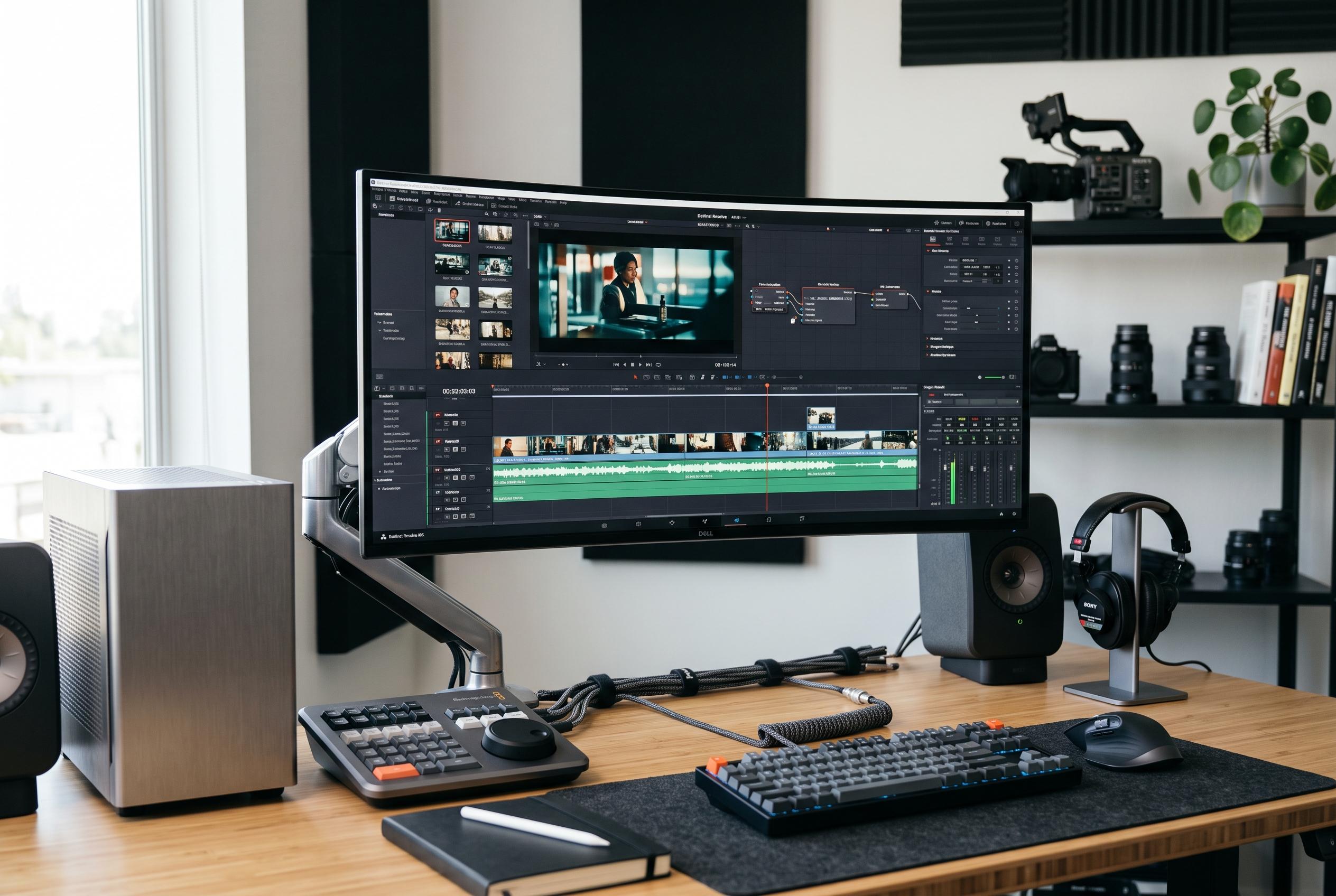

As the video editing field diversifies, users now face a complex choice of tools tailored to specific needs, shifting from basic software to specialised platforms for professionals, beginners, and social creators alike.
Choosing a video editor in 2026 is less about finding basic cut-and-join software than about matching the tool to the job. Blackmagic Design’s DaVinci Resolve, Adobe Premiere Pro and Apple’s Final Cut Pro still anchor the professional end of the market, but the field now also includes faster, simpler options for beginners, social creators and Windows users who do not want a subscription. The result is a wider choice set, but also a more confusing one.
DaVinci Resolve remains the most compelling free option for people who want professional capability without ongoing fees. Blackmagic Design says the free edition includes editing, colour grading, Fairlight audio and Fusion visual effects in one application, with support for up to Ultra HD 3840 × 2160 at 60fps for supported 8-bit formats. The paid Studio version costs $295 and adds features such as the Neural Engine, Magic Mask and advanced noise reduction. That combination keeps Resolve unusually competitive against paid rivals.
Premiere Pro is still the most familiar choice for many professional teams because it sits inside Adobe’s wider workflow. Adobe says it integrates closely with After Effects, Audition, Photoshop and Frame.io, which matters when editing is only one part of a broader production pipeline. The software uses a subscription model, with the individual annual plan starting at $22.99 a month. For teams that value interoperability and third-party support, that remains a strong case.
For Mac users, Final Cut Pro continues to stand apart through speed and ownership. Apple positions the software as a Mac-first editor tuned for Apple Silicon, and highlights the Magnetic Timeline, Magnetic Mask and automatic captions among its features. At $299.99 as a one-off purchase, it is also attractive for users who want to avoid recurring charges. Its main limitation is obvious: it is built for the Apple ecosystem, not a mixed-platform workflow.
Beginners and YouTube creators are often better served by tools that reduce friction rather than expand technical control. Wondershare’s Filmora is designed around a simpler interface, while still offering keyframing, colour adjustments, multi-track editing, captions, effects and audio controls. Its AI tools, including Smart Scene Cut, Speech-to-Text and AI Video Enhancer, are aimed at reducing repetitive work rather than replacing editing judgement. Pricing starts at $49.99 a year, with perpetual licences also available.
CapCut has become the clearest specialist for short-form publishing. The platform is built around TikTok, Instagram Reels and YouTube Shorts, with templates, automatic captions, effects and quick aspect-ratio changes designed to speed up social production. CapCut says it had 361 million mobile downloads in 2025 and more than 800 million monthly active users, which underlines how deeply it has penetrated creator workflows. It is free, with Pro plans starting at $19.99 a month.
For enthusiasts who want more depth than a beginner editor but less complexity than a full professional suite, PowerDirector 365 occupies a useful middle ground. CyberLink says the software combines motion tracking, multi-camera editing, screen recording, effects and AI-assisted tools in an approachable package. Pricing starts at $24.99 a month or $59.99 a year, which places it below many professional subscriptions while still offering serious editing features.
The broader pattern is clear: the best editor now depends on the production environment, not just the price. Resolve is the strongest free professional package; Premiere Pro is still the most flexible choice for Adobe-centric teams; Final Cut Pro remains the fastest route for Mac users; Filmora and PowerDirector suit less technical creators; and CapCut dominates fast social publishing. In practice, the right choice is the one that fits the format, the device and the level of control the project actually demands.
Disclaimer: This content is intended for informational purposes only. Readers are advised to exercise their own judgement, conduct due diligence, or consult a qualified expert before acting on any information provided.



