

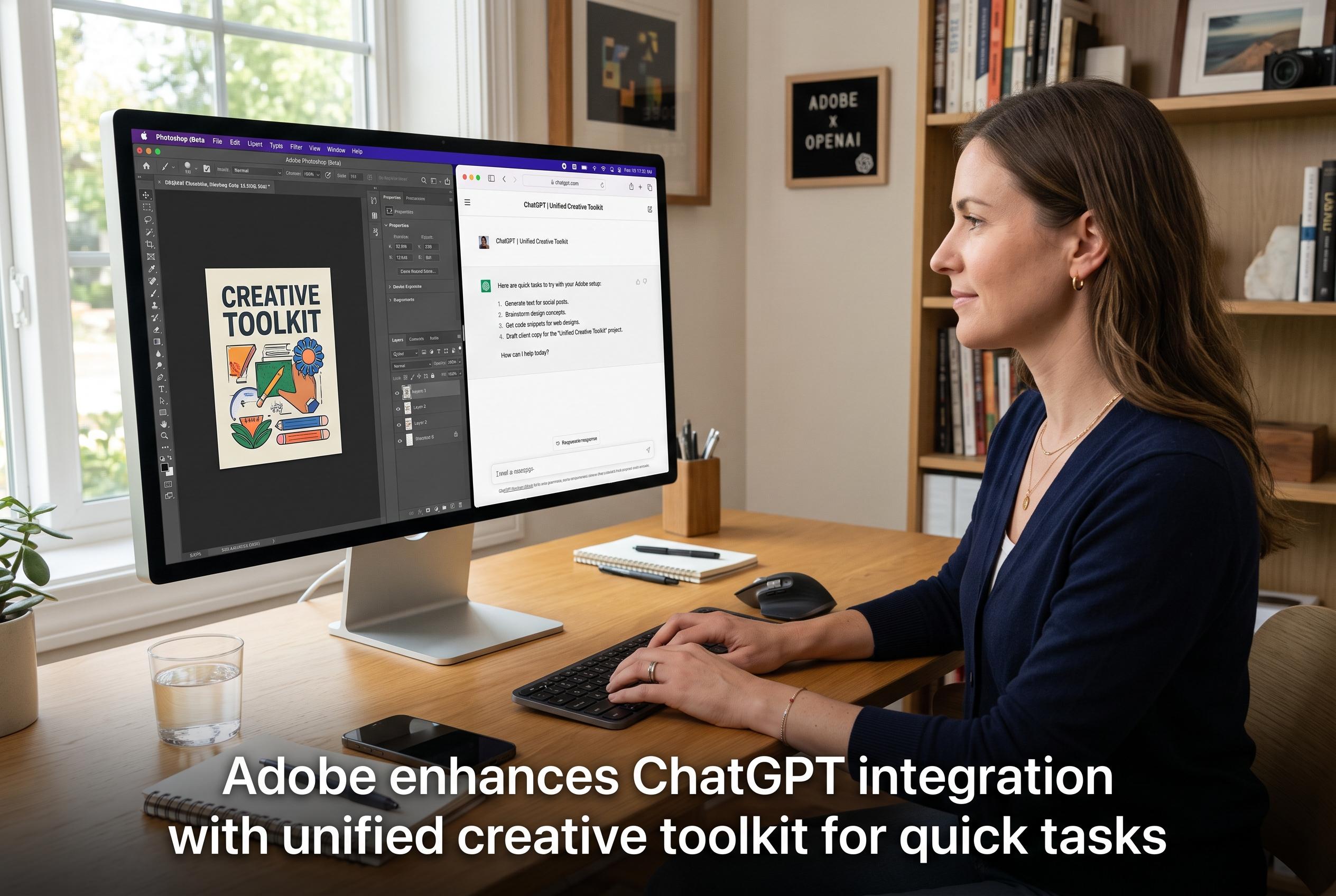

Adobe introduces a consolidated ChatGPT plugin that brings together its suite of creative applications, streamlining workflows for rapid, lower-stakes work, though professional editing remains in dedicated apps.
Adobe’s latest ChatGPT tie-up is less a brand-new launch than a tidier packaging of work that has already been under way. According to Adobe’s own announcement and reporting from MacRumors, Photoshop, Acrobat and Adobe Express had already been made available inside ChatGPT in December 2025; the new element is a unified plugin that brings those apps together with Firefly, Premiere, Lightroom, Illustrator, InDesign and Adobe Stock. Adobe says users can invoke it by typing “@Adobe” in ChatGPT and describing the task they want done.
That matters because the company is not only broadening the range of tools available, but also simplifying how they are reached. Tom’s Guide reports that the plugin can route requests across more than 70 Adobe functions, while Digital Camera World says it is designed to handle tasks such as image retouching, video editing, PDF creation and social-media resizing without leaving the chatbot. Adobe says the integration is intended to make creative work more accessible, including for people using the tools as guests rather than full Creative Cloud subscribers.
For professional users, though, the appeal is less obvious. Creative Bloq notes that many designers and editors already have direct access to features such as Photoshop’s generative fill, Premiere’s auto-reframe and Firefly inside Adobe’s own interfaces. In that setting, asking ChatGPT to infer the right tool from a text prompt can feel slower and less precise than working in familiar menus, layers and masks.
Adobe appears to accept that limitation. In its own wording, the company says that when users need advanced editing, creative control or pixel-level precision, they should continue in Adobe’s standalone apps. That suggests the ChatGPT plugin is aimed less at finished production work than at quick, lower-stakes tasks.
That may still give it a practical role. Fast jobs such as generating event badges from spreadsheet data, cutting short social clips from longer footage, or assembling a rough mood board may be better suited to a conversational workflow than a full desktop application. Adobe’s move is therefore best seen as an efficiency layer rather than a replacement for its core software: useful for some in-between tasks, but unlikely to displace the professional tools that creatives already rely on.
Disclaimer: This content is intended for informational purposes only. Readers are advised to exercise their own judgement, conduct due diligence, or consult a qualified expert before acting on any information provided.



