

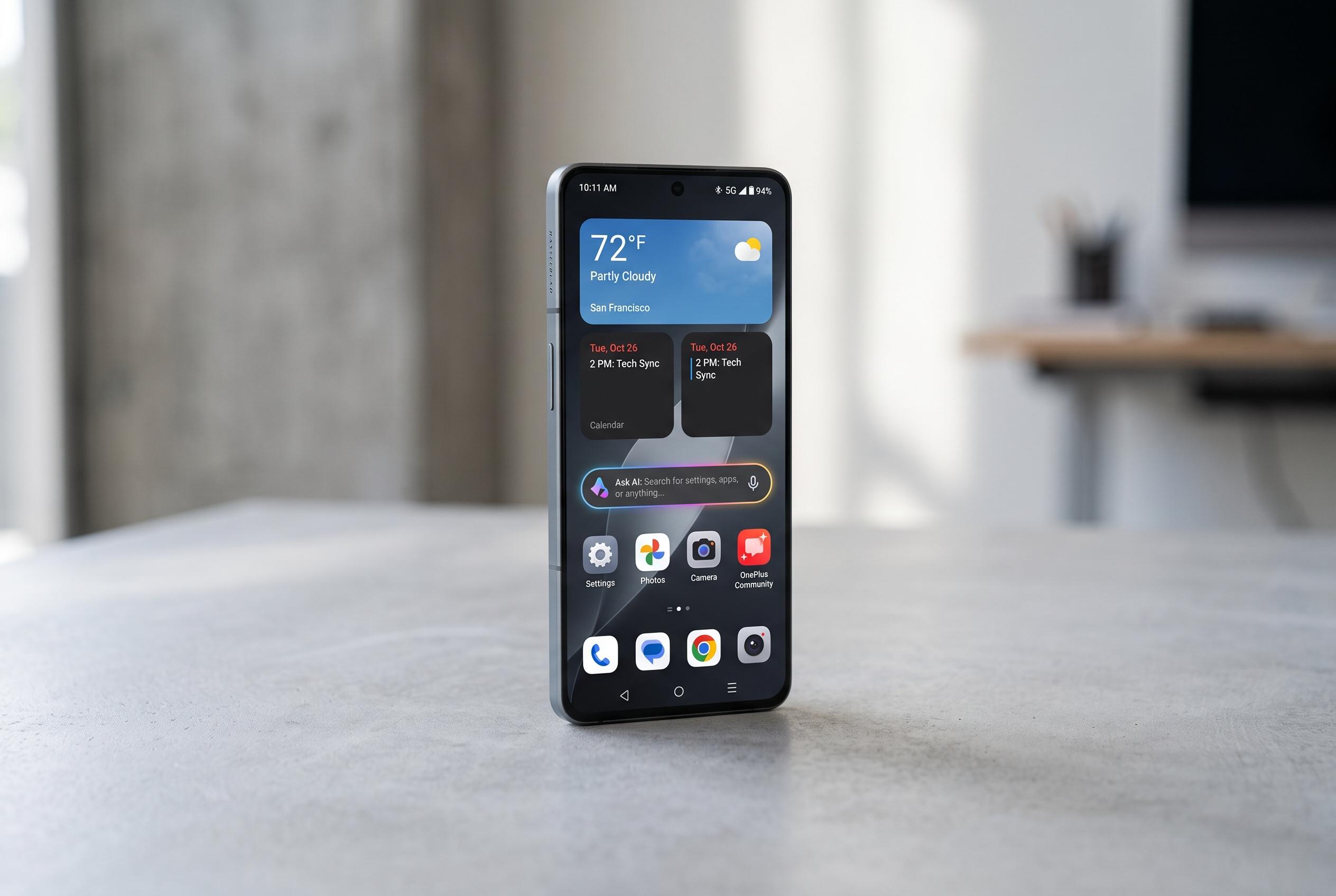

The latest OxygenOS update introduces a range of new hidden tools, including customizable home screens, AI-powered search, and enhanced Dark Mode options, aimed at improving daily device management and user experience.
OxygenOS has long appealed to OnePlus users for its clean layout and light touch, but some of its most practical tools sit well below the surface. Beyond the better-known multitasking controls and Shelf panel, the software includes several lesser-used features that can make the phone easier to manage day to day. According to the lead article, the most useful of these include flexible home-screen resizing, AI-assisted settings search, screen-off gestures, Dark Mode controls and a built-in speaker-cleaning tool.
One of the more distinctive additions is the ability to reshape both app icons and folders on the home screen. Rather than leaving everything locked into a standard grid, OxygenOS lets users turn folders into compact circles, pill shapes or larger squares, while also changing how the apps inside a folder are displayed. AndroidCentral’s guides to Shelf show the same design philosophy: OnePlus aims to give users more control over how information and shortcuts are arranged, whether that is through widgets, quick tools or different ways of accessing them.
The software also tries to reduce friction when finding settings. In OxygenOS 16, the Settings search bar can accept plain-language descriptions rather than only exact menu names, which should make buried options easier to locate. That is useful on a system with many layered controls, especially for features that are not obvious by name. The same release also supports using AI Search in other places, including files, notes and Google Calendar, which suggests OnePlus is trying to make its software feel more searchable rather than simply more crowded.
Another hidden area is Screen-off Gestures. With the display asleep, users can draw simple shapes to launch the camera, switch on the torch, open apps or control playback. The feature also includes options such as double-tapping to wake or sleep the screen, plus configurable shortcuts for actions such as opening Calculator, Gemini or Recorder. That places OxygenOS alongside other Android interfaces that try to replace button presses with quicker motion-based controls, though OnePlus keeps the system unusually customisable.
Dark Mode is more flexible than many users may realise. Instead of a single on-or-off setting, OnePlus offers several appearance levels, ranging from a deeper black finish to a softer grey tone. There is also a separate option to dim the wallpaper, along with controls for applying Dark Mode to third-party apps that do not yet support it properly. The final utility is Speaker Cleaner, a maintenance tool that plays a sound intended to shake moisture and debris out of the speaker grilles. It can be launched from Phone Manager or added to Quick Settings, making it a sensible recovery feature after exposure to water.
Disclaimer: This content is intended for informational purposes only. Readers are advised to exercise their own judgement, conduct due diligence, or consult a qualified expert before acting on any information provided.



