
As laptops become hotter due to blocked vents, dust, or soft surfaces, users face risks from performance drops and battery degradation, with potential health hazards like toasted skin syndrome. Experts advise proactive cooling and maintenance to prevent damage and safety issues.
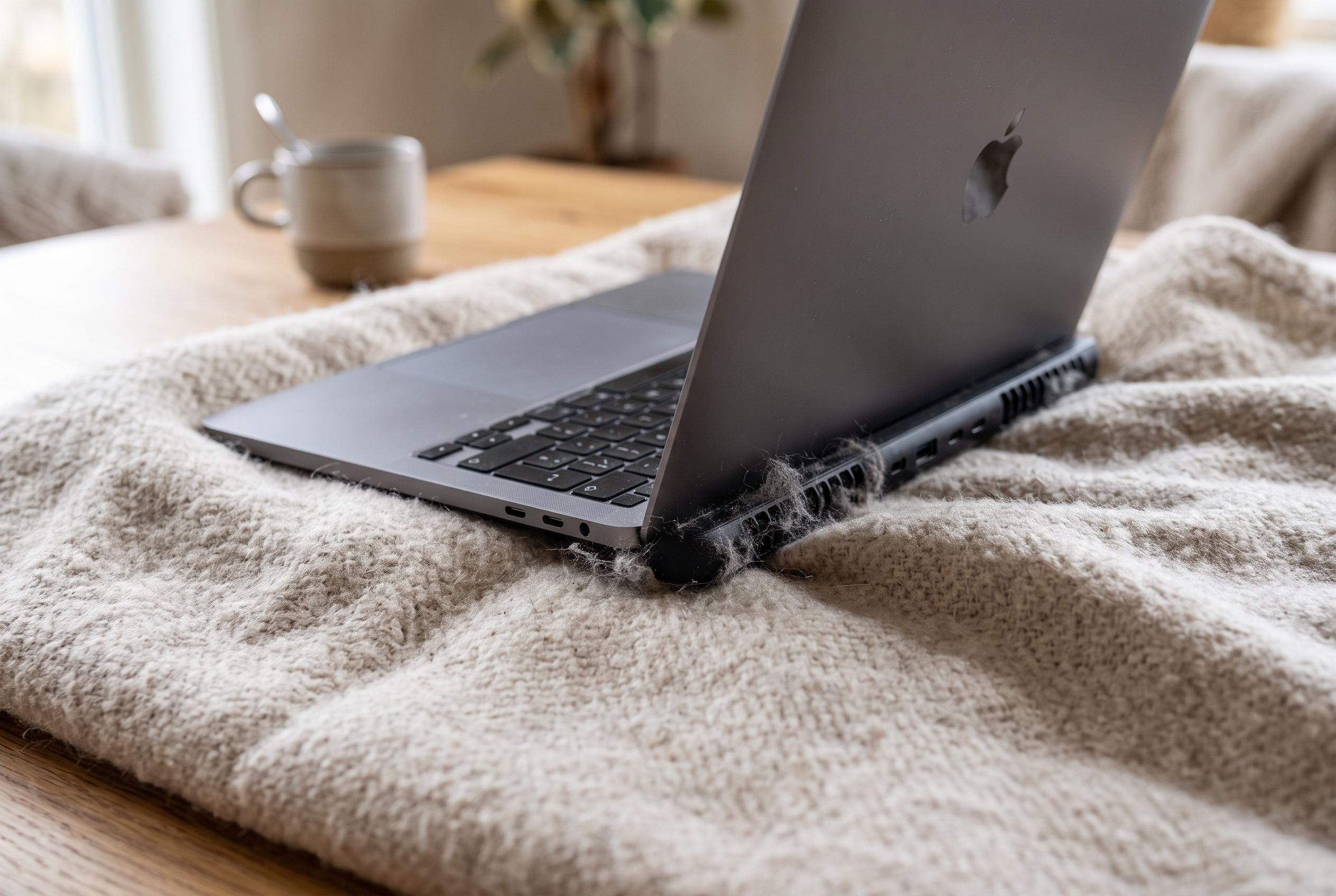
A laptop that becomes too hot to rest on your knees is not just uncomfortable. It can be a sign that the cooling system is no longer coping, and the consequences can range from reduced performance to data loss, faster battery wear and, in rare cases, a fire risk. Dell says overheating is often linked to blocked vents, dust build-up or a clogged fan, while Asurion notes that soft surfaces such as beds and sofas are a common cause because they restrict airflow.
One of the earliest signs is thermal throttling, the built-in response that slows the processor when temperatures climb too high. Asurion explains that this is a protection measure, not a fault in itself. In practical terms, it is why a machine that seemed fine yesterday can suddenly feel sluggish, stutter under routine tasks or take longer to respond even when nothing obvious has changed.
If the heat keeps rising, the laptop may shut down without warning to protect its components. That is a more serious stage because it can interrupt unsaved work and point to a persistent cooling problem. Dell’s guidance on thermal issues also notes that users may notice fans becoming louder as the system struggles to keep temperatures under control.
Heat also shortens the useful life of a battery. The article cites research associated with the California Institute of Technology indicating that battery life can fall by up to 20% for every 10C above the optimal operating range. The more a laptop runs hot, the faster the battery chemistry degrades, which means reduced run time and, eventually, earlier replacement.
The most serious hardware warning is a swollen battery. A laptop battery that bulges, smells burnt or produces unusual noises should be switched off at once and checked by a professional. In extreme cases, excessive heat can trigger thermal runaway, a chain reaction that may produce smoke or ignition. A battery should never be punctured or removed by force.
There is also a lesser-known health risk for the user. Medical News Today and the Cleveland Clinic both describe erythema ab igne, or toasted skin syndrome, which can develop after repeated exposure to moderate heat from a laptop placed directly on the skin. The condition can cause a net-like discolouration, and continued exposure may leave lasting marks. The safest approach is simple: keep the device on a hard surface, clear its vents, clean out dust, reduce unnecessary background load and use a cooling stand if temperatures remain high.
Disclaimer: This content is intended for informational purposes only. Readers are advised to exercise their own judgement, conduct due diligence, or consult a qualified expert before acting on any information provided.