

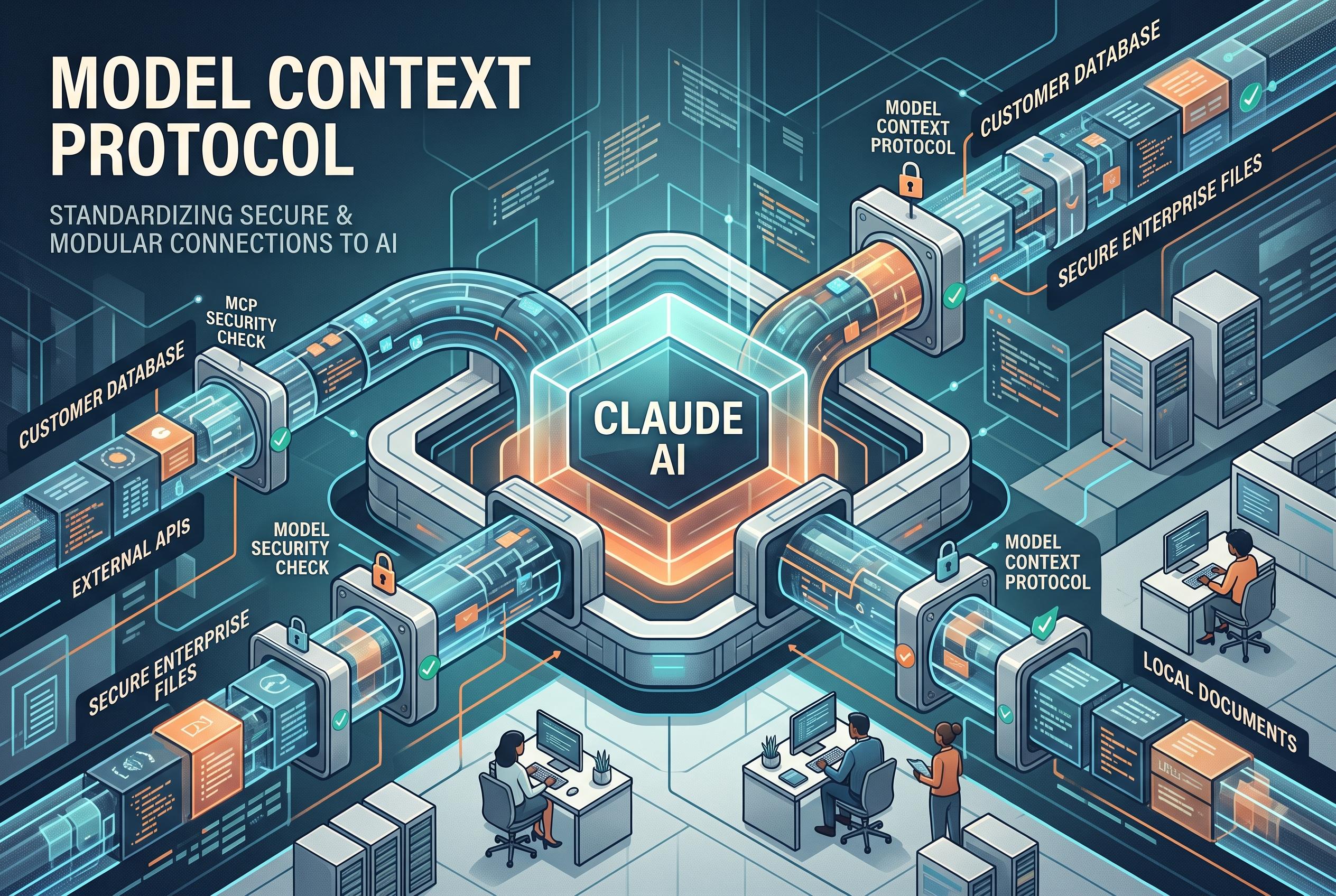

Claude’s capabilities are vastly expanded as the Model Context Protocol (MCP) enables secure, modular connections to external data sources and tools, transforming it into a more autonomous and adaptable AI system.
Claude becomes far more useful when it can work with external systems, and the Model Context Protocol, or MCP, is the framework that makes that possible. According to Anthropic’s documentation, MCP is an open standard designed to let AI applications connect securely to tools, applications and data sources through a common protocol rather than one-off integrations.
At its core, MCP separates the model from the service it is using. Claude acts as the host, an MCP client handles communication, and an MCP server exposes the underlying capability, whether that is a database, a file system, a project tool or an internal API. That structure matters because it allows Claude to request information or actions without directly embedding access logic into the model itself. MCP servers can also expose tools for actions, resources for contextual data, and prompts for reusable workflows, which gives developers a more modular way to extend Claude’s behaviour.
For most users, the simplest route is an existing Claude connector. The tutorial explains that connectors can be enabled from Claude’s interface, then authorised through the relevant service. If a supported connector is not available, Claude can also work with a custom remote MCP server, provided the server is reachable from Claude’s cloud environment. For local development, Claude Desktop can use local MCP integrations, including Desktop Extensions and packaged .mcpb bundles, which are intended to simplify installation compared with older manual configuration methods. A separate guide from Sfeir’s Claude Code tutorial notes that the same approach is also relevant for Claude Code, where MCP can connect coding workflows to issue trackers, monitoring systems and documentation.
Testing and permissions are central to using MCP safely. The tutorial recommends starting with read-only commands, such as listing tables or searching documents, before allowing write actions like creating, updating or deleting records. It also stresses least privilege, OAuth-style authentication where available, and careful handling of credentials. That caution reflects a broader security point: MCP standardises communication, but it does not remove the need to trust the server, restrict access or review what a tool is allowed to do.
In practice, MCP is important because it turns Claude from a conversational assistant into a tool-aware system that can participate in more agentic workflows. DataCamp and other technical guides describe similar use cases, including connections to GitHub, Notion, databases and internal APIs. The pattern is consistent: start with a known connector, validate the connection, understand the permissions, and only then move on to custom servers or more sensitive operations.
Disclaimer: This content is intended for informational purposes only. Readers are advised to exercise their own judgement, conduct due diligence, or consult a qualified expert before acting on any information provided.



