

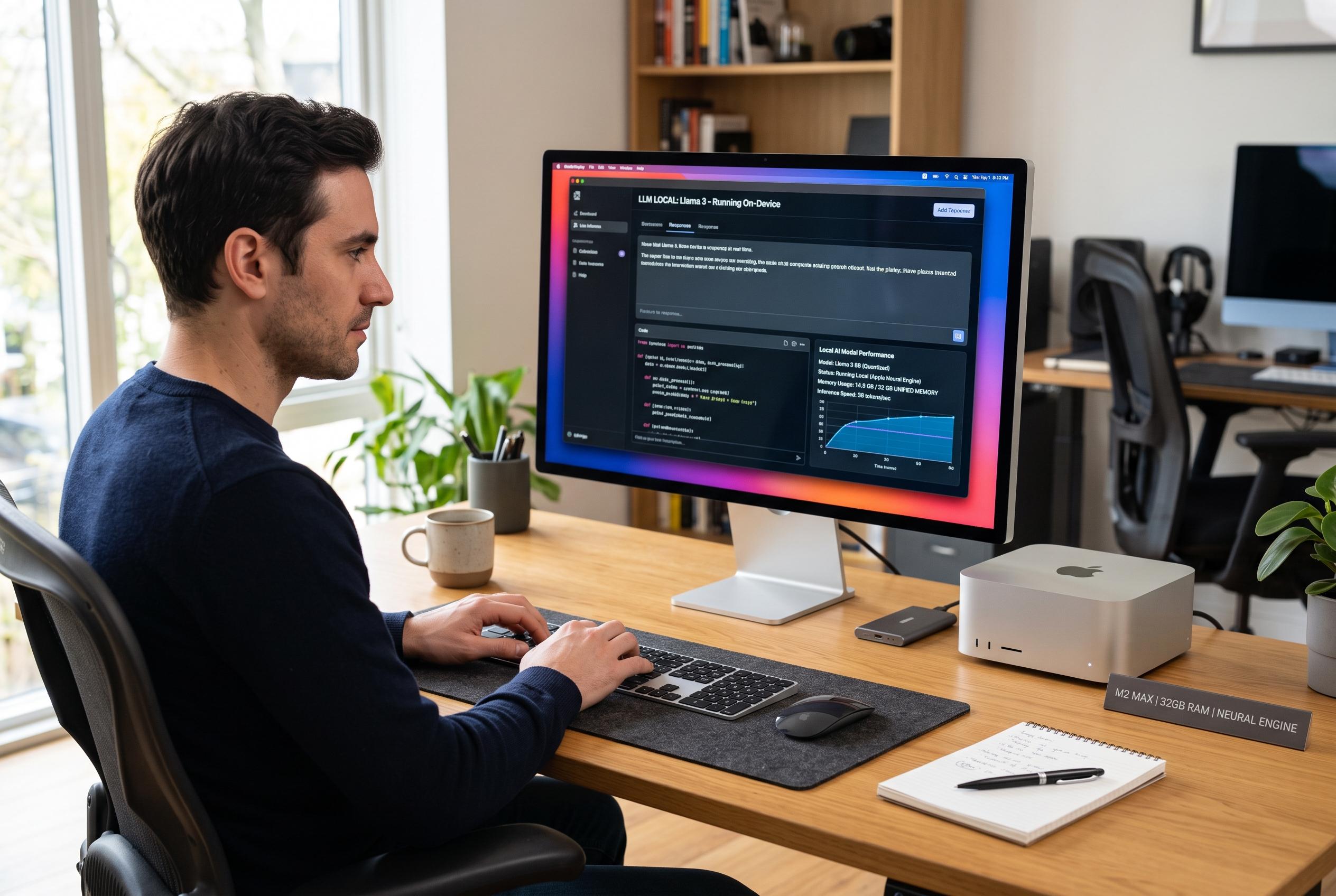

A practical series explores how Mac users can run small language models locally using tools like Ollama and MLX, highlighting new trade-offs and capabilities on Apple Silicon devices.
The appeal of running small language models on a Mac is straightforward: the work stays on the device, costs do not scale with usage, and the system can keep functioning without an internet connection. In a practical series published on Medium, Chandra K sets out to show how Apple Silicon machines can be used for that purpose, arguing that the platform’s shared memory design gives even modest Macs enough headroom to run quantised models at usable speed. The series is aimed at readers who are already comfortable in a terminal but do not necessarily have prior experience with local AI tools.
The first track focuses on Ollama, which remains the easiest route for many users who want to get started quickly. The planned articles cover installation, selecting a model that fits available memory, wiring responses into real code, and handling common performance issues such as Rosetta-related slowdowns, PATH mistakes and memory pressure. The author also intends to show how local models can support a real application pipeline, including a fully local voice assistant, rather than treating inference as a stand-alone demo.
The second track turns to MLX, Apple’s framework for machine learning on Apple Silicon. The series promises a deeper look at running models directly with MLX LM, exposing a local OpenAI-compatible API, converting Hugging Face models, and fine-tuning with LoRA and QLoRA. That direction fits a broader trend in the local-AI ecosystem: newer tools such as Rapid-MLX and MLX Server are also built around MLX, while Squish is pushing a simpler offline workflow for Mac users who want fast model loading and a browser-based chat interface.
That wider field matters because choosing a local runtime is now less about whether it can work and more about which trade-off is acceptable. MLX-oriented guides and compatibility tools increasingly stress the same constraints: unified memory is the key advantage on Apple Silicon, but model size, context length and runtime overhead still have to fit within the available RAM. Against that backdrop, the series ends with a comparison of Ollama and MLX, and the most useful takeaway is likely to be that both have a place: Ollama for speed and convenience, MLX for users who want tighter control, customisation and benchmarking.
Disclaimer: This content is intended for informational purposes only. Readers are advised to exercise their own judgement, conduct due diligence, or consult a qualified expert before acting on any information provided.



