

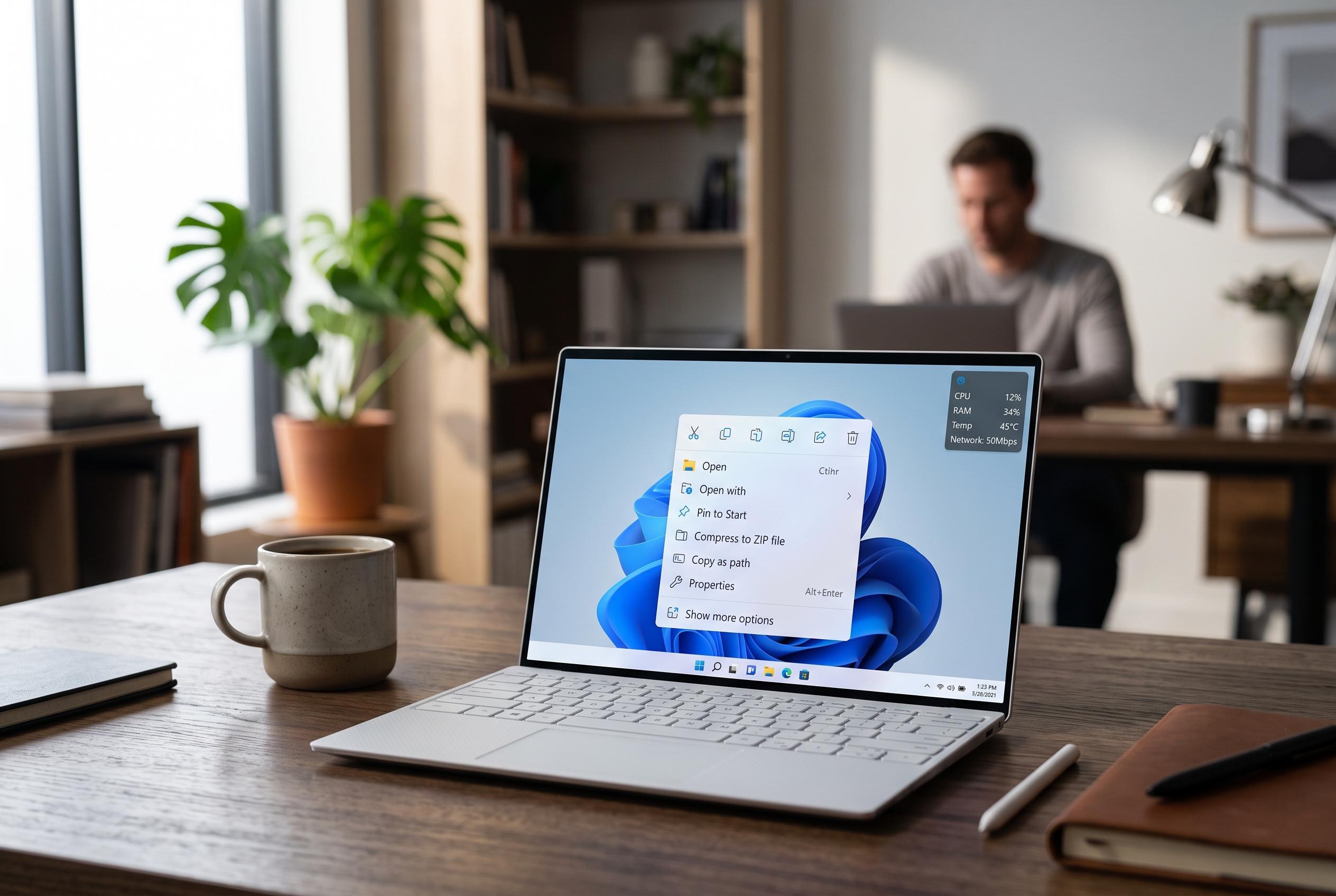

Microsoft is set to introduce a redesigned right-click menu in Windows 11, offering customisation options to streamline the menu, enhance performance, and restore familiar layout features, in a move aimed at reducing clutter and empowering users.
Microsoft is preparing a redesigned right-click menu for Windows 11 that puts speed and user control first. According to Windows Central, the update introduces a new customisation option at the bottom of the context menu, which opens Windows Settings so users can decide which commands appear and how the menu is laid out.
The changes are intended to reduce clutter in a part of Windows that many users say has become too busy. Windows Central reported that options such as Send to, Print, Create shortcut, Copy as path, Rotate image and third-party app extensions can be turned on or off individually. The result should be a lighter menu that loads more quickly, with fewer low-value entries shown by default.
The redesign also appears to restore some familiar flexibility for people who preferred older Windows behaviour. Windows Central said the primary actions, including Copy and Paste, can be arranged vertically rather than in the current horizontal layout, echoing Windows 10. At the same time, most secondary items are expected to remain disabled until a user explicitly enables them, reflecting Microsoft’s aim of making the interface simpler by default.
The classic menu is not going away entirely, but it will no longer be the default view. Windows Central reported that there is no option to make the old menu the primary one. The outlet said Microsoft could roll out the changes within a week or two, while earlier reporting suggested the broader redesign is part of a wider Windows 11 interface effort focused on performance, consistency and a more compact menu design.
Disclaimer: This content is intended for informational purposes only. Readers are advised to exercise their own judgement, conduct due diligence, or consult a qualified expert before acting on any information provided.



