

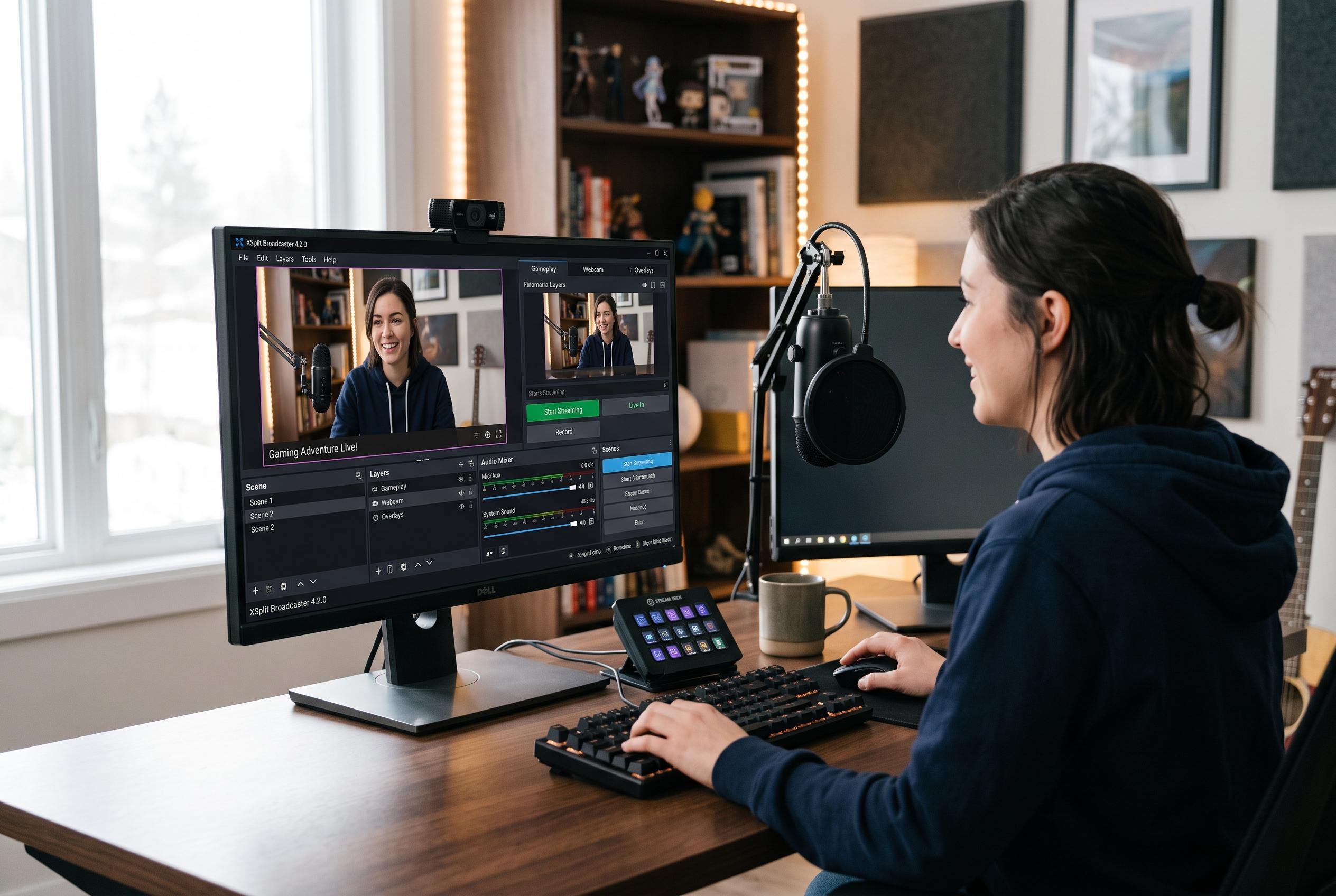

XSplit continues to be a leading name in live streaming and recording with its versatile Broadcaster platform, catering to both hobbyists and professionals through flexible features, tiered pricing, and seamless integration for diverse use cases.
XSplit remains a familiar name in live streaming and recording because it packages broadcast tools in a form that is easier to manage than many free alternatives. Its Broadcaster application is built for creators who need scene control, layered media, transitions and support for standard streaming platforms, while the wider product range adds virtual camera and background-removal tools for more specialised use cases. According to XSplit, the software is aimed at both hobbyists and professional users, with a free entry point and paid plans for those who need more capacity and fewer limits.
The main appeal of Broadcaster is its flexibility. XSplit says users can combine images, video, web pages and other sources into custom scenes, then switch between them during a live stream or recording. Its support pages also describe the software as suitable for gaming, webinars and virtual events, which helps explain why it has remained relevant in a market crowded with simpler, lower-cost options. Setup is designed to be straightforward, with layout tools and source management intended to reduce the technical overhead for newer users.
The free version is useful as a test bed, but XSplit’s own buying page makes clear that it comes with constraints. Broadcaster can be used at up to 720p without a watermark, although a small logo appears above that resolution. Paid tiers remove those limits and add features such as unlimited scenes, higher resolutions, AI background removal and virtual camera support. The company offers monthly, yearly and lifetime plans, giving users a choice between lower upfront cost and better long-term value.
That pricing structure matters because XSplit is not really a single product. Broadcaster is the core application, but the company also sells separate tools and features that can be relevant depending on the workflow. For streamers, the combination of scene composition, screen capture and game capture is central. XSplit’s support material explains that its game-capture mode can detect titles using DirectX, Vulkan and OpenGL, which makes it practical for PC gaming streams and recordings. For presenters and remote workers, the appeal is different: cleaner webcam output, simpler production and fewer technical distractions.
Seen in that light, XSplit’s pricing is less about a single software licence and more about choosing the right level of production support. Casual users may find the free version sufficient for testing and occasional use. More serious creators are likely to value the paid tiers for their higher output quality, expanded feature set and reduced branding. For anyone building a regular streaming or presentation workflow, the question is not simply whether XSplit is cheap, but whether the time saved and the presentation quality gained justify the subscription or lifetime cost.
Disclaimer: This content is intended for informational purposes only. Readers are advised to exercise their own judgement, conduct due diligence, or consult a qualified expert before acting on any information provided.



