

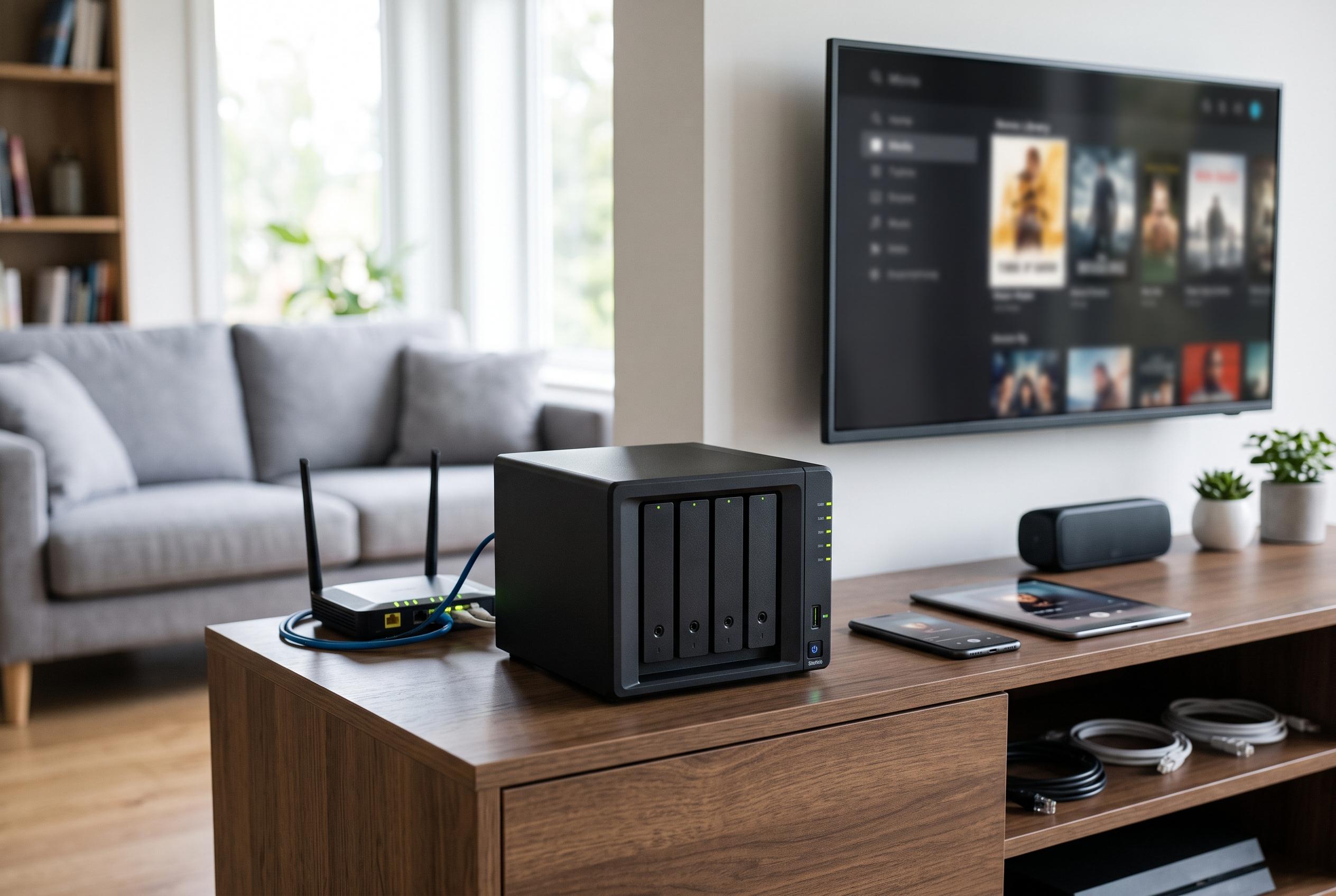

A network-attached storage box is transforming from a simple hard drive into the heart of modern home setups, offering enhanced control, security, and entertainment capabilities, and challenging reliance on cloud services.
A network-attached storage box can look unremarkable at first glance: a plain enclosure, a few drives, and a quiet corner of the home network. Yet, as XDA Developers describes in a first-person account, once the device is configured it can quickly become the centre of a home setup, replacing scattered cloud subscriptions, ad hoc media storage and a patchwork of single-purpose hardware. That appeal is not only about convenience. It is about keeping data local, predictable and under direct control.
The clearest immediate benefit is backup. Synology’s home NAS guide says these devices are designed to centralise storage and automate protection for personal files, while avoiding recurring cloud fees. In practice, that means photos, phone libraries and PC backups can be synchronised to a local box rather than uploaded to multiple services. XDA notes that the speed difference can be substantial on a fast local network, especially when moving large 4K video files that would otherwise be slowed by residential broadband upload limits.
Security and recovery are part of the same case. According to Seagate, modern home NAS systems can support private cloud-style storage, automatic backups and improved privacy by keeping data away from third-party platforms. XDA adds that features such as snapshots can make versioning and rollback far easier, which matters if files are deleted accidentally or encrypted by ransomware. The broader point is that a NAS is not just a larger hard drive; it is a storage system with redundancy and recovery workflows built in.
Entertainment is another area where a NAS can pull more weight than expected. PCWorld has argued that these devices can serve as home media servers through software such as Plex or Jellyfin, turning a personal library into something closer to an on-demand streaming service. XDA makes the same point from experience, saying that locally stored Blu-ray rips can deliver higher bit rates, uncompressed playback and stronger audio fidelity than heavily compressed streaming platforms. In that setup, the NAS becomes both archive and player, with hardware transcoding helping when streams need to be adapted for phones or other devices.
For smart home users, the value case becomes more technical. Windows Central and the California Learning Resource Network both describe NAS hardware as a central place to host services, share files across devices and support always-on workloads. XDA extends that argument by suggesting that running Home Assistant in Docker on a NAS is often more robust than relying on a small single-board computer with removable flash storage. The advantage is not raw performance alone but durability: a NAS is designed to stay on, keep services isolated in containers and make backups of the whole automation stack easier to manage.
That is why a NAS can shift from being a sensible purchase to becoming one of the most important devices in the home. It can reduce subscription dependence, tighten control over backups, improve media access and provide a stable base for home automation. For users with enough data, enough services and enough frustration with cloud fragmentation, the box in the cupboard starts to look less like storage and more like infrastructure.
Disclaimer: This content is intended for informational purposes only. Readers are advised to exercise their own judgement, conduct due diligence, or consult a qualified expert before acting on any information provided.



