

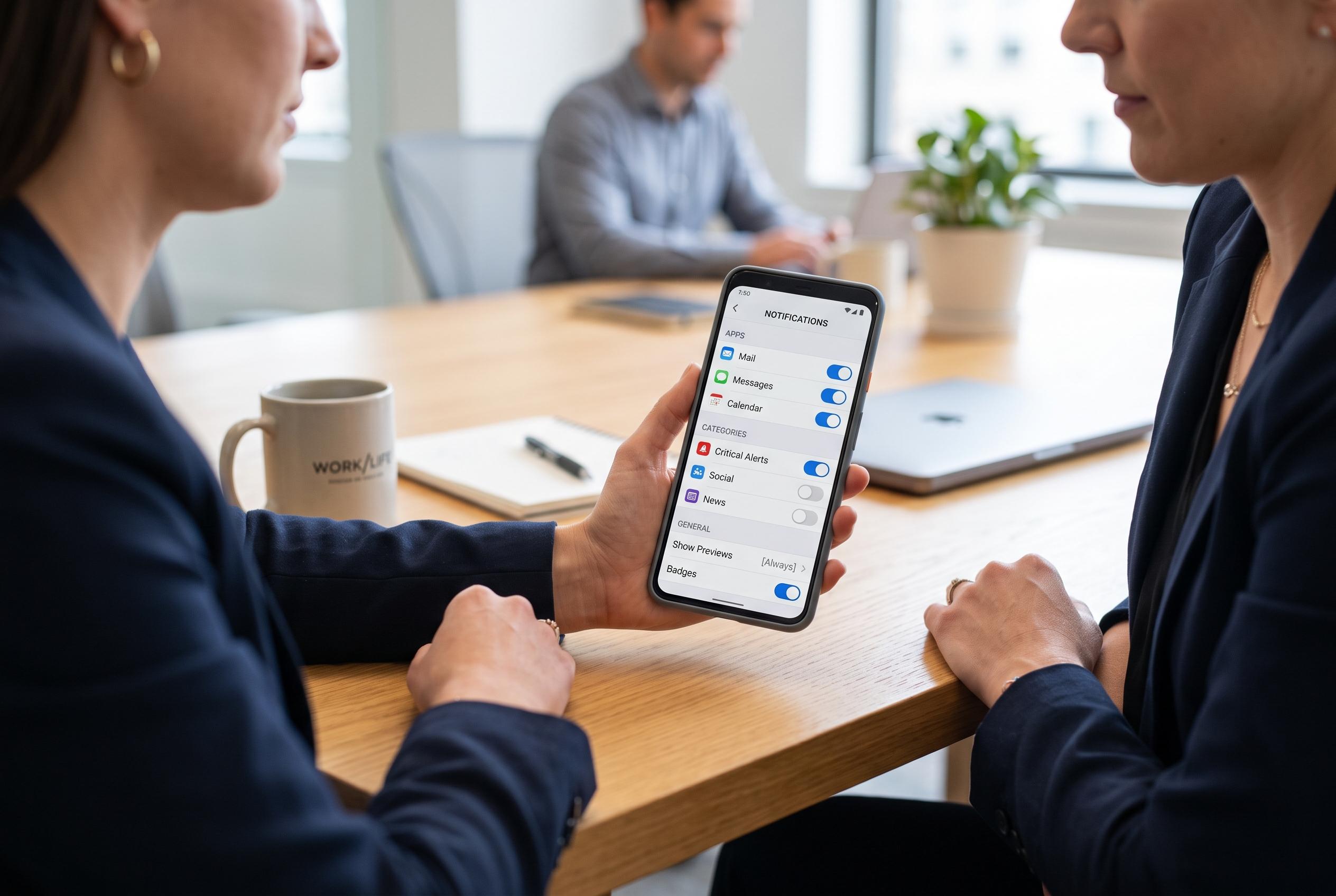

With over 300 notifications a day, Android users can optimise their alerts by disabling unnecessary app notifications, using categories, custom sounds, and safety features like snooze and history to reduce clutter and enhance focus.
Android notifications are meant to keep users informed, yet they can quickly become a constant interruption. One Android user with an unusually busy phone says they receive more than 300 alerts a day, but only a fraction are genuinely important. That experience reflects a wider problem: many apps default to promotional or low-value alerts that consume attention and, in some cases, add a small but unnecessary drain on battery life. Google’s Android support material confirms that users can already control notifications at the app level, making it possible to silence noisy services rather than tolerate them.
The most effective first step is blunt but practical: remove notifications from apps that are only used occasionally. Travel booking tools, scanners and shopping apps are common offenders, especially when notifications were enabled during hurried setup. Android makes this relatively simple through each app’s information page, where notification permissions can be switched off altogether. Older Android guidance from Micro Center shows the same principle in earlier versions of the platform: find the app, open its settings and disable its alerts.
A more refined approach is to use notification categories, sometimes called channels. Android’s modern notification system lets developers split alerts into separate types, such as order updates, promotions or messages, so users can keep the useful ones and block the rest. Google’s developer documentation says channels are a core part of Android 8.0 and later, giving people control over the visual and audible behaviour of each stream. That matters because a delivery app, for example, may need to keep order status alerts while suppressing discount campaigns.
Custom sounds make that filtering even more useful. Once different categories are separated, users can assign distinct tones to different kinds of alert, which reduces the need to check the screen for every buzz. Messaging and workplace apps often do this by default, but the same principle can be applied manually to other apps and even to individual contacts in some cases. Tom’s Guide notes that Android’s notification settings also allow people to prioritise conversations and customise lock-screen behaviour, which further helps separate urgent messages from routine noise.
Two lesser-known controls can also prevent useful notifications from being lost. Snoozing lets an alert disappear temporarily and return later, which is useful when a message matters but not immediately. Notification history acts as a safety net, storing recent alerts for up to 24 hours so that accidental swipes do not erase something important. Google says both features can be enabled from Android’s notification settings, though the exact path varies by device maker; Samsung, for example, places them under advanced notification options. Together, they turn the notification shade from a cluttered feed into something much closer to a managed inbox.
Disclaimer: This content is intended for informational purposes only. Readers are advised to exercise their own judgement, conduct due diligence, or consult a qualified expert before acting on any information provided.



