

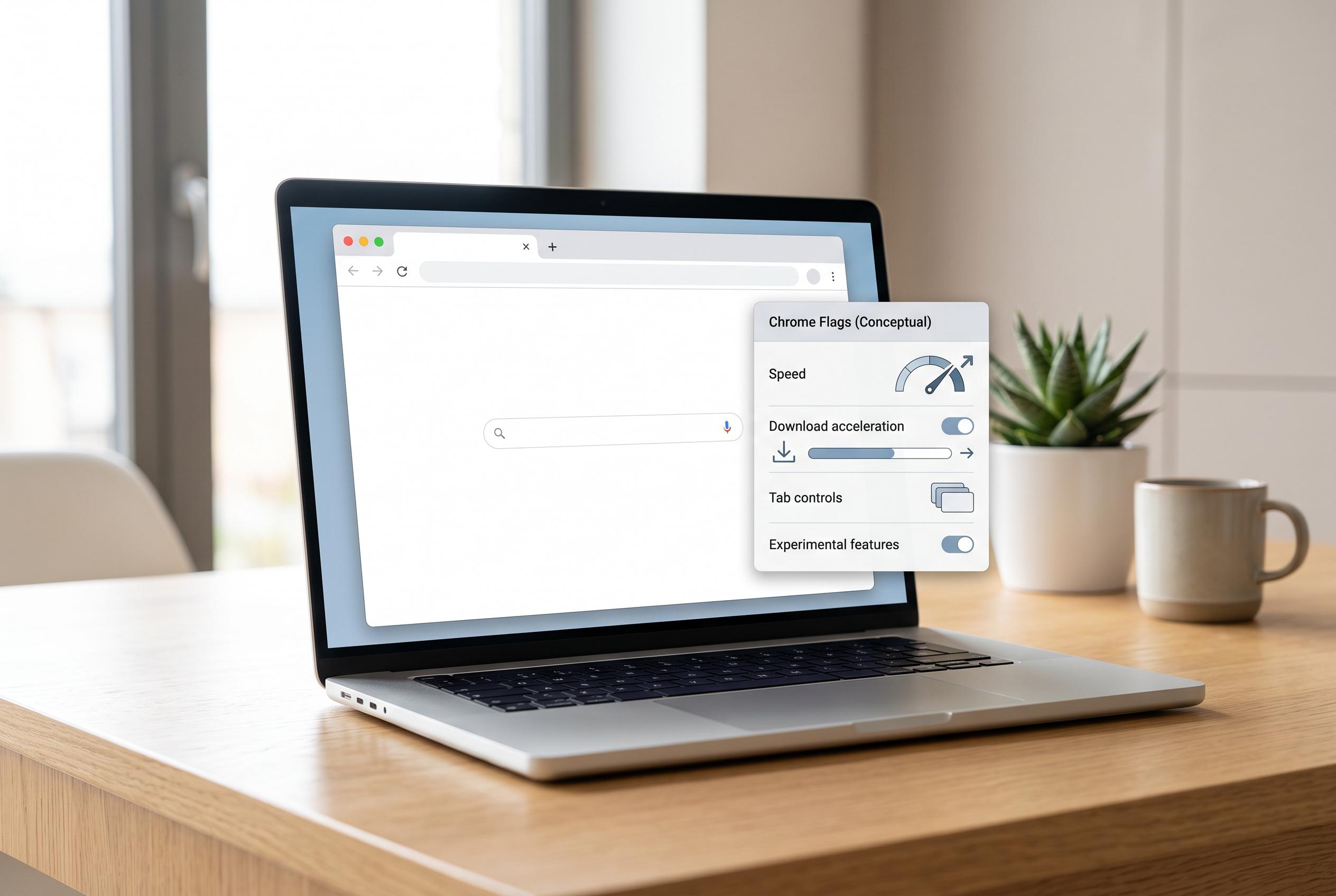

Hidden behind Chrome’s internal menu, various experimental flags can streamline browsing with quicker tab controls and faster downloads, though they carry stability risks and may be altered or removed in updates.
Google Chrome may still trail rivals in some headline features, but it also hides a useful set of experimental switches that can address everyday annoyances. These settings, known as flags, sit behind Chrome’s internal menu and are not part of the browser’s stable, default experience. According to Android Authority, the most practical ones are the flags that improve tab controls, speed up downloads and make awkward websites easier to read. Android Central similarly describes flags as experimental features that can improve browsing, while warning that they can also affect stability.
One of the simplest improvements is tab audio muting. Chrome already lets users silence noisy sites, but the standard method involves a context menu and more than one step. Android Authority says the flag turns the tab’s audio icon into a direct mute control, making it quicker to silence or restore sound without opening extra menus. The same list also includes a parallel downloading option, which splits large files into smaller parts so Chrome can fetch them at the same time. Android Central and Android Authority both say that can reduce wait times on slower or throttled servers.
Several of the other flags are aimed at presentation rather than raw speed. Auto dark mode for web contents forces light pages into a dark theme, which can be useful when a site has no built-in dark mode. Android Authority notes that it also works on Android and generally leaves images intact, although page rendering can still produce odd results on some sites. Smooth scrolling is a more modest change, but both Android Authority and Chrome-focused guides say it can make movement through long pages feel less abrupt.
For users chasing performance, Chrome’s experimental QUIC protocol and GPU rasterisation are among the more technical options. Android Authority says QUIC reduces connection overhead by using UDP rather than TCP, which can trim latency on supported sites. GPU rasterisation, meanwhile, shifts page rendering work from the CPU to the graphics processor, which Chrome guides say can help on machines with a dedicated GPU, especially on media-heavy pages. Some guides also highlight related flags such as zero-copy rasterisation and back-forward cache as further ways to reduce lag when browsing or navigating between pages.
There are also Android-specific conveniences. The Incognito screenshot flag removes Chrome’s usual block on screenshots in private browsing, which Android Authority says is helpful when users need to save or share something without linking it to their account. As the publication explains, all of these switches are easy to reach through chrome://flags, where users can search, enable or disable options, and reset everything if a change causes problems. The main caution is that flags are temporary by nature: Google can alter or remove them without notice, and browser updates may switch some of them off again.
Disclaimer: This content is intended for informational purposes only. Readers are advised to exercise their own judgement, conduct due diligence, or consult a qualified expert before acting on any information provided.



