

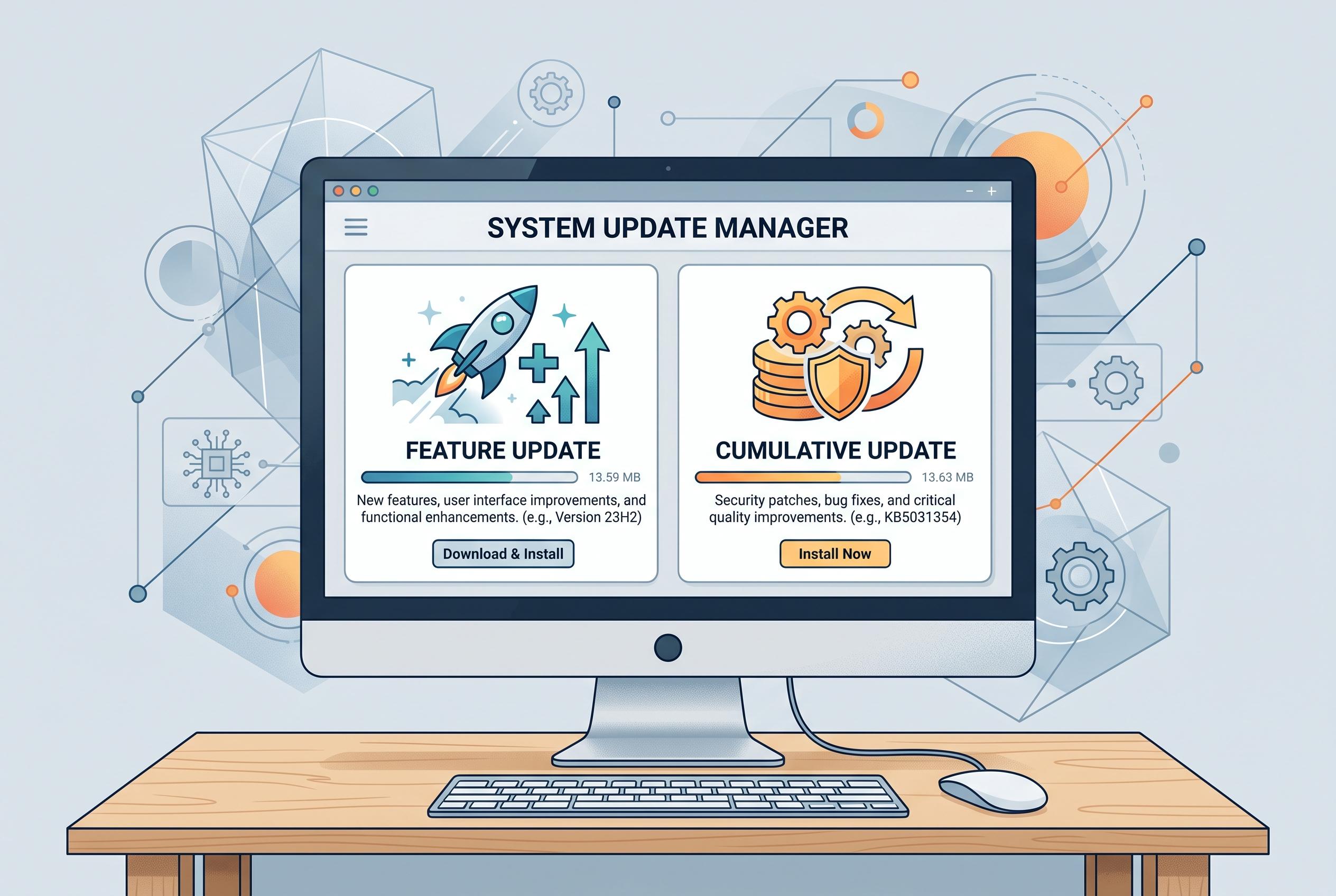

Microsoft’s latest guidance on Windows 11 updates highlights the importance of understanding feature versus cumulative updates, with new hardware releases and support durations affecting upgrade paths and device compatibility.
Microsoft’s latest Windows 11 guidance is best understood through a basic distinction: feature updates create a new version of the operating system, while monthly cumulative updates keep the installed version current with security and quality fixes. That matters because the answer to “what is latest?” depends on the machine’s edition, version and build, not just the newest package name in circulation.
According to Microsoft’s Windows release information and support pages, Windows 11 now spans several distinct tracks. The company lists 24H2 and 25H2 as standard feature versions, while 26H1 is a hardware-specific release for select new devices arriving in early 2026. Microsoft says 26H1 is not meant as an in-place upgrade for existing PCs, and devices already running 24H2 or 25H2 will continue on their normal servicing path.
That separation is important for support as well as installation. Microsoft’s lifecycle rules generally give Home and Pro-family editions 24 months of servicing for each feature version, while Enterprise and Education receive 36 months. As a result, the same Windows 11 version can have different end dates depending on the edition, which is why a single “end of support” date for Windows 11 is misleading.
The practical effect is that a PC can be fully up to date without being on the newest Windows 11 version overall. A device running the latest cumulative build for 24H2 may still be current even if 25H2 is available on other machines, while 26H1 remains restricted to new hardware. Microsoft also continues to separate operating-system servicing from app servicing: Windows updates do not update Microsoft Store apps, which must be maintained separately.
Microsoft’s release model also uses timing labels that can be easy to confuse. B-week usually refers to the second Tuesday security release, D-week to an optional fourth-week preview, and out-of-band updates to urgent releases outside the normal schedule. In practice, that means not every update should be treated as routine maintenance. Optional previews are best reserved for situations where a documented fix addresses a real problem, whereas monthly cumulative updates are the standard security baseline.
For users trying to judge whether an update is missing, the first step is to identify the installed edition, version and OS build through Windows Update, Settings > System > About, or the winver command. Microsoft says availability can be affected by compatibility safeguards, hardware eligibility, staged rollout, restart status and organisational policy. That is especially relevant for managed PCs, where Windows Update for Business, WSUS or another deployment system may control timing. For personal devices, the safest route is to use Windows Update and Microsoft’s own release-health guidance rather than attempting to bypass safeguards with third-party tools.
Disclaimer: This content is intended for informational purposes only. Readers are advised to exercise their own judgement, conduct due diligence, or consult a qualified expert before acting on any information provided.



