

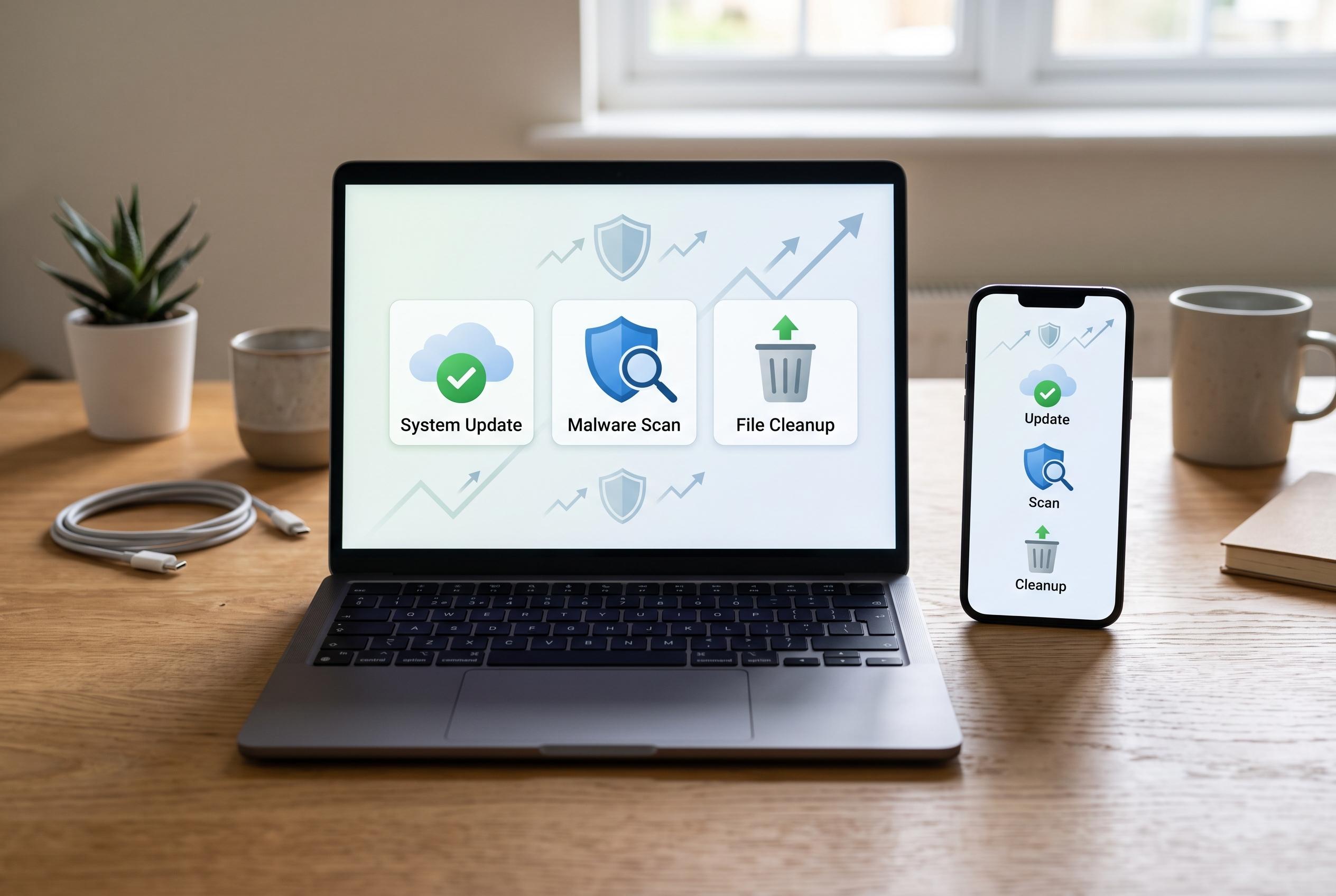

Adopting a simple weekly routine of file clearing, updates and malware scans can significantly enhance device performance, security, and organisation, according to experts McAfee and Make Tech Easier.
A weekly tech cleanup is a simple maintenance habit that can make devices feel faster, more reliable and easier to use. The practical gain is not only cosmetic. Clearing old files, removing unused apps and reviewing cluttered folders reduces the workload on the system and makes day-to-day tasks quicker to complete. McAfee says regular device hygiene also helps with security, because it is easier to notice missing updates or suspicious files when routine checks are built in.
The performance benefit is especially clear on computers that have accumulated years of downloads, temporary files and duplicate documents. According to McAfee’s guidance on PC cleaning, freeing up disk space can reduce strain on the system and improve responsiveness. Make Tech Easier similarly recommends a weekly routine for Windows users that includes tidying the desktop, emptying the downloads folder and uninstalling software that is no longer needed. These tasks are small, but together they reduce the chance of slowdowns.
A good cleanup routine also improves organisation. When files are grouped sensibly and old material is removed on a regular basis, search time falls and important documents are less likely to be buried. That matters for both productivity and data management. It also reduces the mental friction that comes from opening a cluttered screen full of icons, notifications and forgotten folders. In practical terms, a cleaner device is usually easier to trust and faster to navigate.
Security and resilience are another part of the picture. McAfee recommends weekly checks for updates, browser data and downloads, while Dom’s Tech Blog includes malware scans and backups in a regular maintenance schedule. These steps matter because updates often close security flaws, while backups protect against accidental deletion, hardware failure or ransomware. A cleanup habit should therefore be treated as preventative maintenance, not just file sorting.
For many users, the best approach is a short, repeatable checklist rather than an occasional deep clean. Fixie IT’s Windows maintenance advice includes weekly restarts, update checks and temporary-file removal, all of which can be completed in minutes. That kind of routine is easier to sustain and more likely to prevent minor issues from becoming disruptive ones. Over time, the result is a device that feels less congested, more secure and better suited to daily work.
Disclaimer: This content is intended for informational purposes only. Readers are advised to exercise their own judgement, conduct due diligence, or consult a qualified expert before acting on any information provided.



