

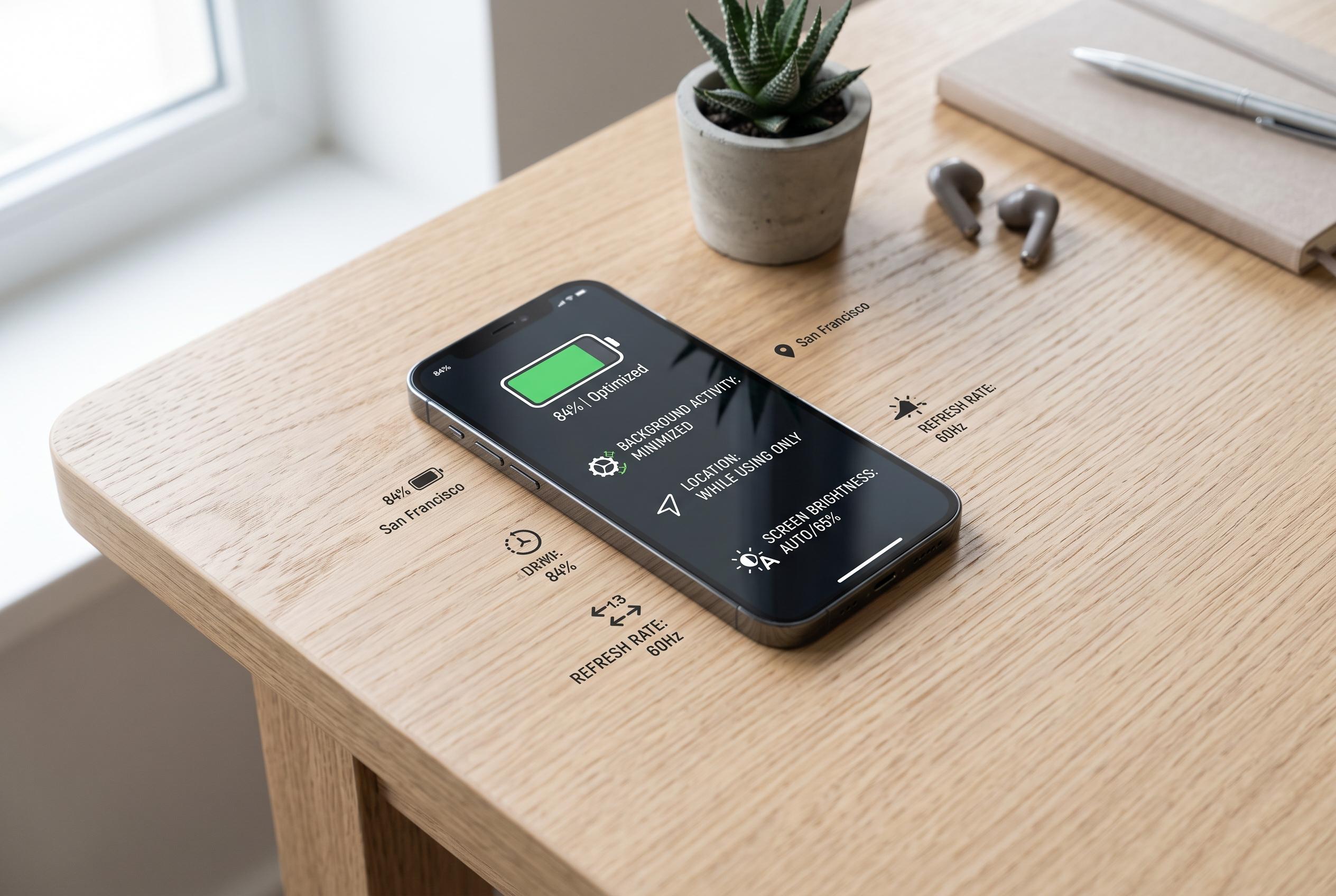

Experts highlight that targeted adjustments such as limiting background activity, managing location permissions, and lowering screen brightness can substantially improve smartphone battery longevity without sacrificing essential functions.
Modern phones usually do not lose charge because the battery has suddenly become faulty. More often, power is being consumed by background services that keep checking location, refreshing content, syncing data and pushing high-frequency screen updates. Fast Company says that a few targeted software changes can recover a meaningful share of battery life without forcing users to disable core functions or live in permanent power-saving mode.
One of the most effective adjustments is to limit Background App Refresh on iPhone and background data use on Android. As Asurion and other guidance writers note, many apps do not need to fetch new content while idle, particularly social media, retail and casual gaming apps. On iPhone, the setting can be reduced to Wi-Fi only or switched off for non-essential apps; on Android, battery controls can be tightened app by app so that background activity is restricted.
Location permissions are another major drain. Fast Company points out that GPS is among the most power-intensive components in a handset, especially when apps request precise location repeatedly in the background. That makes it sensible to reserve always-on access for services that genuinely need it and to downgrade the rest to while-in-use access, where available. TechRadar likewise advises that location services are often a better target than closing apps manually.
It is also worth ignoring one of the most persistent battery myths: swiping away apps does not usually help, and can sometimes cost more power when the phone has to relaunch them later. TechRadar says modern operating systems are designed to manage memory and background processes efficiently, so the better gains usually come from reducing unnecessary refreshes, tightening location access and, where appropriate, using display controls such as lower brightness or dark mode on OLED screens. In practice, these changes are small individually, but together they can make a noticeable difference over a full day.
Disclaimer: This content is intended for informational purposes only. Readers are advised to exercise their own judgement, conduct due diligence, or consult a qualified expert before acting on any information provided.



