

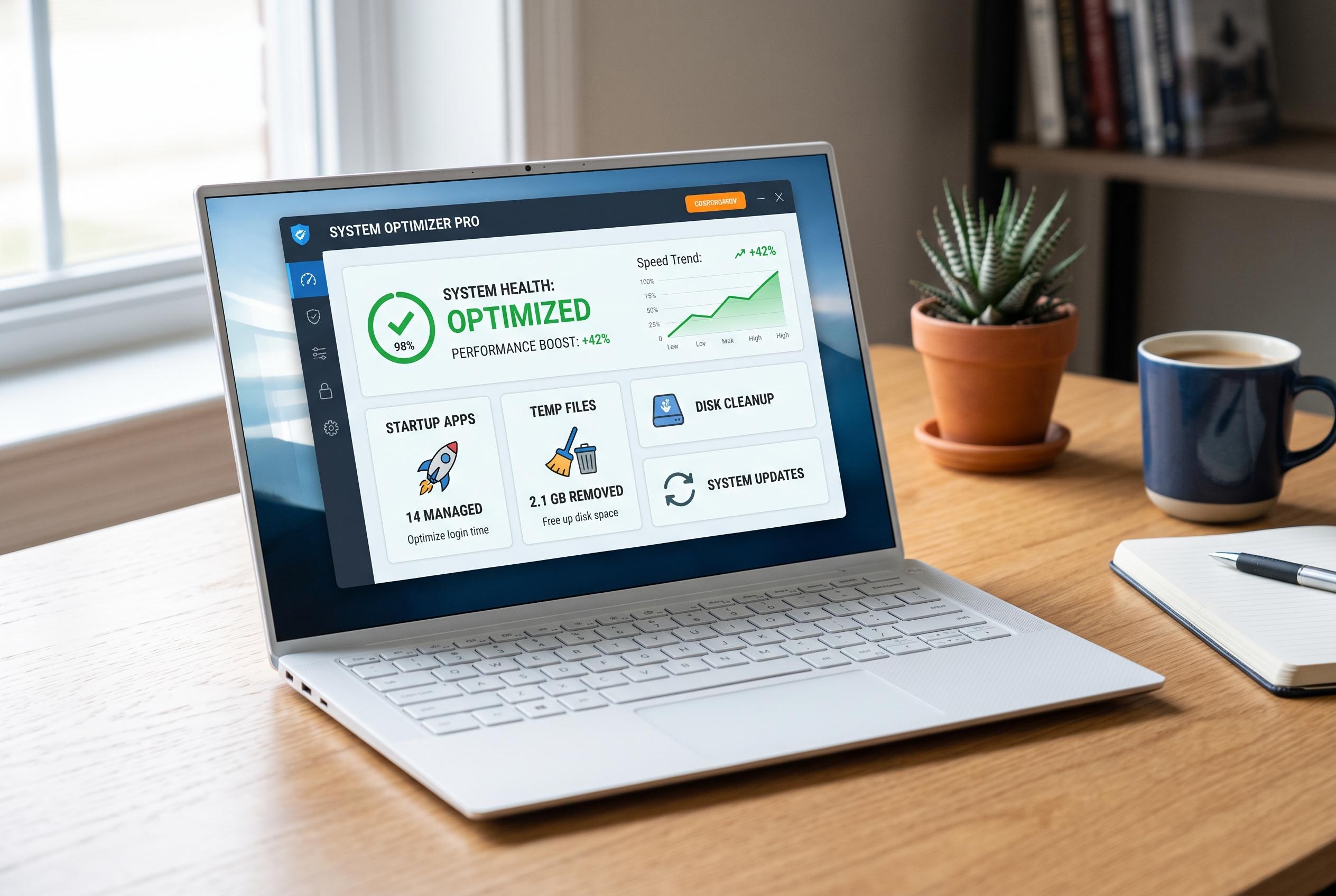

Tech guides reveal that basic software housekeeping, such as managing startup applications and clearing temporary files, can significantly improve a laptop’s responsiveness without the need for hardware upgrades.
When a laptop begins to feel sluggish, the problem is not always the amount of RAM installed. TechRadar and several other how-to guides note that simple software housekeeping can restore much of the lost responsiveness without any new hardware. In many cases, the quickest gains come from reducing background load, cutting unnecessary start-up activity and keeping enough free storage available for the operating system to use as virtual memory.
A restart remains the first step worth trying. Guides from TechRadar, TechJournal and ProDigitalWeb all point out that a reboot clears temporary clutter and stops long-running background processes from accumulating. That can be enough to fix a machine that has become noticeably slower over several days of continuous use. It is a basic measure, but it often delivers an immediate improvement.
The next area to check is what launches when the laptop starts. Start-up apps can lengthen boot times and consume memory before the user has opened anything. TechRadar recommends using Task Manager to identify these programmes, while TechJournal and Logicity also advise disabling items that are not needed straight away. The same logic applies to background tasks and unwanted visual effects, which can place further pressure on already limited resources.
It also helps to monitor which applications are using the most memory and processor time. Windows Task Manager, and Activity Monitor on macOS, can show which app is absorbing resources or behaving abnormally. TechJournal and ProDigitalWeb both recommend closing unused browser tabs and lighter-weight alternatives where possible, since heavy browsing sessions can be a major source of memory strain. If a programme is leaking memory or freezing the system, ending it from the monitor can quickly relieve the load.
Finally, storage should not be overlooked. Several of the guides explain that when RAM is exhausted, the operating system relies more heavily on available disk space for virtual memory. That makes regular removal of temporary and junk files useful, not just for tidiness but for performance. TechRadar also suggests clearing browser cache and keeping the system updated, while Logicity and CAHTech note that broader maintenance, including removing unused software and managing heat, can help prevent slowdowns from returning. The result is a more responsive laptop, often achieved without spending anything on new components.
Disclaimer: This content is intended for informational purposes only. Readers are advised to exercise their own judgement, conduct due diligence, or consult a qualified expert before acting on any information provided.



