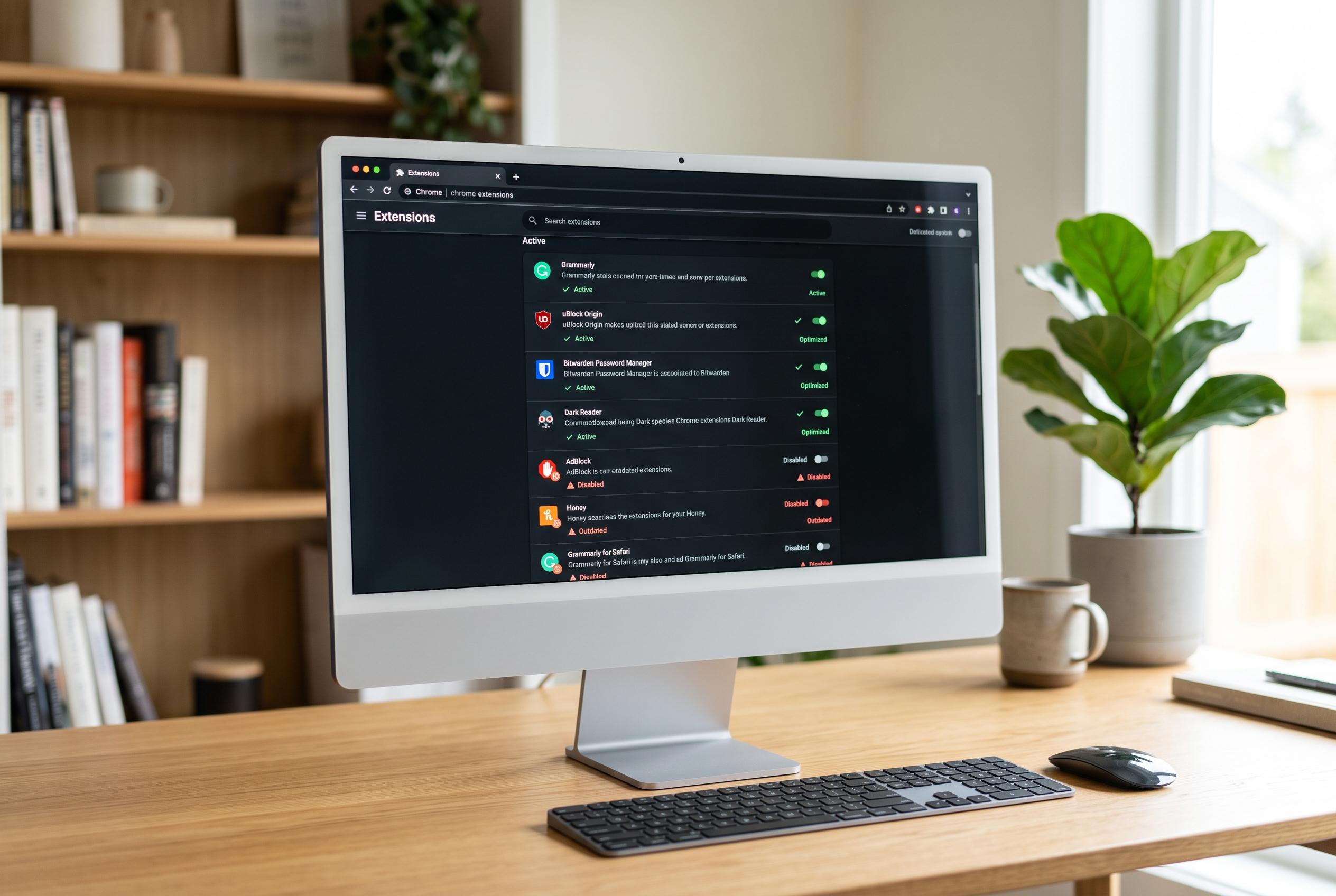

As browser extensions become integral to daily digital routines, experts warn that careful management is crucial to prevent security risks and system slowdowns, urging users to adopt stricter install and maintenance habits.
Browser extensions have become a quiet part of everyday PC life. For many users, the browser is now where work, banking, shopping, messaging, streaming and research all happen, so add-ons that manage passwords, block ads, translate pages or alter how sites behave have moved from optional extras to routine tools. Yet the same software that improves convenience can also affect performance and privacy in ways that are easy to overlook.
That shift matters because extensions are not passive decorations. McAfee says privacy-focused add-ons can reduce page clutter and resource-heavy elements, which may help with load times and system strain. But the company also stresses that users should treat extensions as software with real permissions, not as harmless browser accessories. In practical terms, a small tool can still ask for broad access to browsing data, site content or page behaviour.
Security researchers have been warning about that for some time. PCWorld has reported that extensions can expose browsing history, personal information and other sensitive data if they are poorly designed or malicious. CrowdStrike and other cyber security organisations take the same line: keep the number of extensions down, install only from trusted sources, and review what each add-on can read or change before it is allowed into the browser.
Performance is the other side of the same problem. Some extensions only activate when needed, but others run continuously in the background, scan pages, inject scripts or sync data. On a strong desktop that may be invisible, yet on an older laptop the effects can show up as slower page loads, higher memory use, reduced battery life and more fan noise. The point is not that extensions are harmful by default, but that too many of them can turn a browser into a heavy, untidy workspace.
The most reliable habits are also the least exciting. Keep only the add-ons you actually use. Remove tools that were installed for a one-off task. Avoid stacking multiple extensions that do the same job. Check permissions again from time to time, especially after updates. McAfee, Vanderbilt University and Rwanda’s National Cyber Security Authority all recommend the same basic discipline: install cautiously, update regularly and audit the browser as part of normal device maintenance.
For everyday privacy and speed, the browser deserves the same attention users already give to storage, drivers and startup apps. A safer setup is usually built through restraint rather than dramatic change. Fewer unnecessary extensions, better permission checks and trusted developers often do more for both privacy and performance than adding yet another tool.
Disclaimer: This content is intended for informational purposes only. Readers are advised to exercise their own judgement, conduct due diligence, or consult a qualified expert before acting on any information provided.