

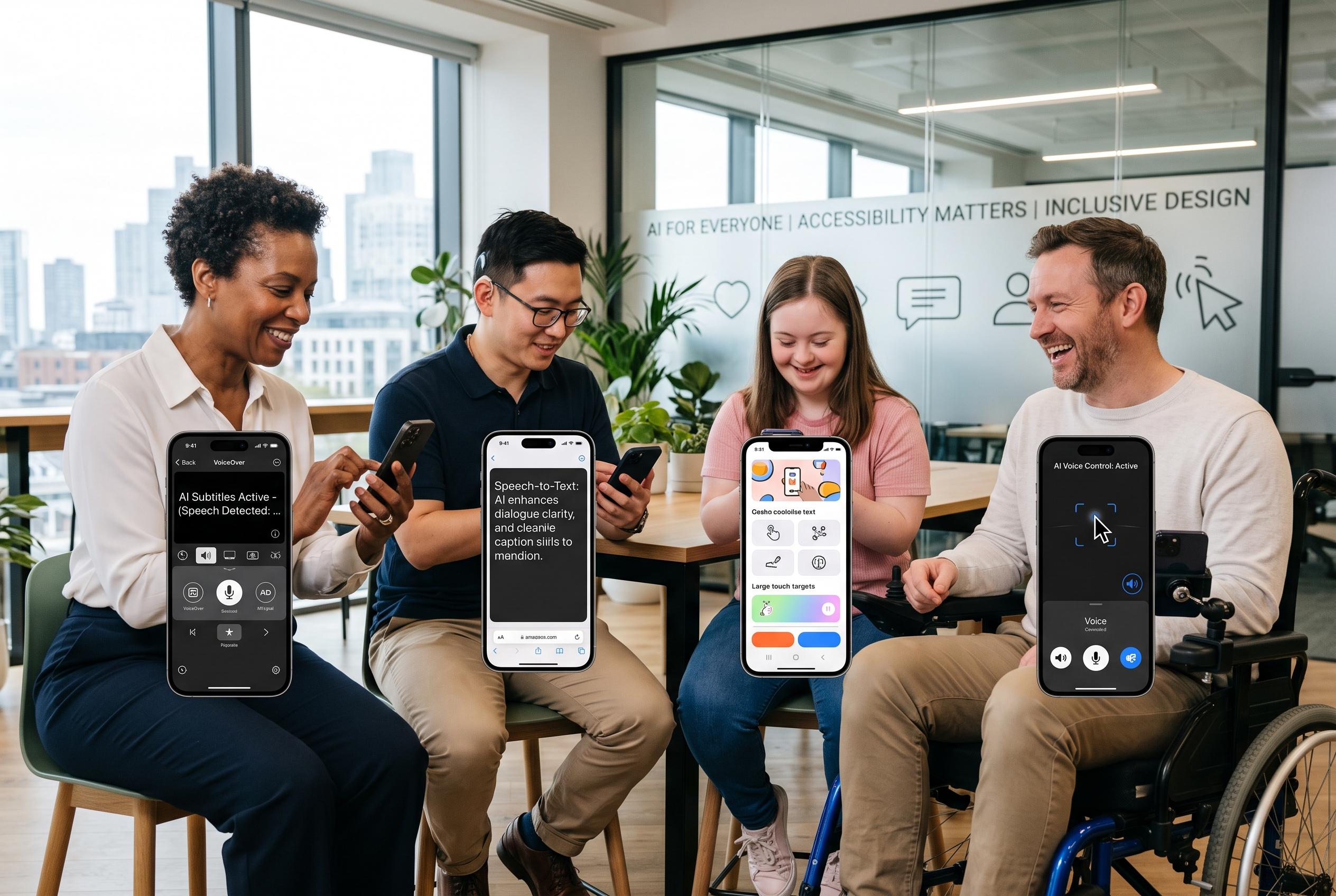

Advancements in AI are transforming mobile accessibility by enhancing system features, improving testing, and automating content creation, yet persistent flaws and disparities highlight the ongoing need for human oversight and thoughtful design.
AI is beginning to change mobile accessibility in ways that were hard to imagine only a short time ago. The biggest shift is not a single feature, but a stack of changes: the operating system is filling in some gaps at run time, automated testing is catching more defects, generative tools are creating missing content, and code-generation systems are starting to produce accessible interfaces by default.
That matters because the underlying problem remains severe. The WebAIM Million 2026 report found that 95.9% of the top one million home pages had detectable WCAG failures, with an average of 56 errors per page. Even allowing for the differences between websites and native apps, the message is plain: accessibility debt is still widespread, and mobile products are not exempt. The report’s findings also point to a broader regression, with analysts saying the latest figures reversed several years of modest progress.
Mobile is especially difficult because it does not share the web’s common semantic structure. iOS and Android each maintain their own accessibility trees, screen readers use different gesture models, and third-party frameworks can strip or distort labels before they reach the user. That is why a screen that appears correct in development can still fail in practice when VoiceOver or TalkBack tries to interpret it. For users with low vision, blindness, motor impairments, hearing loss or cognitive disability, these failures quickly become barriers to basic use.
The first major improvement is happening on the device itself. Modern versions of VoiceOver and TalkBack can generate descriptions for images and unlabeled elements, while live captions now cover audio across apps. Voice control has also become more flexible, understanding intent more than exact label matching. These changes do not excuse poor design, but they do raise the baseline. A badly labelled app is still a badly labelled app; it is simply less unusable than it would have been before.
The second shift is in testing. Tools such as axe-core, axe DevTools Mobile and Google’s Accessibility Scanner have become more capable, and newer systems use machine learning to flag issues that rule-based checks often miss. Some tools now analyse screenshots alongside accessibility trees and return plain-language findings that developers can act on immediately. Even so, the best automated checks still do not find everything. WebAIM’s own analysis suggests automation typically catches only a minority of WCAG failures, which is why real-device testing remains essential.
Generative AI is also filling in content that teams never authored in the first place. Models can produce alt text, captions and simplified-language versions of complex copy on demand. That is useful, especially when teams lack time or budget to write every description manually. But it introduces a new risk: plausible output that is subtly wrong. In accessibility, a confident but incorrect description can be worse than none at all, particularly in areas such as health, finance or safety-critical information.
The most consequential change is happening earlier, at code-generation time. When AI produces the UI, it can generate labels, roles, hints and state information as part of the component rather than as an afterthought. That is where accessibility work usually fails in practice: not because teams reject it, but because it arrives too late, costs too much attention and loses to feature pressure. A generator that emits native components with accessibility properties attached changes that default. The accessible version becomes the easy version.
That does not mean AI can solve accessibility end to end. It cannot tell you whether screen-reader focus order makes sense, whether a modal traps the user correctly, whether a form is cognitively overwhelming, or whether touch targets are usable for people with limited dexterity. It also cannot fully judge whether generated captions or descriptions are contextually safe. Those checks still require human judgement, and in many cases they require a screen reader, a real device and a realistic task flow.
The practical lesson is straightforward. AI can improve accessibility at every stage, but it works best as a first line of defence rather than a substitute for review. Teams should use generators that produce accessible code, run automated audits early, and then verify the parts that machines still miss: labels, reading order, captions, contrast, touch target size and the actual experience of completing a task with VoiceOver or TalkBack. For mobile products in 2026, that is no longer an optional extra. It is the baseline.
Disclaimer: This content is intended for informational purposes only. Readers are advised to exercise their own judgement, conduct due diligence, or consult a qualified expert before acting on any information provided.



