

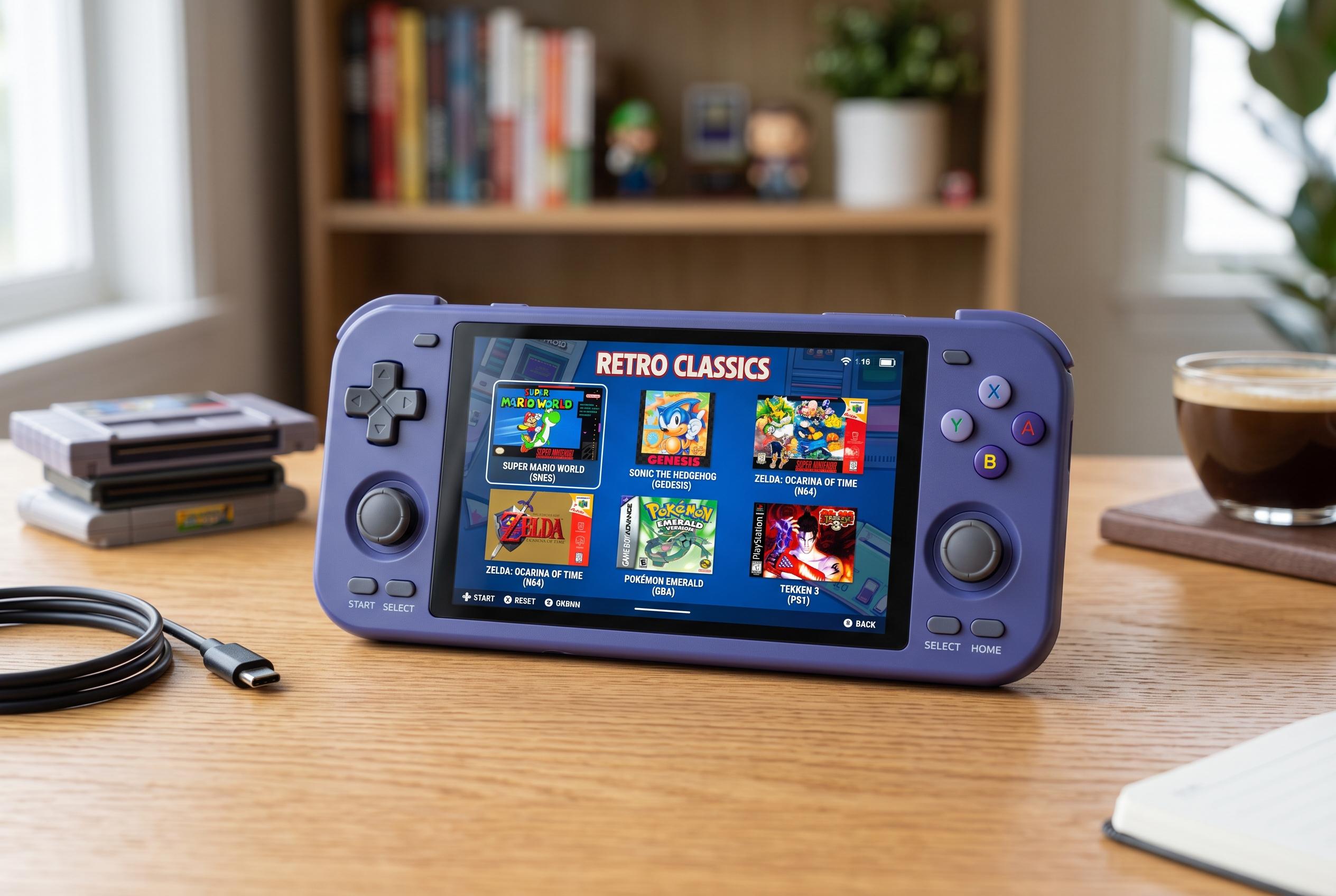

The Retroid Pocket Nova’s success hinges on tailored configuration, offering users a flexible platform for emulating classic and modern games beyond its hardware specs.
The Retroid Pocket Nova is being positioned as a compact Android handheld for retro gaming, but its appeal depends less on raw hardware than on how well it is configured. Geeky Gadgets says the first decisions are the launcher, the basic Android settings and the way storage is arranged, because those choices shape how quickly the device becomes practical for emulation. Notebookcheck notes that the Nova launched as a 4:3 handheld with a 120Hz AMOLED display and Snapdragon 8 Gen 2-class performance, which gives it the headroom needed for more demanding systems as well as older consoles.
After first boot, the setup process is conventional Android work: selecting language, joining Wi-Fi, setting the time zone and signing in to Google services. The guide published by Geeky Gadgets says users are then prompted to choose between the Retroid launcher and the stock AOSP interface. That choice matters, because a gaming-focused launcher makes the device feel more like a console, while the standard Android shell leaves it closer to a tablet. Retrolize’s setup guide makes the same point, emphasising that early configuration of system settings and controls reduces friction later.
Storage discipline is another core part of the setup. The Nova supports internal storage and expandable microSD cards, and both Geeky Gadgets and Retrolize recommend organising ROMs into folders by system so that libraries remain easy to manage and emulator paths stay clear. That approach also helps when adding BIOS files, which some emulators require before certain systems will run correctly. The Retroid Handhelds wiki reinforces the broader point by listing the systems and emulator cores commonly supported across Retroid devices, underlining how much the experience depends on matching the right files to the right emulator.
On the software side, the recommended stack centres on RetroArch for multi-system support, Dolphin for GameCube and Wii, and ARM SX2 for PlayStation 2. Geeky Gadgets also mentions Melon DS and Azahar for Nintendo DS and 3DS titles, plus SEMU and Eden for newer systems where users want to experiment. The exact settings vary by emulator, but the basic pattern is the same: tune resolution, input mapping, hotkeys, shaders and performance options until the balance between image quality and speed is acceptable for each platform.
To make the device easier to live with day to day, the guides recommend installing Emulation Station Desktop Edition as a front end. That adds a console-style library view, themes and metadata scraping for cover art and descriptions, which is useful once the game collection grows. Geeky Gadgets also points to James DSP for audio shaping through O2P Tweaks, while the related summaries mention cloud save syncing and other quality-of-life tools. More recently, Android Authority reported that LineageOS 23.2 based on Android 16 is now available for the Nova, offering an alternative path for users who want a different software baseline and potentially better performance or battery life.
Taken together, the advice reflects a simple reality: the Retroid Pocket Nova is less a ready-made console than a flexible Android machine that rewards careful setup. Once the launcher, folders, emulators, controls and audio are configured properly, the device can serve as a tidy, portable front-end for a wide range of classic and mid-generation games.
Disclaimer: This content is intended for informational purposes only. Readers are advised to exercise their own judgement, conduct due diligence, or consult a qualified expert before acting on any information provided.



