

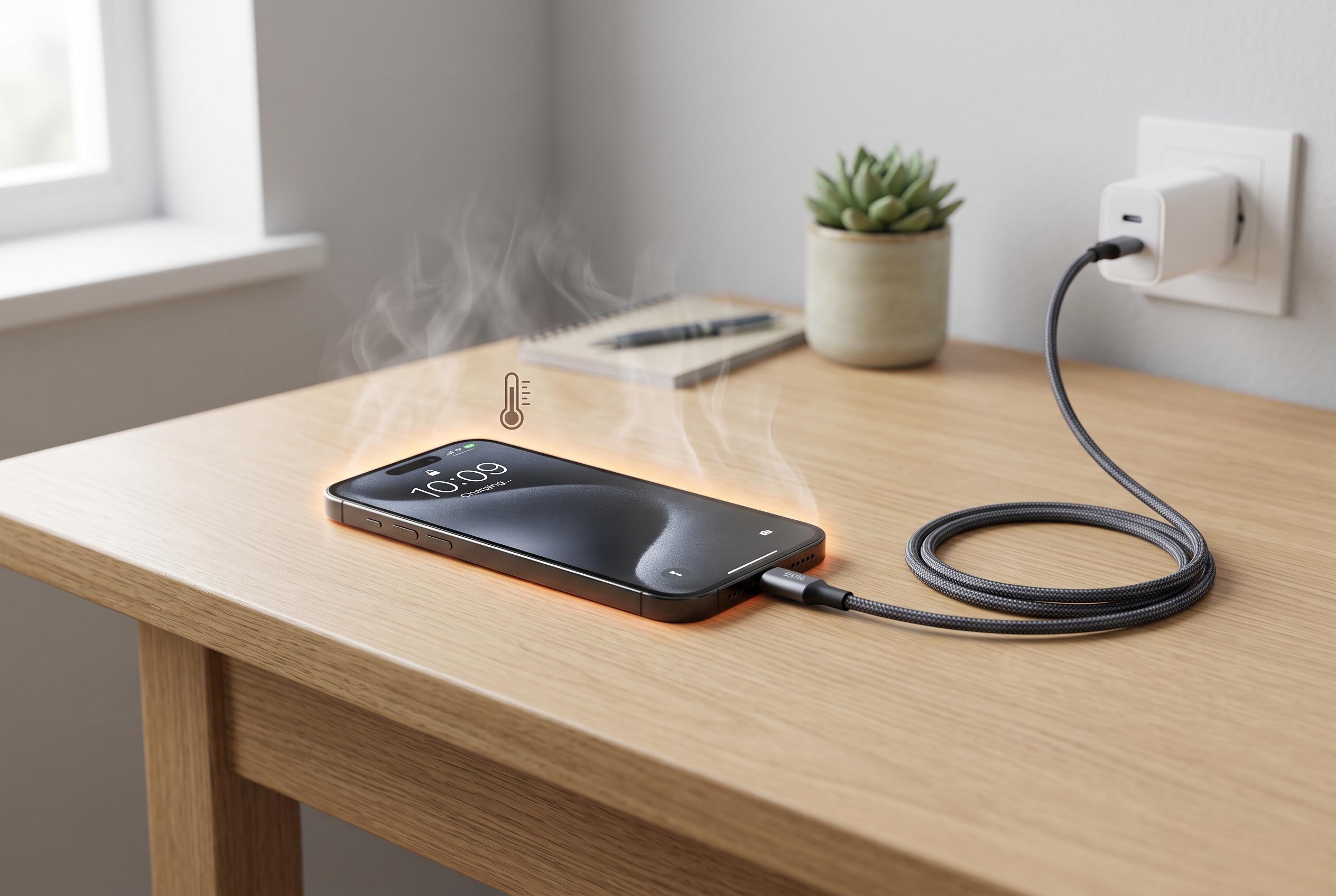

Wireless and fast charging can cause phones to warm up, but not all heat is harmful. Experts advise on how to mitigate overheating risks for longer battery life and safety.
A handset that grows warm during charging is usually not failing; it is obeying basic physics. Fast charging pushes a large amount of current through compact circuitry, and some of that energy is always lost as heat. The effect is more noticeable now that some chargers are rated at very high wattages, because the fastest top-ups place much greater thermal stress on the battery, the cable and the charging electronics. The result is often harmless warmth, but not all heat is equal.
The first question is whether the phone is merely warm or genuinely too hot to hold. Small rises in temperature are normal, especially during rapid charging, but sustained high heat can shorten battery life and, in rare cases, signal a faulty accessory or a damaged cell. According to guidance from SimplyMac and Anker, the main culprits are usually high-wattage charging, poor ventilation, heavy use while plugged in, and low-quality chargers or cables. Modern phones also throttle charging automatically when temperature rises, reducing power to protect the battery.
Night-time charging can make the problem more visible. A device left on a fast charger for hours may heat up early in the cycle, then stay warmer than necessary if it is trapped under a pillow, buried in bedding or left inside a thick insulating case. That is why several repair and accessory guides recommend removing the cover during charging and placing the handset on a hard, open surface. A slow, certified charger is often the better choice for overnight use, even if it takes longer to fill the battery.
The accessory itself matters as much as the phone. Cheap chargers and uncertified cables can create resistance, waste power as heat and, in the worst case, overheat at the plug or connector. Several technical guides also point to clogged USB-C ports, which can trap lint and make the connection less efficient. If the lower edge of the device becomes much hotter than the rest, cleaning the port carefully and checking the cable is a sensible first step. The battery may not be the problem at all.
There are also a few routine habits that make overheating worse. Charging in direct sun, using navigation on a hot dashboard, or gaming while plugged in all add extra load at the very moment the battery is already working hard. Wireless charging can generate more heat than a cable because energy is lost through induction, while some newer gaming phones use bypass charging to reduce battery stress during intense sessions. In practice, the safest approach is simple: use a certified charger, keep the phone ventilated, avoid heavy use while it is plugged in, and prefer slower charging when speed is not essential.
Disclaimer: This content is intended for informational purposes only. Readers are advised to exercise their own judgement, conduct due diligence, or consult a qualified expert before acting on any information provided.



