

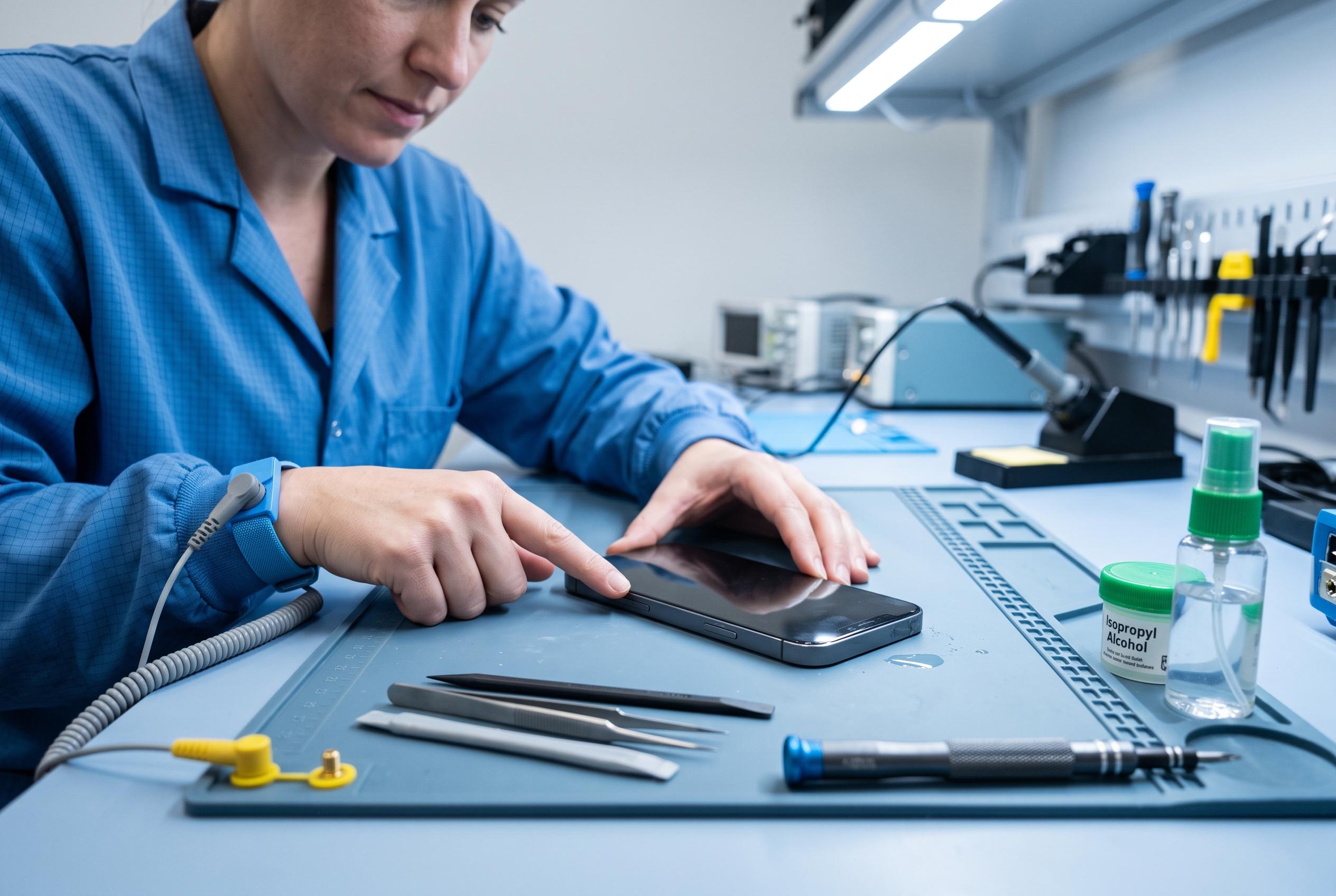

Expert tips highlight crucial steps to save water-damaged phones, emphasising timely power off, careful drying, and avoiding heat or rice-based remedies to prevent further harm and maximise data recovery potential.
A phone dropped into water is not necessarily ruined, but the first few minutes matter. The priority is to remove it from the liquid at once and switch it off, even if it still appears to work. Consumer Reports says that shutting the device down reduces the risk of short-circuit damage while moisture is still inside the casing.
The next step is to dry the outside carefully with a lint-free cloth, paying particular attention to the charging port, speakers and microphone. TechRadar and Tom’s Guide both advise removing cases and accessories before leaving the handset in a well-ventilated place for 24 to 48 hours. If the exposure was extensive, a longer drying period may be needed.
Heat should be avoided. Experts quoted by TechRadar warn against using a hairdryer, oven, radiator or microwave, all of which can worsen damage by pushing moisture deeper into the device or overheating the battery. The popular advice to bury a wet phone in rice is also discouraged. Consumer Reports and TechRadar both note that rice can leave dust or particles in the ports and offers little protection against the rapid corrosion that begins after exposure to water.
Where liquid was corrosive, such as salt water, Intel recommends rinsing the device with fresh water before drying, though that step is not suitable for every situation and should be handled with care. If the phone was connected to power when it got wet, it should not be touched until the electricity supply has been cut off. If the device has already started to corrode, 90% isopropyl alcohol can sometimes help clear residue from metal parts, but that is a repair task rather than a routine home remedy.
Once the phone is completely dry, it may still be possible to recover data. If it starts normally, a backup should be made immediately to a cable connection or cloud service. If it does not power on, specialist data recovery firms may still be able to extract files from internal storage, provided corrosion has not advanced too far. If the display flickers, the speaker or microphone fails, or the handset still will not start after drying, a professional repair shop is usually the safest option. In some cases, the battery alone may be damaged and need replacement.
Disclaimer: This content is intended for informational purposes only. Readers are advised to exercise their own judgement, conduct due diligence, or consult a qualified expert before acting on any information provided.



